In short
- Select the Digital listing type to enable automatic file delivery and eliminate unnecessary shipping profile requirements.
- Use ZIP folders or clickable PDF access guides to bundle multiple files cleanly and overcome upload size constraints.
- Add explicit file download instructions in listing descriptions to handle mobile browser app limitations smoothly.
- Verify download links and file extraction on desktop and mobile devices prior to publishing your live listing.
On this page

You set up Etsy digital file delivery by selecting Digital during listing creation, uploading formatted assets or access PDFs, and outlining clear mobile retrieval instructions.
Delivering digital files on Etsy should be automated and stress-free. When your file delivery structure is confusing or poorly organized, buyers struggle to access their files, leading to endless support messages and negative shop reviews. Setting up your listing workflow correctly from day one protects your time and keeps customers satisfied.
Choose the correct listing type during setup
Selecting Digital files under the Core details section toggles Etsy's instant delivery system. This automatically removes physical shipping profile requirements, opens up five digital file upload slots for your deliverables, and prevents accidental shipping fee charges or non-delivery flags on your shop standard metrics.
When building high-margin digital products, setting this toggle correctly from the start saves hours of customer service triage. If you accidentally select physical item options, Etsy will require postage profiles and tracking details upon order completion, stalling automated delivery and confusing buyers who expect immediate access.
Listing Type Decision Rules
Select Digital files at creation so the listing is built for instant delivery from the start, instead of reworking a physical setup later.
Attach final files (such as PDF, ZIP, or PNG) directly in the file manager area so Etsy triggers the instant download link immediately after payment clears.
Skip shipping profiles entirely; choosing a digital type hides origin zip codes, processing windows, and postage costs from buyer checkout.
Format and compress files before uploading
To prevent buyer download confusion, format files into standard file types like PDF or ZIP before uploading to Etsy. Group multi-file listings into clean folders, compress them into a single archive, and name every file descriptively so customers instantly know what they opened.
Use universal extensions: Deliver documents and high-resolution artwork as PDF files, or package multi-item bundles inside a single ZIP archive.
Name files for the customer: Label files clearly, such as "Monstera_Wall_Art_8x10.pdf" instead of generic system names like "file_1_final.pdf".
Align listing terms: Keep file labels consistent with your targeted search terms, keeping each tag within Etsy's 20-character limit, like "digital planner" (15 characters) or "wall art print" (14 characters).
Organizing your deliverable files cleanly reduces support messages from confused buyers. If your item includes multiple sizes or color variations, include a short print guide as a separate PDF inside your main folder.
Deliver oversized assets with secure PDF access
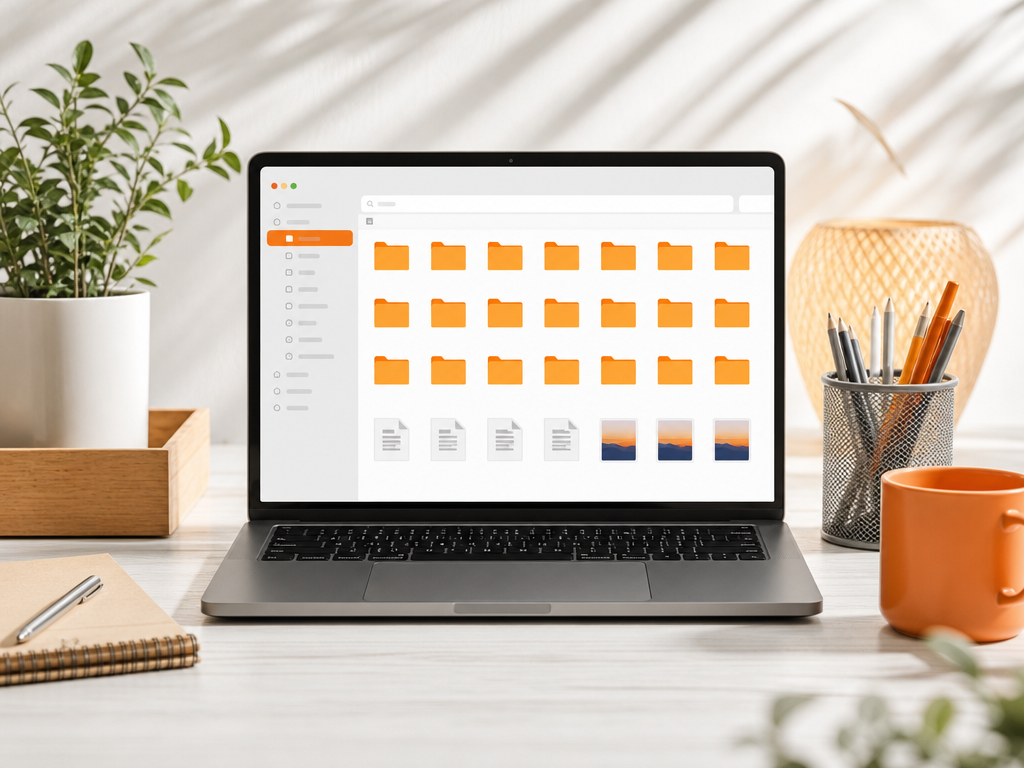
When your digital files exceed Etsy's 20 MB upload limit per file, deliver them through a branded PDF access guide. Upload a single PDF containing direct, clickable links to your secure cloud storage folder, ensuring buyers instantly access high-resolution assets without file compression issues or upload errors.
Steps for seamless PDF delivery
Create a clean, one-page PDF in Canva using your shop branding, clear download instructions, and a bold button labeled "Click Here to Download Files".
Host your master zip files or SVG bundles in Google Drive or Dropbox, setting access permissions to "Anyone with the link can view" so buyers never get stuck requesting access.
Test your download link in a private or incognito browser window to ensure the link opens immediately without password prompts.
Run your draft listing through an Etsy listing checker tool to verify your tags, attributes, and title are optimized before publishing.
A well-designed PDF delivery guide protects your file quality, keeps your shop professional, and provides valuable space to include care instructions or a discount code for future orders.
Write clear instructions in your description
Prevent digital order customer messages by explaining download locations clearly at the top of your product text. Crafting strong listing description opening lines cuts down on buyer confusion instantly, especially for mobile shoppers who cannot download files directly inside the Etsy mobile app.
Etsy buyers frequently try to access files through the app, tap the link, get an error, and assume the file is corrupt. Solve this proactive issue by putting a simple three-step instruction block right in your description.
BEFORE (Confusing): Thank you for looking! Your files are available instantly after purchase. Reach out with questions.
AFTER (Clear): DIGITAL DOWNLOAD ONLY. Etsy app users: You MUST log into Etsy using a mobile web browser (like Safari or Chrome) to download files. Downloads are not supported in the Etsy mobile app.
Follow this callout with explicit access steps: Etsy Account > Purchases and Reviews > Download Files. Setting these boundaries in your description saves hours of customer service time every week.
Test delivery steps before launching your listing
Before publishing your digital download, test your files locally to verify that PDF links click through correctly, zip folders extract without errors, and printable assets maintain high-resolution print clarity.
Etsy automatically delivers files immediately after payment clears, meaning a broken link or corrupted file instantly leads to negative reviews and refund requests. Never test downloads using the Etsy seller app, as mobile file handling behaves differently in standard web browsers.
The Pre-Launch Verification Checklist
Desktop Web Test: Open your final files locally and verify that all external Canva or Google Drive access links open cleanly in an incognito window without requesting permission.
Mobile Browser Test: Transfer your final files to a mobile device and confirm that unzipping works on iOS and Android without third-party software.
Print Quality Check: Print physical pages at 100% scale (no fit-to-page scaling) to confirm line crispness, color accuracy, and proper margin clearances before making the listing public.
Frequently Asked Questions
What file formats work best for Etsy digital downloads?
PDF files work best for document templates and delivery guides with clickable links, while ZIP files bundle multiple assets like PNGs or SVGs efficiently. Standardizing your file naming conventions prevents customer confusion and ensures files open reliably across Windows, Mac, iOS, and Android devices without extra software downloads.
Why can buyers not download files on the mobile app?
The standard Etsy mobile application currently limits direct file downloads for digital purchases, forcing buyers to use a mobile web browser or desktop computer instead. Adding explicit instructions in your listing description and delivery guide PDF prevents buyer frustration by explaining how to access purchases through web browsers.
How do I send digital files that exceed file size limits?
Upload your large assets to standard secure cloud platforms like Google Drive or Dropbox, then attach a branded PDF containing direct download links to your listing. This method circumvents standard upload limits while providing customers with an organized, professional download experience that keeps your source files safe.
Can I offer editable digital files on Etsy listings?
Yes, you can offer editable digital files on Etsy listings by attaching customizable templates or linking to online design software through a PDF access sheet. Providing clear instructions on how to edit text, fonts, and colors inside your downloadable guide minimizes customer inquiries and ensures smooth editing.
References
Is your listing ready for search?
Paste your title and tags; it flags duplicates, tags over 20 characters and empty tag slots.
Open the Listing CheckerNo sign-up needed
Emirhan Sevim
Co-founder of Optimsy. Builds tools that help Etsy sellers make listing, pricing and niche decisions with data.
About Optimsy →