
Free Etsy tool · no sign-up
Free Etsy Image Size Checker
Drop your banner, shop icon or listing photo. See if it fits Etsy's sizes, then crop it and download it at the right size.
What is this image for?
Sample: 1280 × 800 px
Your file never leaves your device. No sign-up needed.
Result
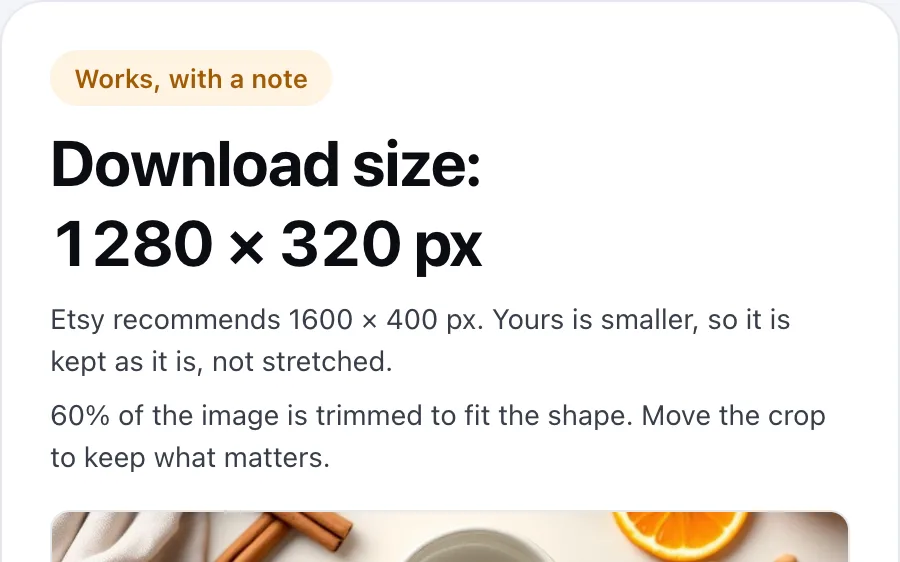
Download size: 1280 × 320 px
- Etsy recommends 1600 × 400 px. Yours is smaller, so it is kept as it is, not stretched.
- 60% of the image is trimmed to fit the shape. Move the crop to keep what matters.

JPG on a white background. Etsy shows transparent areas as black, so they turn white here.
Check
Check any Etsy image against Etsy's sizes
Banner, shop icon or listing photo
Drop a big banner, a shop icon or a listing photo and see whether it fits the size Etsy recommends for that spot.
Crop it to the right size
If it doesn't fit, crop it on the page and download it at the right size; the file is handled in your browser.
Printing the image?
For print files, the Print Size Calculator shows the DPI your image reaches at every common print size.
Next step
The size is right; now make the photo better
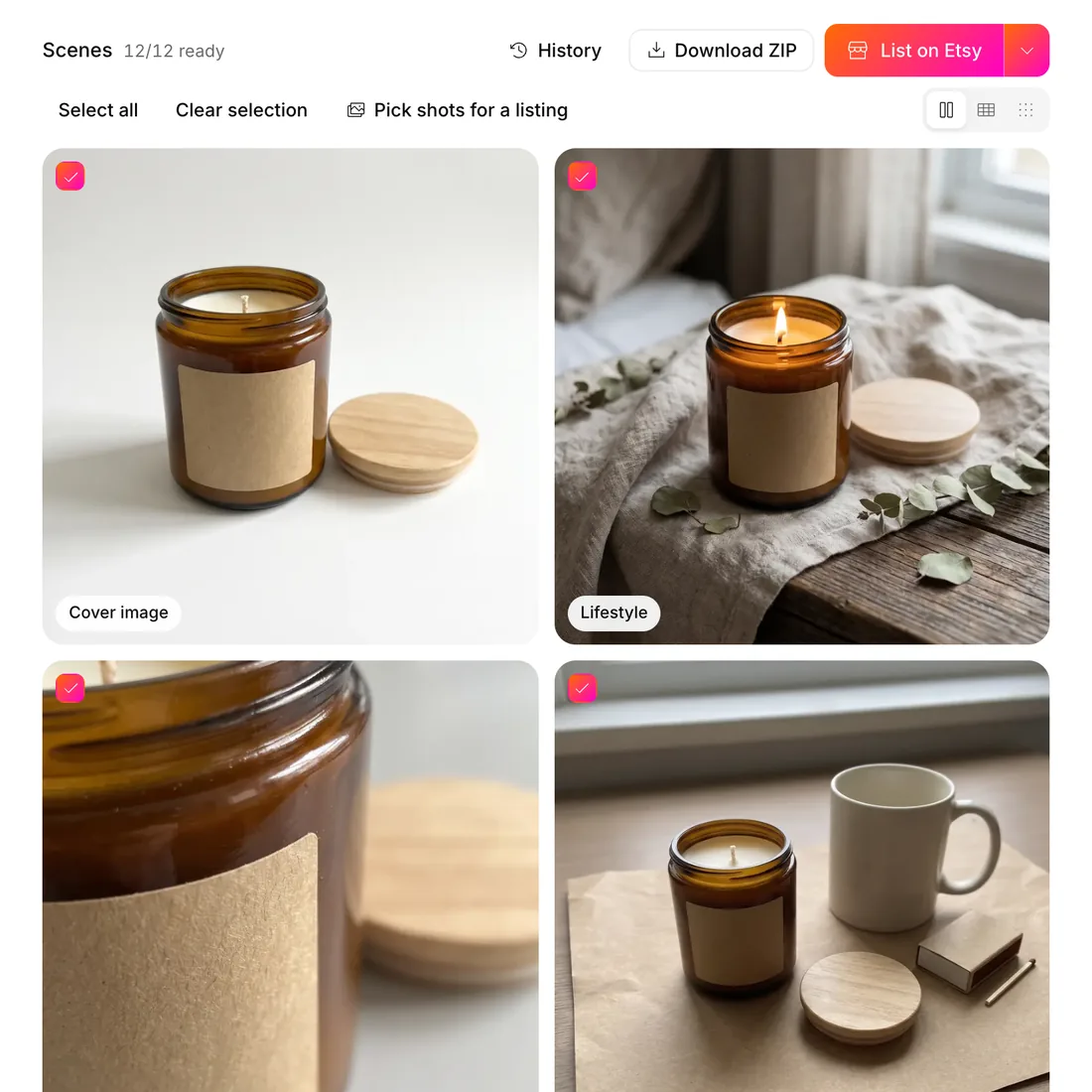
12 shots from one photo
Photo Studio turns one product photo into 12 Etsy-ready scenes, including the main shot, lifestyle, scale and packaging, and downloads them as a ZIP.
Why photos decide the click
Photo quality weighs heavily in whether a buyer clicks. Our listing image quality guide and Etsy visual SEO guide cover what to fix first.
Straight to a listing
Choose the photos for a listing and send them to Etsy from the same screen.
The rest of the listing
Good images, then a title buyers find
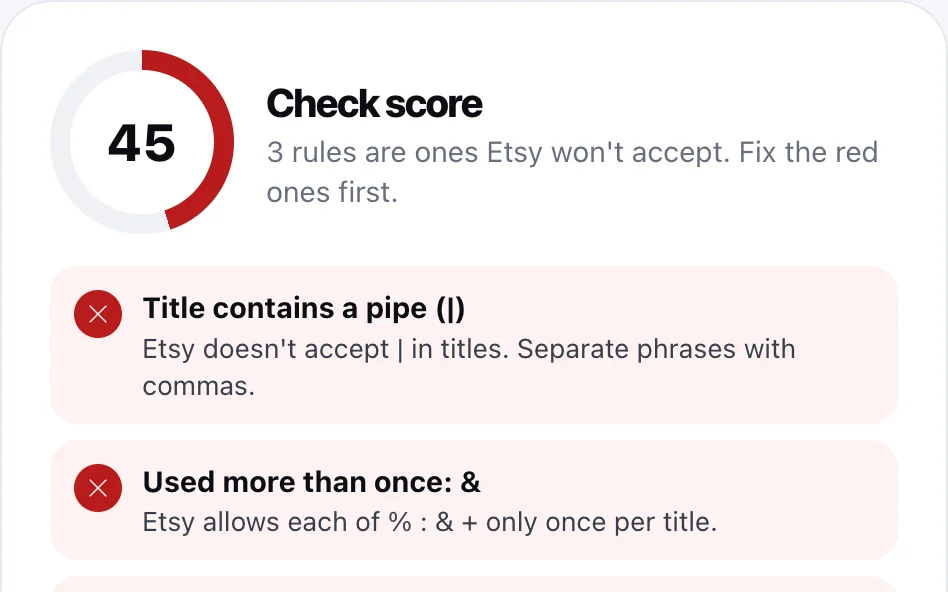
Check the title and tags
The free Listing Checker flags everything Etsy won't accept in a title and its 13 tags.
Fill every tag slot
The free Tag Generator writes 13 tags from one sentence about your product.
Measure before you write
SEO Expert measures your niche on Etsy and shows a live rival count for every tag it suggests; to test a single keyword first, use Keyword Explorer.
Free tools and the Optimsy dashboard
Everything your Etsy shop images need
The free tools work without an account; the rest live in the Optimsy dashboard.
- Listing CheckerFreeCheck your title and 13 tags against Etsy's rules, line by line.
- Tag GeneratorFreeDescribe your product in a sentence; get 13 tags that fit Etsy's rules.
- Title GeneratorFreeOne main title and two alternatives, key words first.
- Profit CalculatorFreeTake off Etsy's fees and see what you keep from every sale.
- Print Size CalculatorFreeSee which print sizes your image covers at 300 DPI.
- Shop AuditFreeYour shop's biggest gaps, with the report sent to your inbox.
- SEO ExpertTitle, 13 tags and description; each tag shown with its live rival count.
- Listing ScorecardCompare your listing with the top 100 in its search and approve the fix.
- Keyword ExplorerMeasure a keyword's rival listings and daily favorites.
- Photo Studio12 Etsy-ready shots from a single product photo.
- Price PositionCompare your price with the listings buyers weigh it against.
- GoldmineScan categories and rank rising niches by growth.
Etsy image sizes
These are the numbers on Etsy's own help page, not a blog's estimate. Where Etsy gives no size, the table says Not stated. Shapes are worked out from the sizes.
| Image | Etsy recommends | Etsy minimum | Shape |
|---|---|---|---|
| Big shop banner | 1600 × 400 | 1200 × 300 | 4:1 |
| Listing photo | at least 2000 × 2000 | 635 × 635 (first photo, for search) | landscape or square |
| Shop icon | 500 × 500 | Not stated | square |
| Mini shop banner | 1600 × 213 | 1200 × 160 | about 7.5:1 |
| Profile photo | 400 × 400 | Not stated | square |
| Receipt banner | Not stated | 760 × 100 | about 7.6:1 |
Three Etsy rules worth knowing
The first listing photo has a floor
Etsy recommends listing photos at least 2000 pixels wide and tall. The first photo should have at least 635 pixels on both sides, or the listing can show up lower in search.
Etsy Help, image requirements
Banners have a minimum and a target
The big banner must be at least 1200 × 300 and Etsy recommends 1600 × 400. The mini banner is 1200 × 160 at minimum and 1600 × 213 recommended.
Etsy Help, image requirements
Keep files under 1 MB
Etsy says images over 1 MB may not finish uploading, especially on a slow connection. Etsy doesn't support transparent PNGs and shows transparent areas as black; this tool downloads a white-background JPG.
Etsy Help, image requirements
Size guides
Each page opens the same tool, already set to that image.
How it works
Pick what it is for
Big banner, listing photo, shop icon and more. Each one has its own Etsy size and shape.
Drop your image
The tool reads its size and shows what gets cropped. Move the crop to keep what matters.
Download the right size
A JPG at Etsy's size, compressed toward 1 MB or less. Small images are never stretched.
Frequently asked questions
What size is an Etsy shop banner?
Etsy's help page recommends 1600 × 400 pixels for the big shop banner and requires at least 1200 × 300. The mini banner is 1600 × 213 recommended and 1200 × 160 at minimum. Some guides quote larger sizes such as 3360 × 840; this tool follows Etsy's help page.
What size should Etsy listing photos be?
Etsy recommends listing photos at least 2000 pixels wide and tall. The first photo should be at least 635 pixels on both sides, or the listing can show up lower in search. Etsy also asks for a landscape or square first photo, so a tall photo gets a note here.
Does the tool make a small image bigger?
No. Stretching a small image adds no detail, it only makes it blurrier. If your image is below Etsy's recommended size, the tool crops it to the right shape and keeps its pixels. If it is below a size Etsy requires, such as the banner minimum, the tool says so, because Etsy may not accept it.
Is my image uploaded anywhere?
No. Your browser opens the file locally to read its size and to crop it. Nothing is uploaded, stored or shared, and the download is made on your own device. Once the page has loaded the tool keeps working offline, so you can check several images in a row.
No sign-up needed
Free Etsy Image Size Checker
Drop your banner, shop icon or listing photo. See if it fits Etsy's sizes, then crop it and download it at the right size.
No card needed · 25 credits on a new account