In short
- Each mockup should answer a different buyer question: what it is, how big, where it goes, what's included.
- Since 22 October 2026, most physical Etsy listings need at least one unedited photo of the actual item on a real background.
- Edited and AI-made images are still allowed for the rest of the gallery if they show the item accurately.
- Digital listings should preview the real file; print-on-demand can use authorised mockups.
- Check every mockup at full size for distorted text, shapes or proportions.
On this page
- Why mockups decide the click
- The shots every listing needs
- Physical products: the rule changed in October 2026
- Digital downloads: preview the real file
- Print-on-demand: start from your design, not a stock photo
- Three ways to make mockups
- Doing it faster with Photo Studio
- Frequently Asked Questions
- References
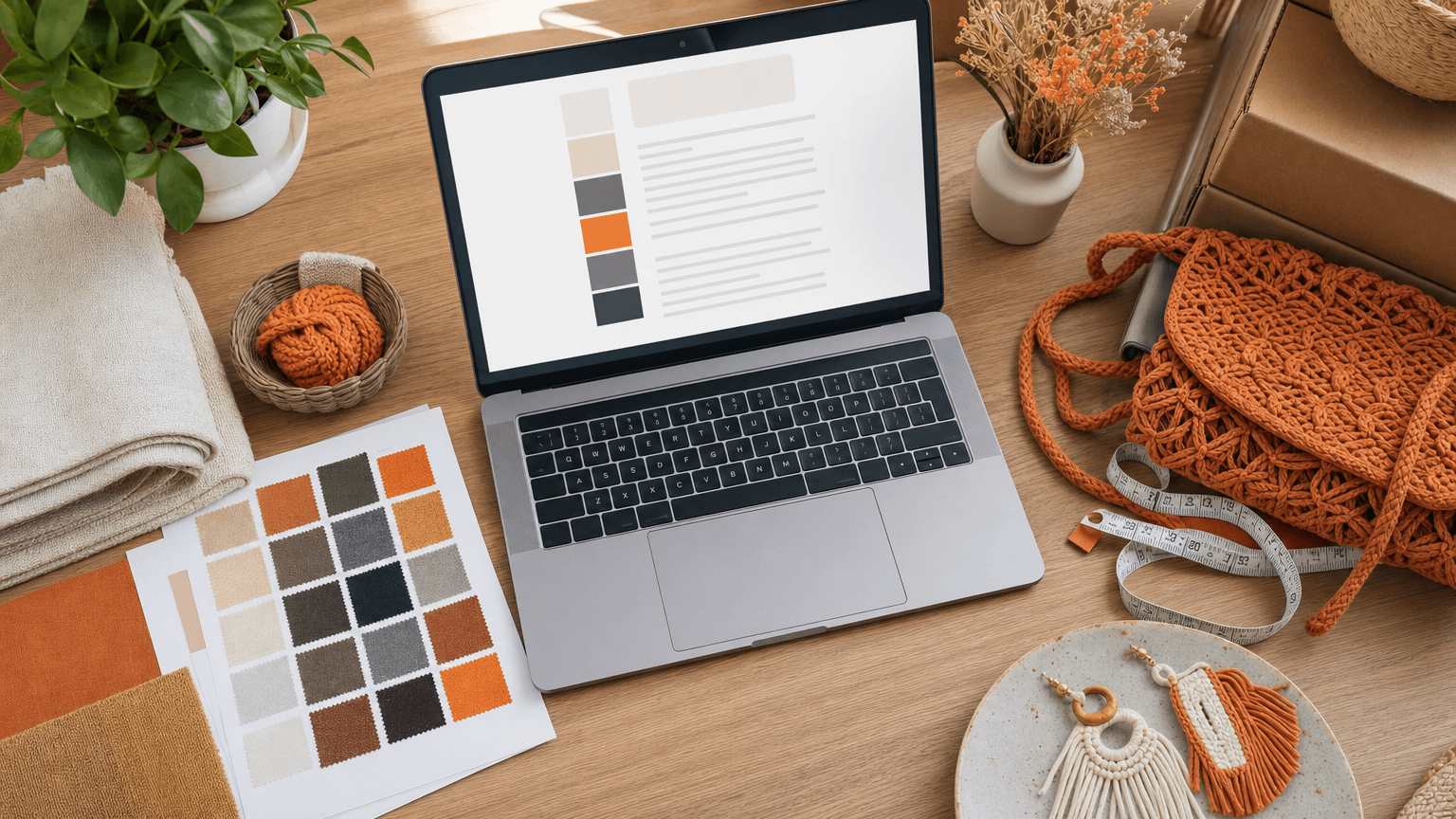
A product mockup is an image that shows your product in use or in a setting the buyer can picture: a print framed on a wall, a mug on a desk, a tote bag on a shoulder. Good mockups answer the buyer's real questions (how big is it, what does it look like in my home, what exactly do I get) before they have to ask.
How you make them depends on what you sell. Physical products, digital downloads and print-on-demand items each need a different approach, and since October 2026 Etsy's listing photo rules treat them differently too.
Why mockups decide the click
On a search page, the buyer sees a thumbnail, a price and a title. The thumbnail does most of the work. A mockup that shows scale and context gives a shopper a reason to click your listing over the one beside it, and the rest of the gallery is what convinces them to buy.
The most common mistake is not ugly mockups but uninformative ones: six images of the same product at the same angle on the same background. Each image in the gallery should answer a different question.
The shots every listing needs
Use this as a checklist, whatever you sell:
Cover. The product clearly visible, centred, on an uncluttered background. This is the thumbnail.
In context. The product where it will live: on a wall, a shelf, a table, in a hand.
Scale. Something the buyer knows the size of next to the product, or the product on a person.
Detail. Texture, stitching, print quality, the finish of an edge.
What's included. For bundles and digital packs, everything the buyer receives, laid out together.
In use. The product doing its job.
For physical items, add packaging if it is part of the gift experience. For digital downloads, add a preview of the actual pages or files.
Physical products: the rule changed in October 2026
Etsy updated its listing image requirements on 22 October 2026. For most physical items, at least one photo must now be an unedited photograph of the actual item against a real background: no background replacement, no relighting, no retouching. The other images in the gallery may still be edited, including with AI tools, as long as they accurately represent what the buyer will receive.
In practice that means:
Keep one honest photo. Shoot the real item in daylight on a real surface, and leave it untouched.
Use mockups for the other images. Lifestyle scenes, scale shots and styled covers are still allowed when they show the item truthfully.
Never improve the product itself. A mockup can change the room, not the colour, size or finish of what you are selling.
Etsy's rules include specific cases for print-on-demand, digital downloads and made-to-order items, so read the official listing image requirements for your category before you update a listing.
Digital downloads: preview the real file
A buyer of a printable or a template cannot hold the product, so the mockup shows what they will be able to make with it. Etsy expects most digital listings to include previews of the actual content.
Printables and wall art: the print in a frame, in a room, at a realistic size. Show more than one frame size if you include several ratios.
Digital paper and patterns: the pattern repeated, and applied to something such as fabric, packaging or a notebook.
Planners and templates: real pages, not a blurred cover. Buyers want to see the layout.
Coloring books: the cover plus two or three real interior pages.
Our guide to which printables sell covers how presentation separates the listings that sell from the rest.
Print-on-demand: start from your design, not a stock photo
Print-on-demand mockups put your design on a standard product, such as a t-shirt, mug or poster. Etsy allows authorised mockups for these items. Keep the design at its true printed size on the product, and avoid scenes that suggest a colour or material the print partner does not offer.
Three ways to make mockups
Photograph them yourself. The most accurate option and the only one that satisfies the unedited-photo requirement for physical items. A window, a white board as a reflector and a phone are enough.
Use mockup templates. Layered files where you drop your design into a prepared scene. Fast for printables and print-on-demand; check the template's licence allows commercial use.
Generate them. AI image tools can build styled scenes around your product photo or design. They save time on the extra gallery images, but every result needs checking against the real product before it goes on a listing.
Whichever you use, look at every image at full size before publishing. Warped text, wrong proportions or an extra handle on a mug are easy to miss in a thumbnail and obvious to a buyer.
Doing it faster with Photo Studio
For physical products, Optimsy's Photo Studio starts from your own photo. You upload a product photo (up to three angles), and it produces up to 12 listing images in one run: cover, lifestyle, detail, scale, packaging, clean studio, in use, in context, flat lay, hero spotlight, an ad-style shot and a creative composition. Each image is 2048 × 2048 px, and each shot costs 5 credits.
Use the generated images for the rest of your gallery and keep your own unedited photo in the listing, as Etsy now requires. Digital products have their own mockup sets inside Optimsy's studios: Wall Art Studio places prints in rooms, and Pattern Studio, Clip Art Studio and Coloring Book each add five listing mockups for their files.
For more on why images carry so much weight, see why listing image quality is your biggest ranking factor.
Frequently Asked Questions
Can I use only mockups in my Etsy listing?
For most physical items, no. Since October 2026 Etsy requires at least one unedited photograph of the actual item against a real background. Mockups can fill the rest of the gallery. Print-on-demand and digital listings follow different rules.
Are AI-generated mockups allowed on Etsy?
Yes, as additional images, provided they accurately represent the item the buyer will receive. They cannot replace the required unedited photo for physical items.
How many images should an Etsy listing have?
Etsy allows up to 20 images. Use enough to answer the main buyer questions (cover, context, scale, detail, contents, use), and stop adding images once they repeat the same angle.
What size should a mockup image be?
Large enough to zoom in on detail. Square images around 2000 px on each side display well in Etsy search and on mobile.
References
Is your listing ready for search?
Paste your title and tags; it flags duplicates, tags over 20 characters and empty tag slots.
Open the Listing CheckerNo sign-up needed
Emirhan Sevim
Co-founder of Optimsy. Builds tools that help Etsy sellers make listing, pricing and niche decisions with data.
About Optimsy →