
Free Etsy tool · no sign-up
Free Aspect Ratio Calculator
Type a width and height to see the ratio. Or pick a ratio and find the missing side. The result also tells you whether the ratio works on Etsy, in print, on Pinterest and on Instagram.
Size
A ratio doesn't depend on the unit. Choose pixels and we also check Etsy's resolution advice.
Quick examples
Your image never leaves your device; only its size is read. No sign-up needed.
Result
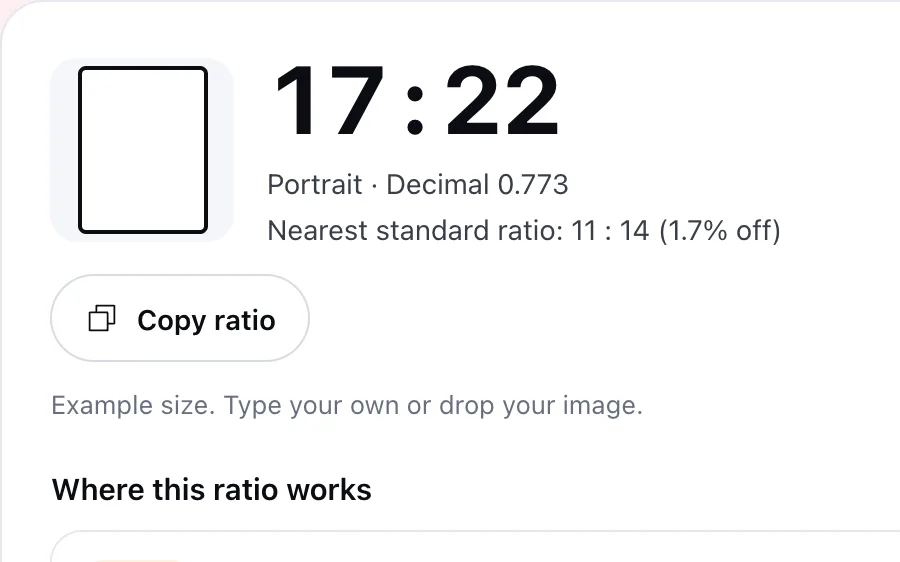
17 : 22
Portrait · Decimal 0.773
Nearest standard ratio: 11 : 14 (1.7% off)
Example size. Type your own or drop your image.
Where this ratio works
- CheckPrint setNot a standard print ratio. The nearest is 11:14; 1.7% of the image is cropped to fit it.
- CheckEtsy first listing photoEtsy recommends a landscape or square first photo; use a portrait image from the second photo on.
- FitsResolutionShort side 2550 px; Etsy recommends at least 2000 px.
- CheckPinterest PinPinterest recommends 2:3 (1000 × 1500 px).
- FitsInstagram postBetween 1.91:1 and 3:4; Instagram shares it uncropped at 1080 px wide.
Calculate
Find the ratio of any size in seconds
See the ratio and the nearest standard
Type the size or drop the image. If the ratio comes out as large numbers, you see the nearest standard ratio and how far off it is.
Find the missing side
Pick a ratio and type the side you know. The other side comes back in pixels, inches or centimetres. Every 2:3 size in pixels is in the 2:3 print size table.
How many DPI at a given size?
The Print Size Calculator shows the DPI your image reaches at every common print size.
Next step
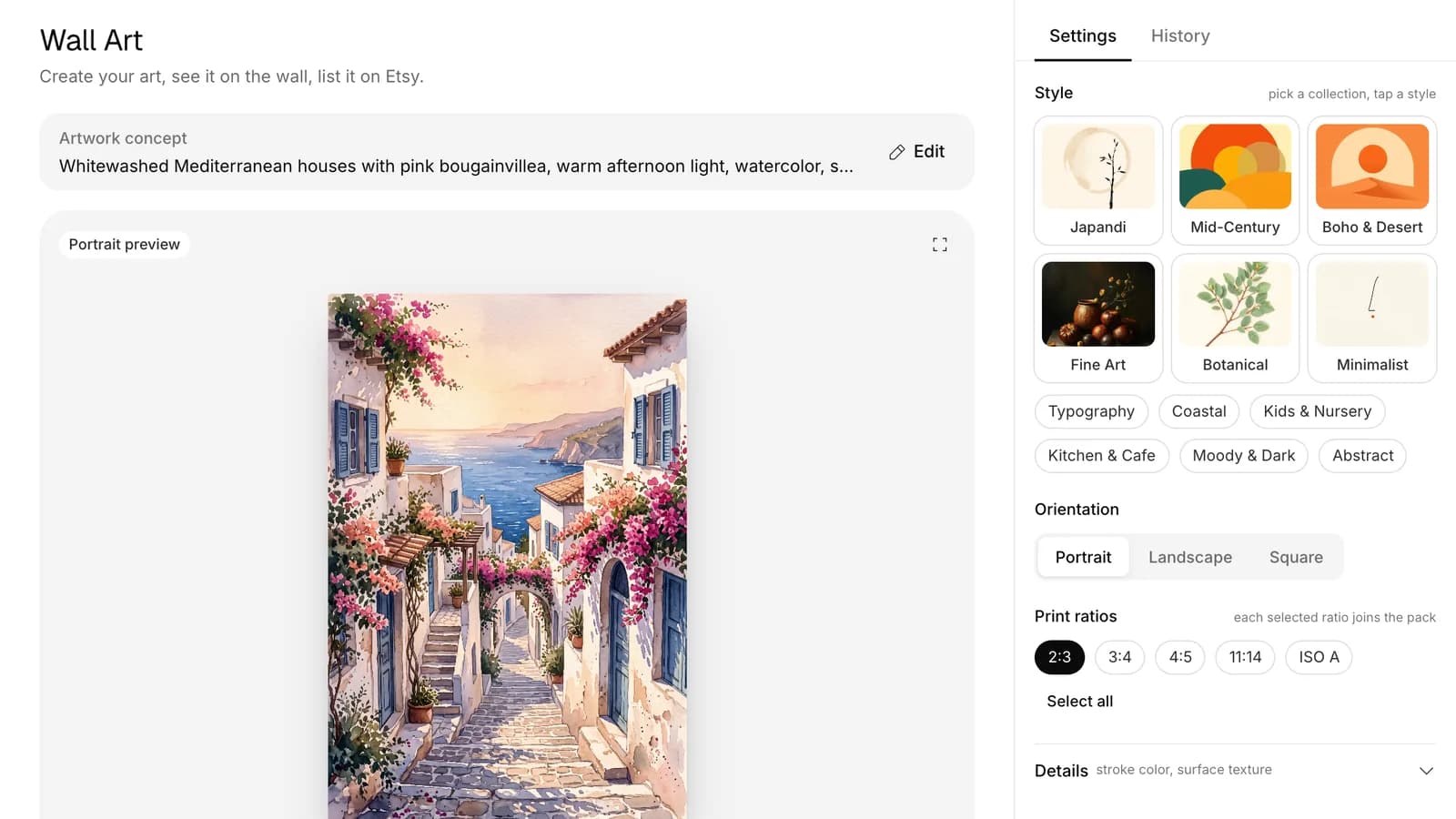
Ratio right? Prepare every print size in one go
One file per ratio
Wall Art Studio puts every print ratio you pick into the pack as its own 300 DPI file. Our printables guide covers which prints sell.
Fits Etsy's file limit
Print files are prepared to stay under Etsy's 20 MB limit per digital file.
Mockups and copy on the same screen
Prepare wall mockups and the listing copy in one place, then send the product to Etsy as a draft. Our digital products guide covers how selling files works.
The photo side
Get your listing photo to the right size too
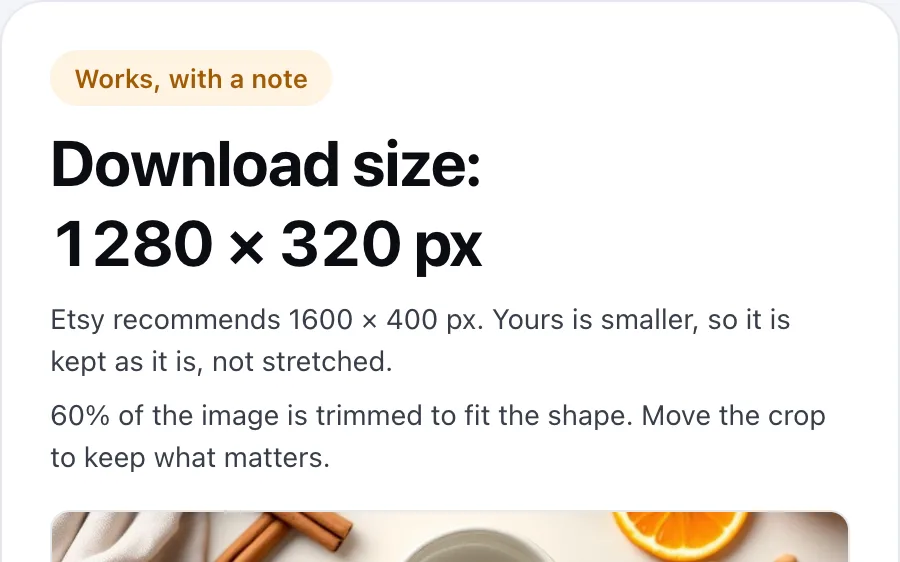
Crop to Etsy's size
The free Image Size Checker crops a banner, shop icon or listing photo to Etsy's size.
12 shots from one photo
Photo Studio turns one product photo into Etsy-ready scenes, including the main shot, lifestyle and scale. Our image quality guide explains why photos weigh so much in search.
Then the title and tags
The free Listing Checker checks the title and its 13 tags against Etsy's rules.
Free tools and the Optimsy dashboard
Everything you need for sizes and prints
The free tools work without an account; the rest live in the Optimsy dashboard.
- Listing CheckerFreeCheck your title and 13 tags against Etsy's rules, line by line.
- Tag GeneratorFreeDescribe your product in a sentence; get 13 tags that fit Etsy's rules.
- Title GeneratorFreeOne main title and two alternatives, key words first.
- Profit CalculatorFreeTake off Etsy's fees and see what you keep from every sale.
- Print Size CalculatorFreeSee which print sizes your image covers at 300 DPI.
- Image Size CheckerFreeCheck a banner, shop icon or listing photo against Etsy's sizes.
- Shop AuditFreeYour shop's biggest gaps, with the report sent to your inbox.
- Coloring Page GeneratorFreeDescribe your scene and get a coloring page with closed outlines for the age group.
- SEO ExpertTitle, 13 tags and description; each tag shown with its live rival count.
- Listing ScorecardCompare your listing with the top 100 in its search and approve the fix.In the dashboard: My Shop, next to each listing
- Keyword ExplorerMeasure a keyword's rival listings and daily favorites.In the dashboard: inside a Goldmine scan
- Photo Studio12 Etsy-ready shots from a single product photo.
- Price PositionCompare your price with the listings buyers weigh it against.In the dashboard: My Shop, next to each listing
- GoldmineScan categories and rank rising niches by growth.
- Coloring BookA book of up to 20 pages, a cover and the KDP print PDF.
Common aspect ratios
Most prints and images sold on Etsy land on one of these ratios. Example sizes are the largest common size at 300 DPI.
| Ratio | Decimal | Where it's used | Example size |
|---|---|---|---|
| 1 : 1 | 1 | Square frame prints, Instagram | 6000 × 6000 px |
| 4 : 5 | 0.8 | 8 × 10 and 16 × 20 in prints | 4800 × 6000 px |
| 3 : 4 | 0.75 | 6 × 8 to 18 × 24 in prints; Instagram's tallest ratio | 5400 × 7200 px |
| 2 : 3 | 0.667 | 4 × 6 to 24 × 36 in prints; Pinterest Pins | 7200 × 10800 px |
| 5 : 7 | 0.714 | 5 × 7 in cards and small prints | 1500 × 2100 px |
| 11 : 14 | 0.786 | 11 × 14 in prints | 3300 × 4200 px |
| A series (1 : √2) | 0.707 | A5 to A1 paper sizes | 7016 × 9933 px |
| 9 : 16 | 0.563 | Phone screens and vertical video (16:9 in landscape) | 1080 × 1920 px |
What each platform asks for
Only the numbers on each platform's own help page. Where a platform doesn't ask for a specific ratio, the table says so.
| Where | Ratio | Size | Source |
|---|---|---|---|
| Etsy first listing photo | Landscape or square | At least 2000 px on the short side recommended | Etsy Help |
| Etsy big banner | 4 : 1 | 1600 × 400 px | Etsy Help |
| Pinterest Pin | 2 : 3 | 1000 × 1500 px | Pinterest Help |
| Instagram post | 1.91 : 1 to 3 : 4 | 1080 px wide | Instagram Help Center |
Last checked October 31, 2026.
How it works
Type the size or drop the image
Pixels, inches or centimetres. Drop an image and we read its size; the file isn't uploaded.
See the ratio and where it fits
The ratio, the nearest standard ratio, the print set and the Etsy, Pinterest and Instagram fit on one card.
Work out the missing side
Pick a ratio and type one side to get the other. For a print ratio it also lists the 300 DPI size each print needs.
Frequently asked questions
How do you calculate an aspect ratio?
Divide the width and height by their greatest common divisor. For 1920 × 1080 the divisor is 120: 1920 ÷ 120 = 16 and 1080 ÷ 120 = 9, so the ratio is 16:9. This tool does it as you type, and if the ratio comes out as large numbers it also shows the nearest standard ratio.
In a 2:3 ratio, what height goes with a 3000 pixel width?
4500 pixels, because height = width × 3 ÷ 2. At 300 DPI that file covers a 10 × 15 inch print, which is more than enough for 4 × 6 and 8 × 12 too. The largest common 2:3 print, 24 × 36 inches, needs 7200 × 10800 pixels, so start larger if you sell big sizes.
What aspect ratio should Etsy listing photos be?
Etsy doesn't require a specific ratio. It recommends that the first listing photo is landscape or square, and that photos are at least 2000 pixels on the short side so they stay sharp when zoomed. A first photo under 635 pixels on either side can show up lower in search. Use portrait photos from the second photo on.
Which ratios should I offer when selling digital prints?
Most frame sizes fall into five ratios: 2:3, 3:4, 4:5, 11:14 and the A series, plus 1:1 for square frames. Offering each ratio as its own file lets buyers print for their frame without cropping. If your design is only 2:3, a buyer with an 8 × 10 inch frame (4:5) loses part of the artwork.
What is the best ratio for Pinterest and Instagram?
Pinterest recommends 2:3 (1000 × 1500 pixels) and says taller Pins may get cut off in the feed. Instagram keeps post photos between 1.91:1 and 3:4 uncropped at 1080 pixels wide, and crops anything outside that range. One 2:3 image suits Pinterest but gets cropped on Instagram; a 3:4 copy stays uncropped on Instagram and isn't taller than Pinterest's 2:3.
What ratio are A series paper sizes?
A5, A4, A3 and the rest are 1:√2, about 1:1.414. That's why an A4 design scales to A3 without cropping, but doesn't fit 2:3 or 3:4 inch frames without cropping. If you sell both inch and A sizes, offer the A series as its own file next to your 2:3 and 3:4 files.
Is my image uploaded anywhere?
No. The image is opened only in your browser so its width and height can be read, and nothing is sent to our servers. You can also type the size by hand; it works the same in pixels, inches or centimetres, without an account. The image is released from browser memory as soon as its size is read.
No sign-up needed
Free Aspect Ratio Calculator
Type a width and height to see the ratio. Or pick a ratio and find the missing side. The result also tells you whether the ratio works on Etsy, in print, on Pinterest and on Instagram.
No card needed · 25 credits on a new account