Product guide · Spring clip art
Spring Clip Art for Etsy: Themes, Timing and Tags
If you plan a spring clip art set, pick your listing date before you start. Make one set in one style around a clear theme, such as bunnies, tulips or nesting birds, and list the transparent PNGs as a digital download with a title of up to 140 characters and up to 13 tags.
Source: Etsy Help: How to Manage Your Digital Listings · verified November 10, 2026
Spring clip art made with Optimsy
The Optimsy team made these clip arts and mockups in Clip Art Studio, each set from a one-line idea. They are not seller results.
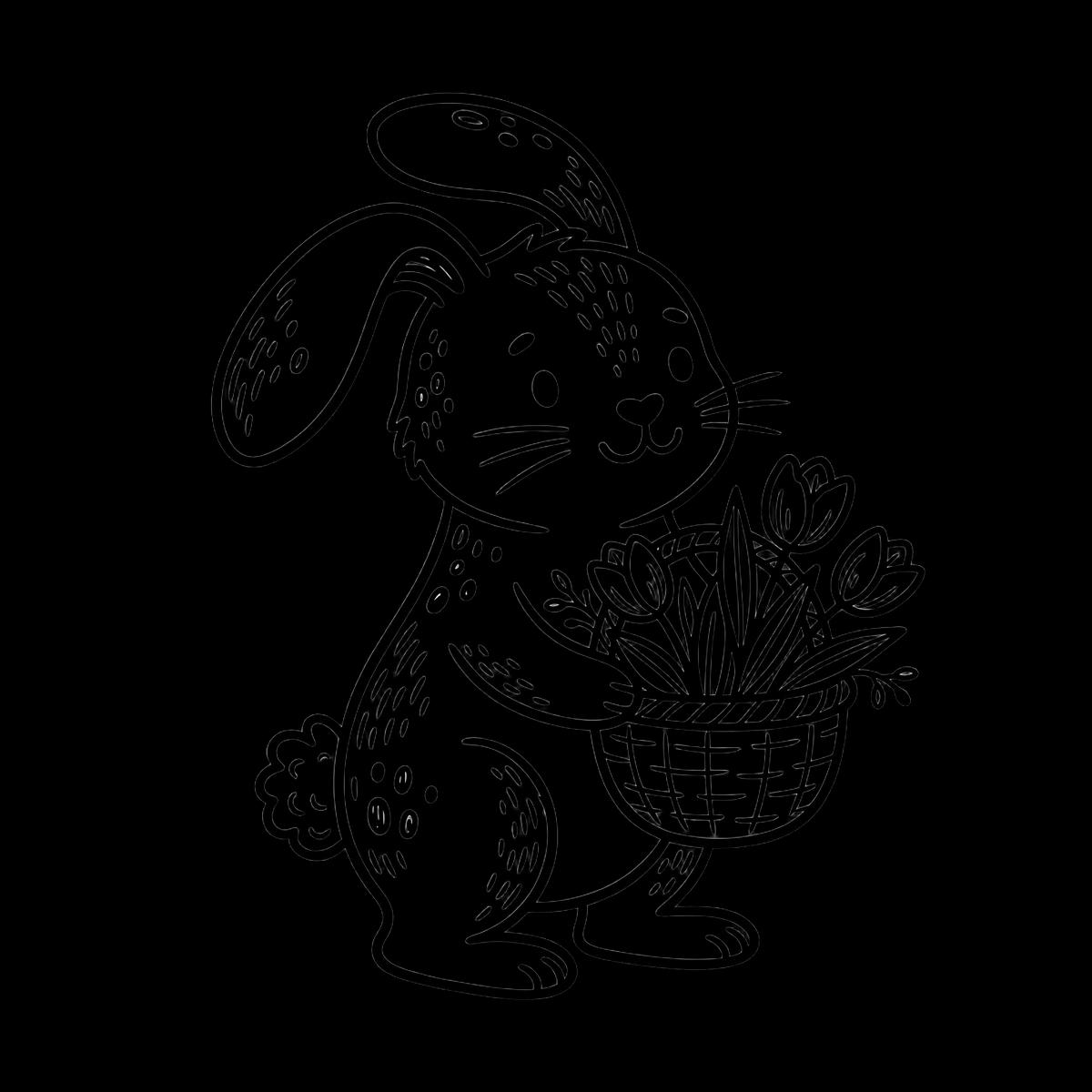
Clip art · made with Optimsy 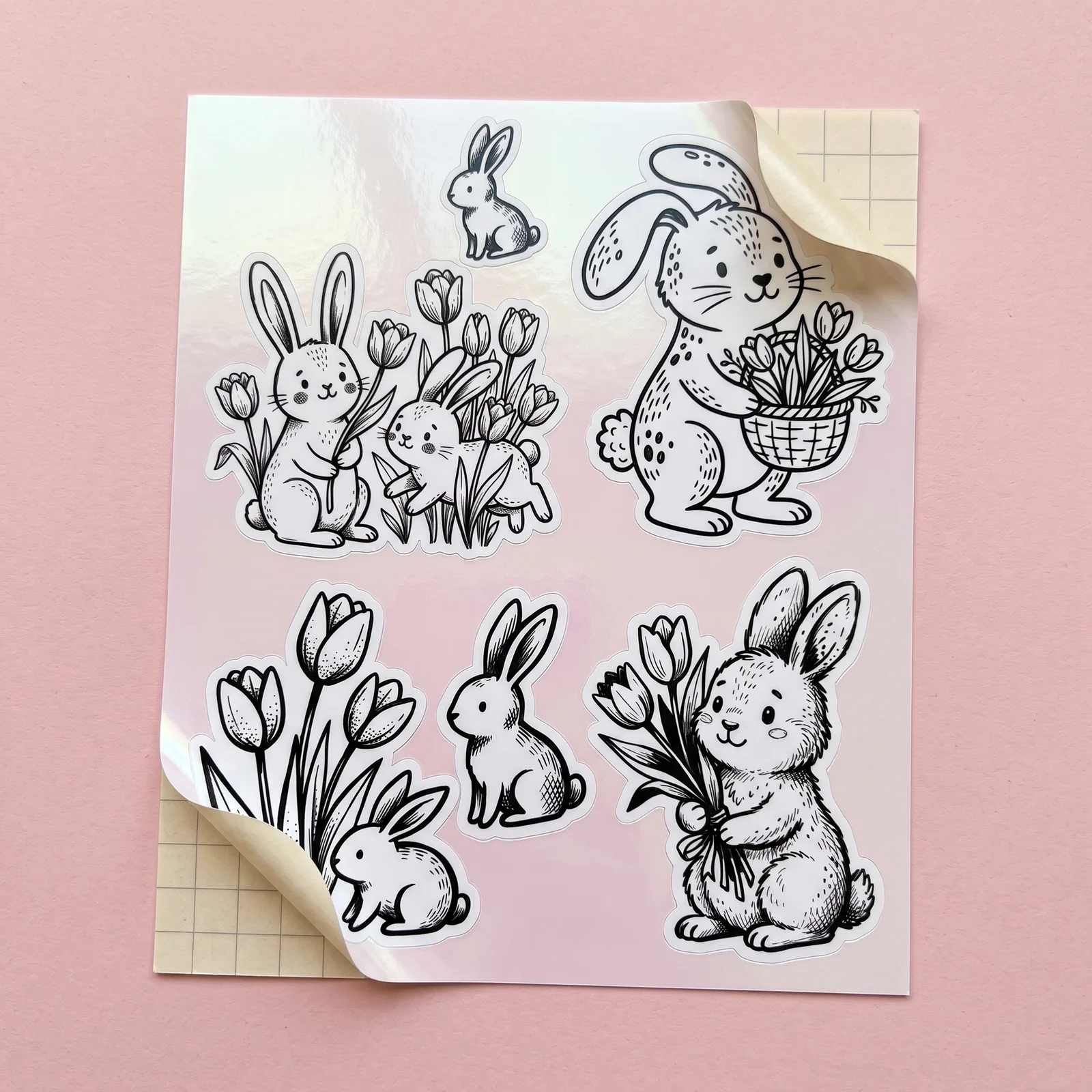
Product mockup · made with Optimsy 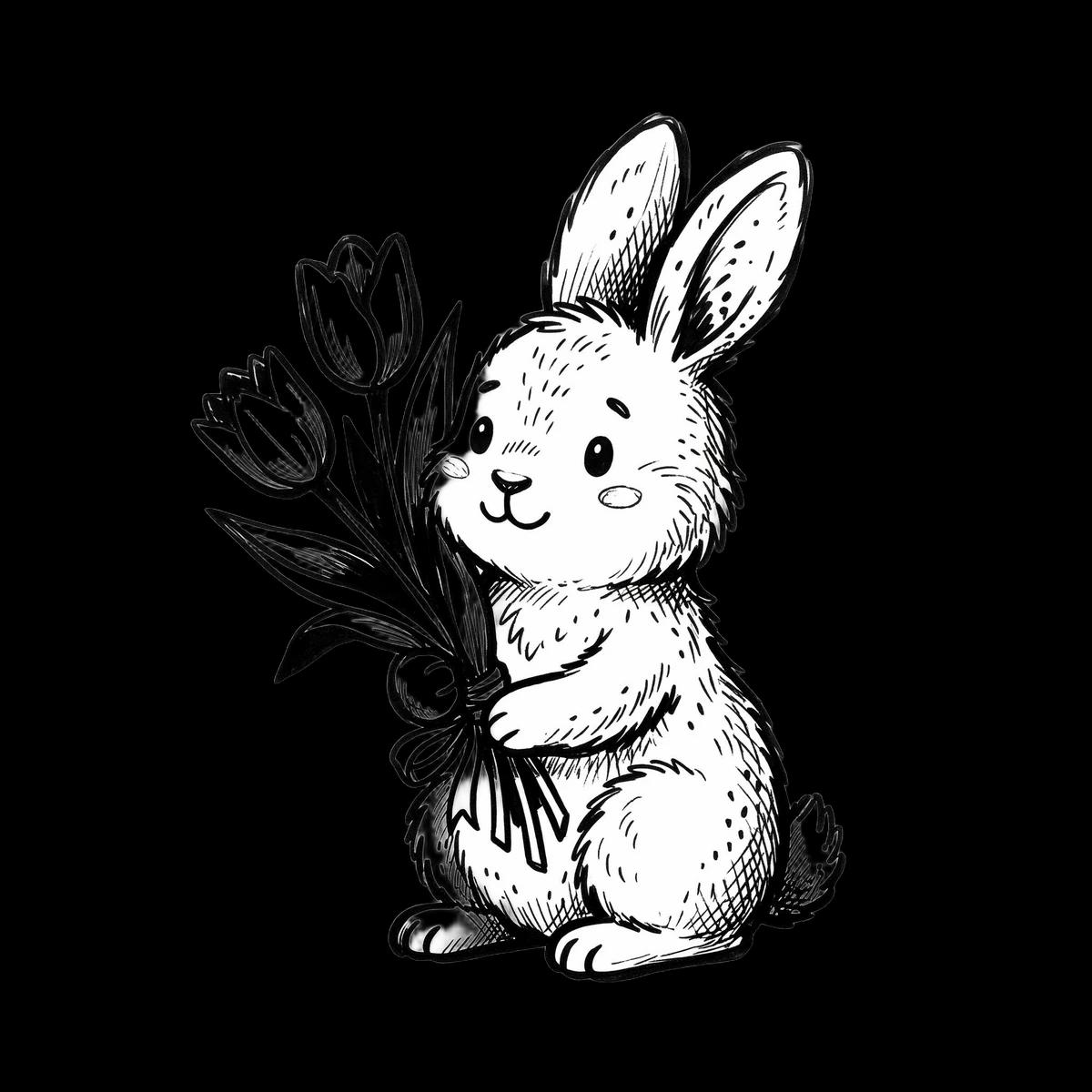
Clip art · made with Optimsy 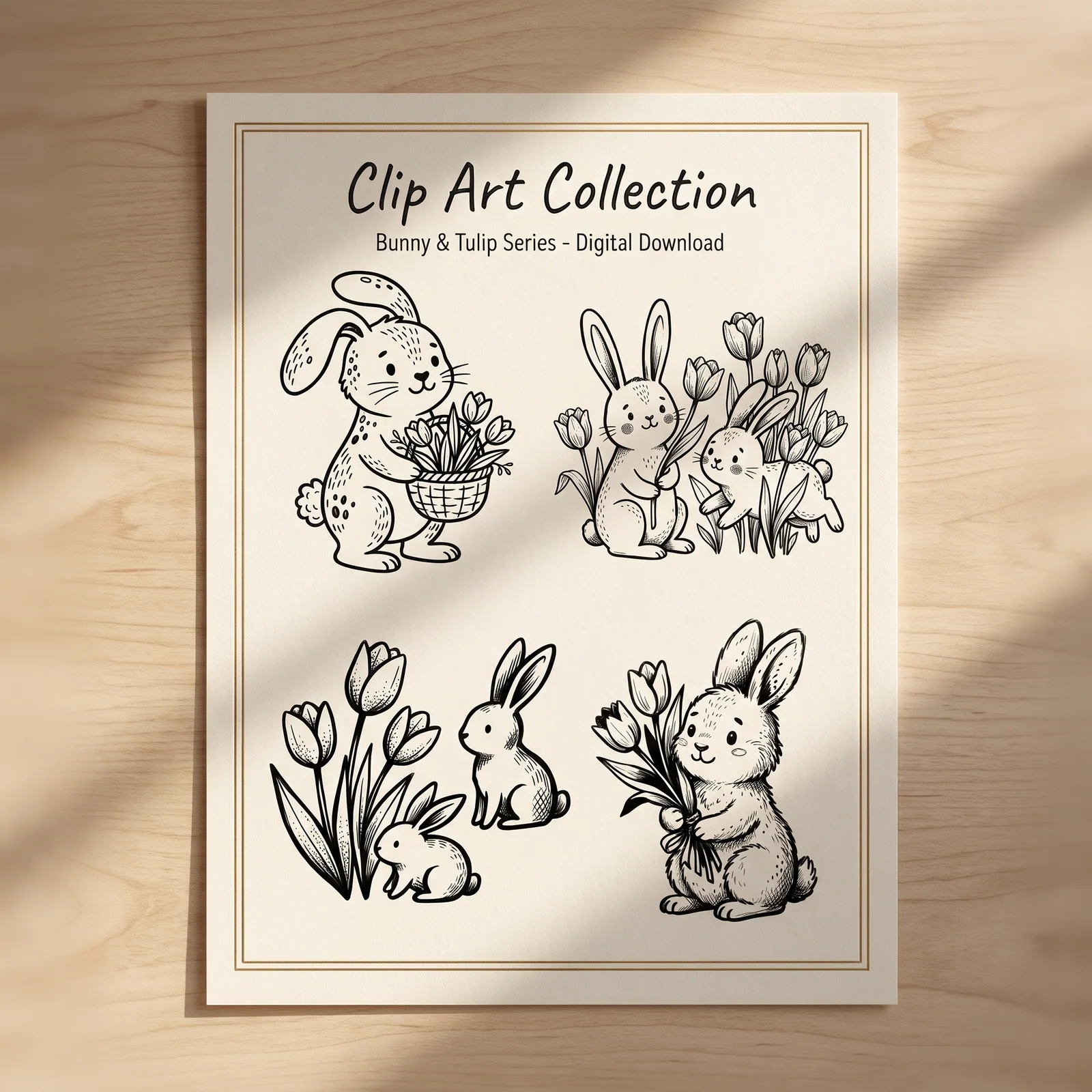
Product mockup · made with Optimsy 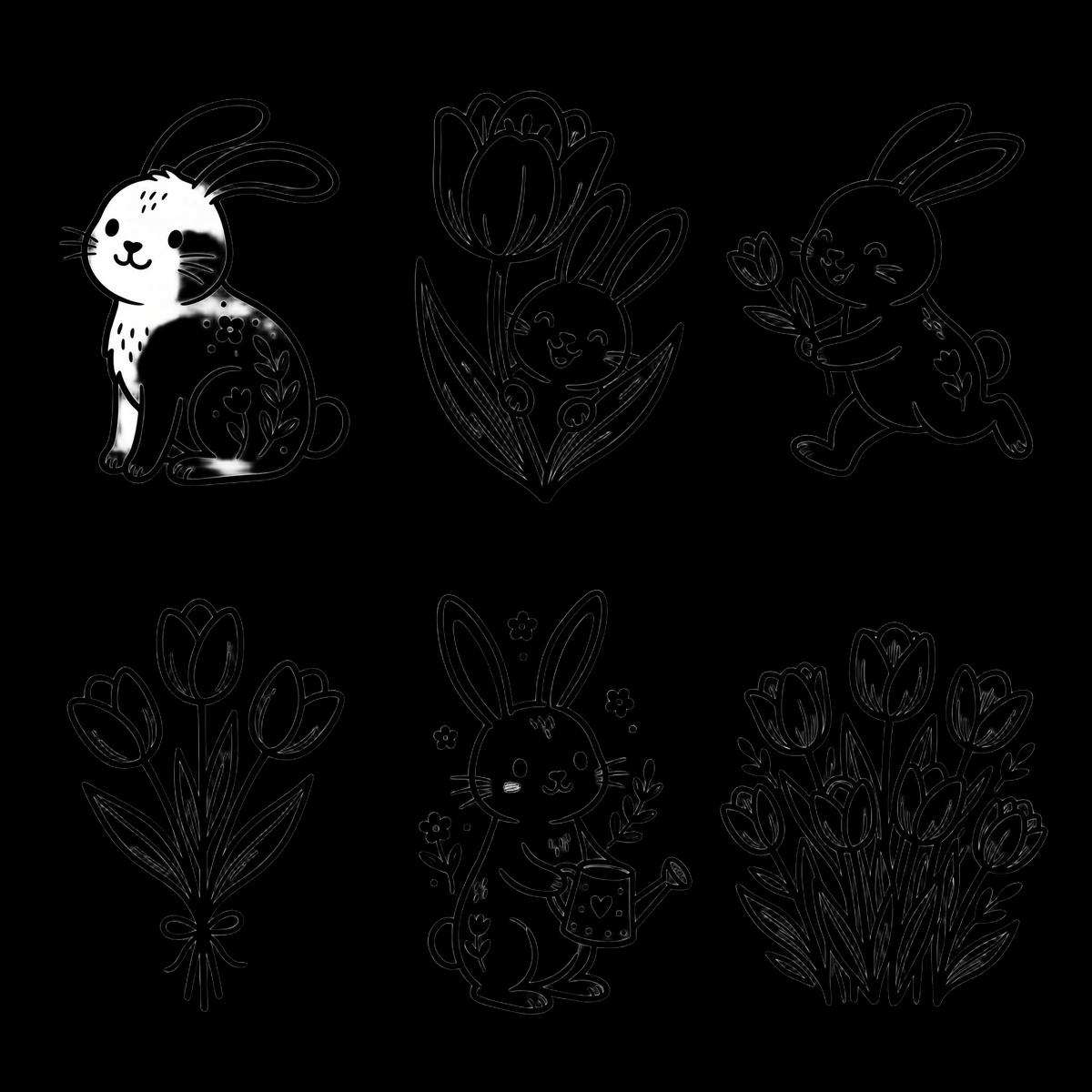
Clip art · made with Optimsy 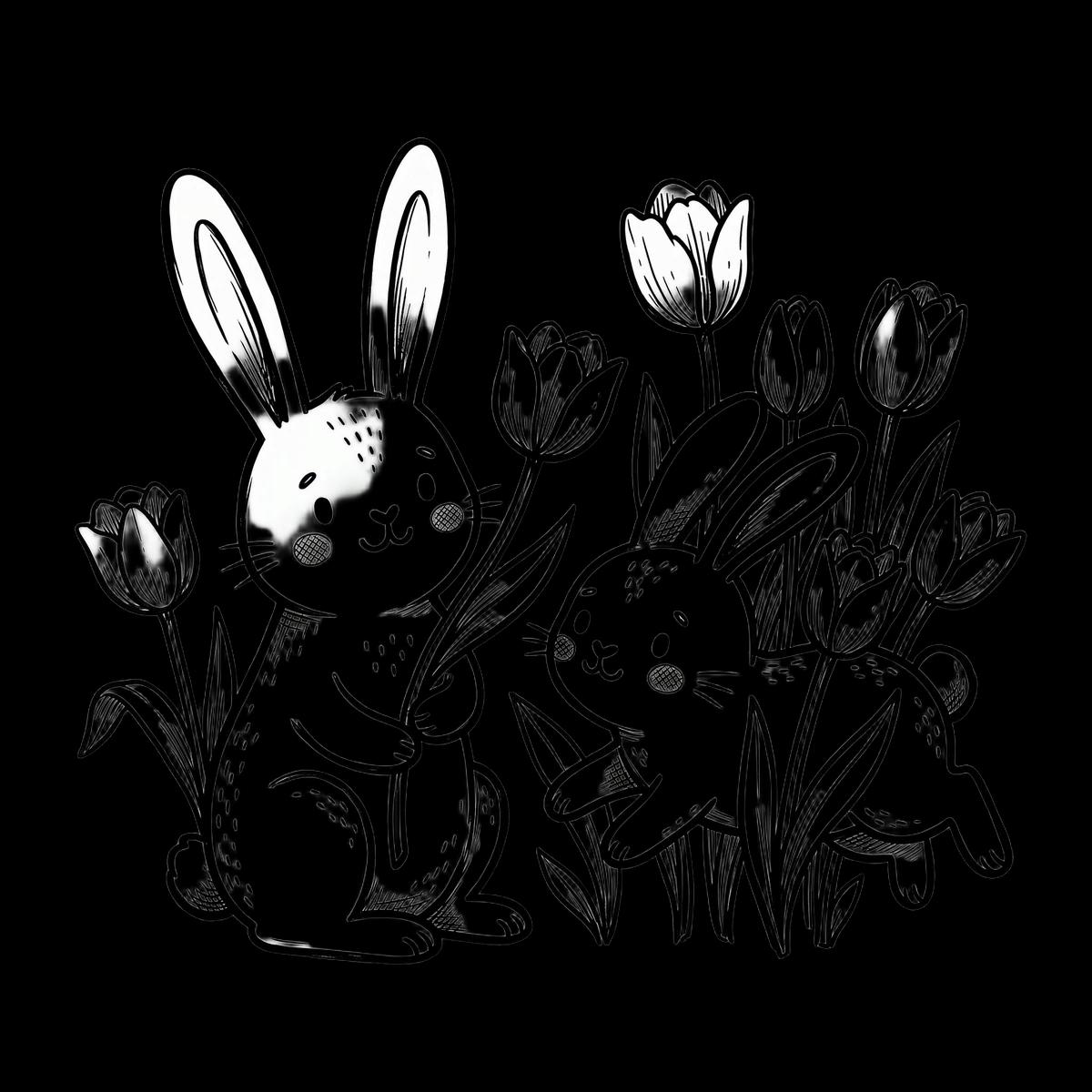
Clip art · made with Optimsy 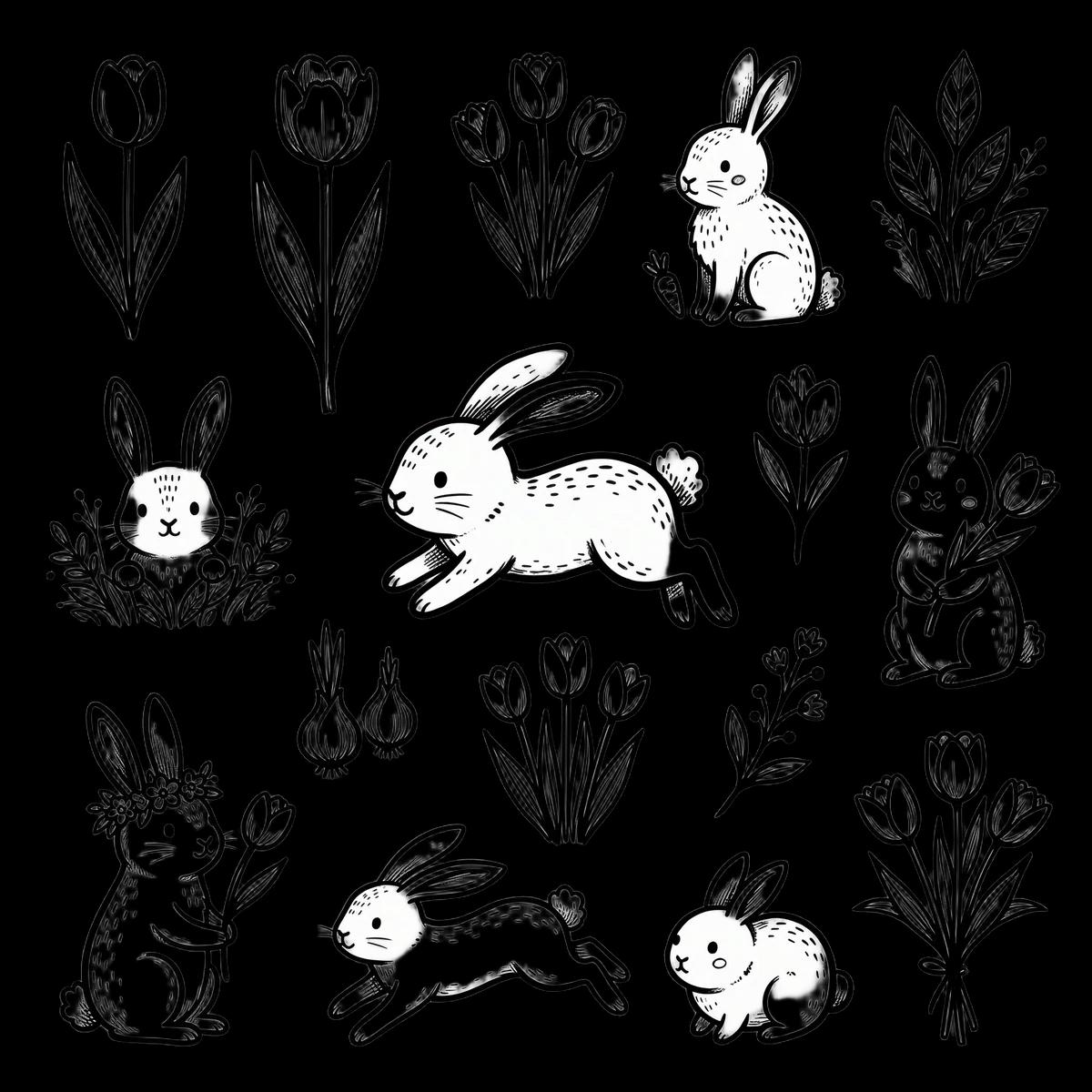
Clip art · made with Optimsy 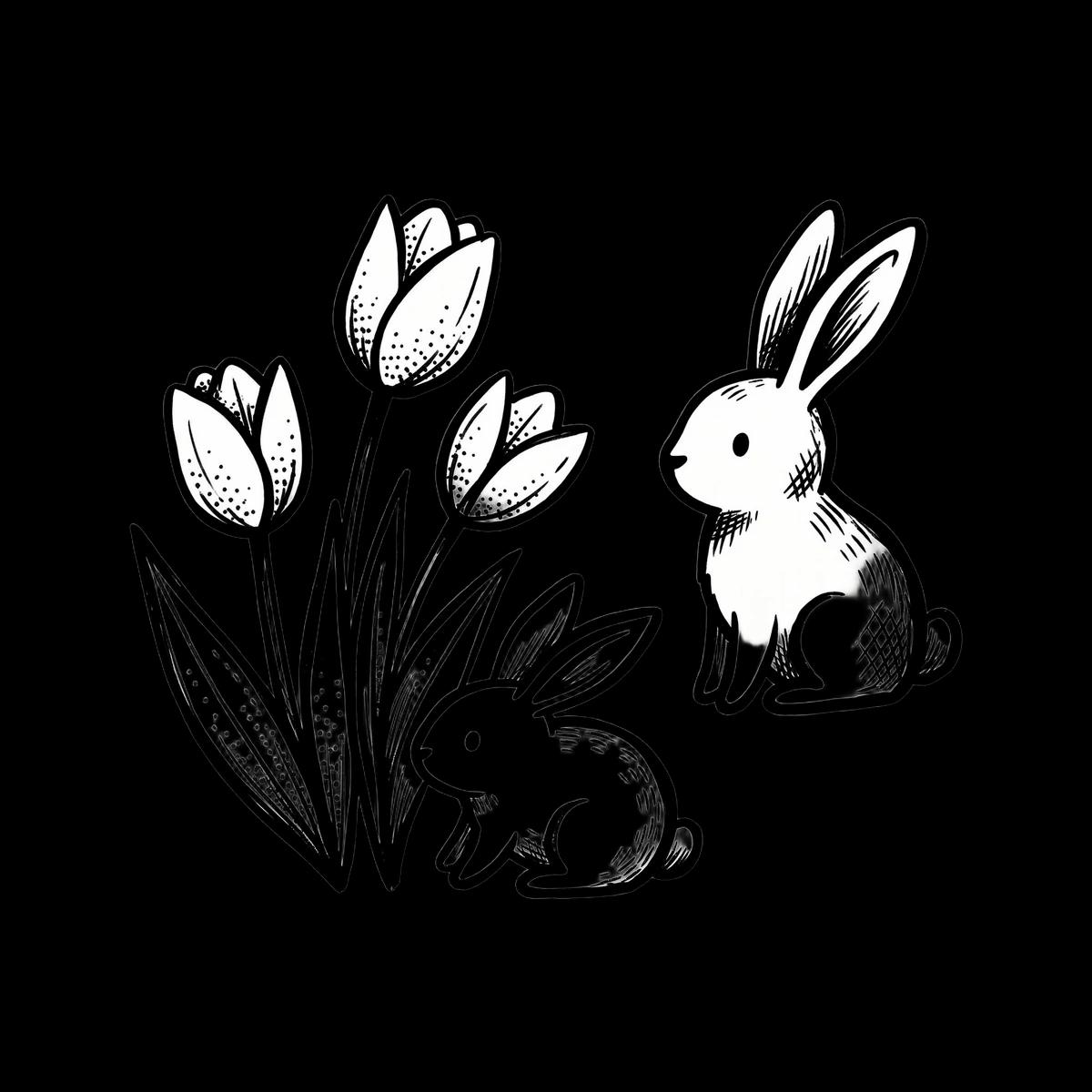
Clip art · made with Optimsy
Make a spring set with one clear theme
One theme per set
Bunnies and eggs, tulips and daffodils, nesting birds, or rain boots and umbrellas are separate sets. One theme per listing keeps the title, the tags and the photos about the same thing.
Keep holidays generic
Easter motifs such as eggs, bunnies and baskets are yours to draw. Trademarked characters and brand names are not, so keep them out of the design, the title and the tags.
Choose the palette on purpose
Soft pastels are one look; a bright palette or a vintage one gives you a second listing from the same theme. Name the palette in your idea and keep it for every run.
Plan the timing
Decide your listing date before you make the photos. If you sold seasonal items last year, your own Etsy Stats show when those orders began. Keep the files, photos and copy so you can reuse them next spring.
Step by step: a spring set, from idea to listing
Pick a spring theme and a palette
Choose one theme, such as bunnies and tulips or nesting birds, and one palette. Research the theme together with “spring clipart” or “easter clipart” to see how buyers phrase it.
Research a niche in GoldmineGenerate the set in one style
Choose Soft Watercolor for a soft look or Kawaii Doodle for a playful one in Clip Art Studio, describe the theme and the palette, and make the whole set in one run so the pieces match.
Open Clip Art StudioShow it on spring products
Lead with the Collection Sheet (A4), then add the Sticker Sheet and the Planner / Icon Set. Etsy recommends listing photos at least 2000 px wide and tall.
Resize photos for EtsyWrite the listing for the season
Put the theme, “spring” and “clip art” in the title, use all 13 tags for theme, palette, use and license phrases, and say in the description which spring projects the set suits.
Write listing copy with SEO Expert
Etsy rules for this listing
These are the limits Etsy’s listing form enforces for a digital clip art listing. Each row links to the Etsy page it was read from.
| Rule | Limit | Etsy source |
|---|---|---|
| Listing title | Up to 140 characters | Etsy Help: How to Create a Listing |
| Tags | Up to 13 tags, 20 characters each | Etsy Help: How to Use Tags to Get Found in Search |
| Digital files | Up to 5 files, 20 MB each | Etsy Help: How to Manage Your Digital Listings |
| Photos and videos | Up to 20 photos and 2 videos | Etsy Help: How to Create a Listing |
| Listing photo size | At least 2000 px wide and tall recommended; first photo at least 635 px | Etsy Help: Requirements and Best Practices for Images |
Listing kit
Title formula
[Theme] Spring Clip Art, [Style] [Holiday] PNG Set, Transparent Background, [License], Digital Download
Example: Bunny and Tulip Spring Clip Art, Doodle Easter PNG Set, Transparent Background, Commercial Use, Digital Download
A plan for all 13 tags
Each slot has one job. The examples follow Etsy’s tag rules and are written for the example title; swap in your own subject.
- 01Theme: bunny clipart
- 02Theme, second phrasing: tulip png
- 03Product: spring clipart
- 04Holiday: easter clipart
- 05Palette: pastel clipart
- 06Style: doodle bunny png
- 07Set: clip art set
- 08Format: transparent png
- 09Use: easter card png
- 10Second use: planner sticker png
- 11License: commercial use
- 12Delivery: instant download
- 13Third use: nursery clipart
Description outline
- One sentence on the subject, the style and how many pieces are in the set.
- What the buyer receives: digital files, no physical item ships.
- The files: transparent PNGs at 2K, one design per file, and the exact number of files.
- The license: personal or commercial use, any limit on items sold, and whether the buyer may use the clip art on products they sell. Only offer a license you are sure you can grant, and check the terms of the tool you made the clip art with. Put “commercial use” in the title and tags only if your license allows it.
- What is never allowed: reselling or sharing the files as clip art, on their own or inside another digital product.
- A note that colors can vary slightly between screens and printers.
- If AI tools helped make the clip art, say so here, as Etsy’s Creativity Standards ask.
File set
A set of five transparent PNGs, named after the listing title:
- bunny-and-tulip-spring-clip-art-01.pngTransparent PNG, 2K, one design
- bunny-and-tulip-spring-clip-art-02.pngTransparent PNG, 2K, one design
- bunny-and-tulip-spring-clip-art-03.pngTransparent PNG, 2K, one design
- bunny-and-tulip-spring-clip-art-04.pngTransparent PNG, 2K, one design
- bunny-and-tulip-spring-clip-art-05.pngTransparent PNG, 2K, one design
When you publish from Optimsy, a set of up to 5 designs is attached as separate PNG files, so a buyer sees the PNGs on the listing and opens each one directly. A bigger set is split into up to 5 ZIP files, each under Etsy’s 20 MB file limit; a set too large for that is not published, and you are asked to make it smaller.
Frequently asked questions
When should I list spring clip art?
There is no single right date. If you sold seasonal items last year, your own Etsy Stats show when those orders started. Have the listing live with photos and full copy before you want sales to begin, and keep the files, photos and copy so you can reuse them next spring.
Can I use Easter characters or brand names in clip art?
No. Trademarked characters, logos and brand names belong to other people, and using them can get a listing taken down. Use generic spring motifs such as bunnies, eggs, tulips and birds instead, and keep brand names out of the title and the tags as well as the design.
Which mockups suit spring clip art?
Lead with the whole set on one sheet so the buyer can count the pieces, then show it in use. Clip Art Studio’s mockup set includes a Sticker Sheet and a Planner / Icon Set, which suit spring projects, plus three more scenes, so you can choose which photos to keep.