AI product video generator Turn product photos into cinematic videos one image, ready to move.
Video Studio is the AI video generator built for Etsy sellers - upload a product image, pick a camera motion, and ship a polished product video without filming, lighting, or editing from scratch.
Free to start · No camera setup · Motion-ready in minutes
THE PRODUCTION PROBLEM
Product video takes
too much setup.
- Most sellers already have product photos, not video assets
- Filming takes lighting, camera, space, and time you do not have
- Reels and listing videos are painful to edit by hand for every product
- Static photos cannot show how a product moves or feels
- Scaling motion across your whole catalog stalls before it starts
One image. One motion. Video-ready.
Upload a product image, choose a cinematic camera move, set duration and aspect ratio, and let AI generate a polished product video you can download or push straight into your Optimsy draft - no timeline, no reshoot.
HOW IT WORKS
Four steps from photo
to product video.
No camera rig. No timeline editing. No starting over for every product.
Upload your product image
Drop in a clean product photo, mockup, or listing asset - whatever shows the product clearly.
Choose the camera move
Pick a cinematic motion preset - slow zoom, pan, tilt, handheld, orbit, or another product-focused style.
Set duration and format
Choose a 5 or 10 second clip and one of three aspect ratios: 16:9, 9:16, or 1:1 - listing, reel, story, or feed.
Download or add to draft
Export the finished MP4 or push the asset directly into your Optimsy listing draft workflow.
WHAT YOU GET
Every motion asset your product needs.
Nothing your shop does not.
One product image becomes a finished motion asset - cinematic, on-format, and seller-ready in one workflow.
Product video
Turn a static product image into a polished moving asset with cinematic camera motion - in 5 or 10 second clips.
Camera motion presets
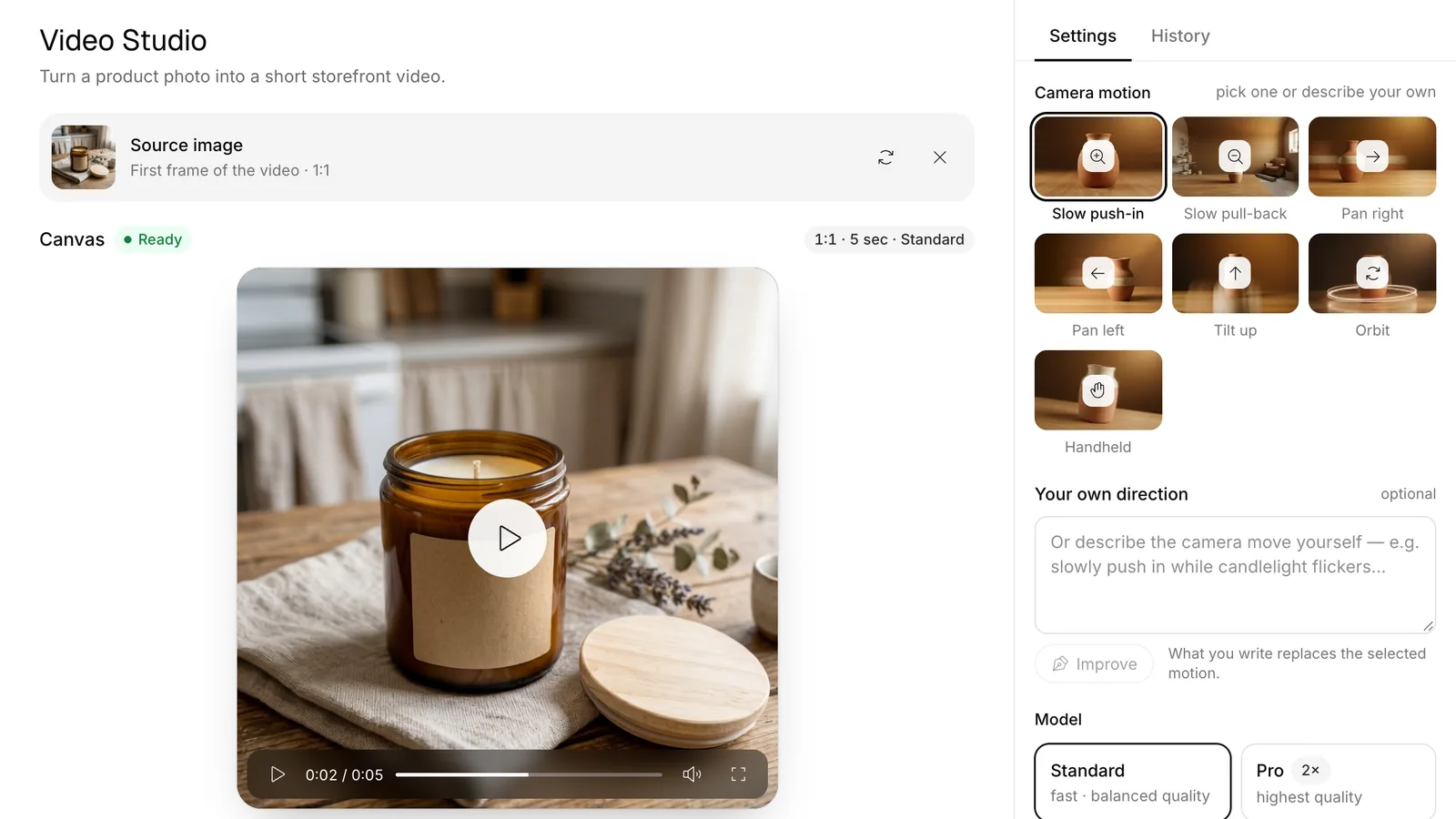
Seven product-focused motion styles built for clean reveals - zooms, pans, tilts, orbit, and handheld feel.
ZOOM
PAN
ORBIT
Aspect ratio exports
Three formats out of one workflow - 16:9 for listings, 9:16 for reels and stories, 1:1 for square feed posts.
Prompted motion direction
Describe how the product should move and let AI guide the motion to fit the vibe of your product or campaign.
Draft-ready workflow
Push finished video assets directly into your Optimsy product draft - no file shuffle, no juggling between tools.
Download-ready output
Export finished MP4 files when motion assets are ready to ship to your listings, social posts, or campaigns.
THE WORKSPACE
Video canvas,
the way product motion should feel.
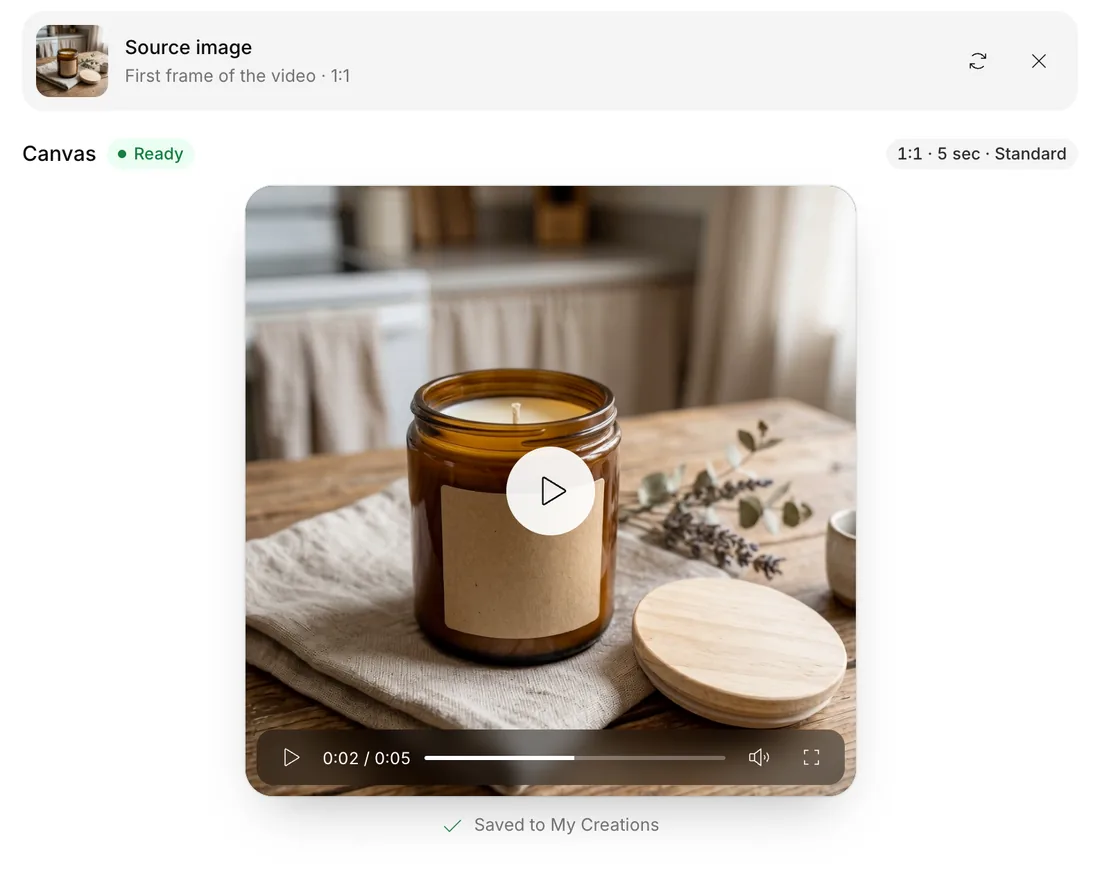
Focused, cinematic, seller-ready. A clean workspace for source images, motion choice, duration, aspect ratio, preview, and export - no editing timeline in sight.
CAMERA MOTION
Make static products
feel alive.
Seven product-focused motion presets - from slow zooms to pans, tilts, handheld feel, and orbital reveals. Pick one, generate, ship.
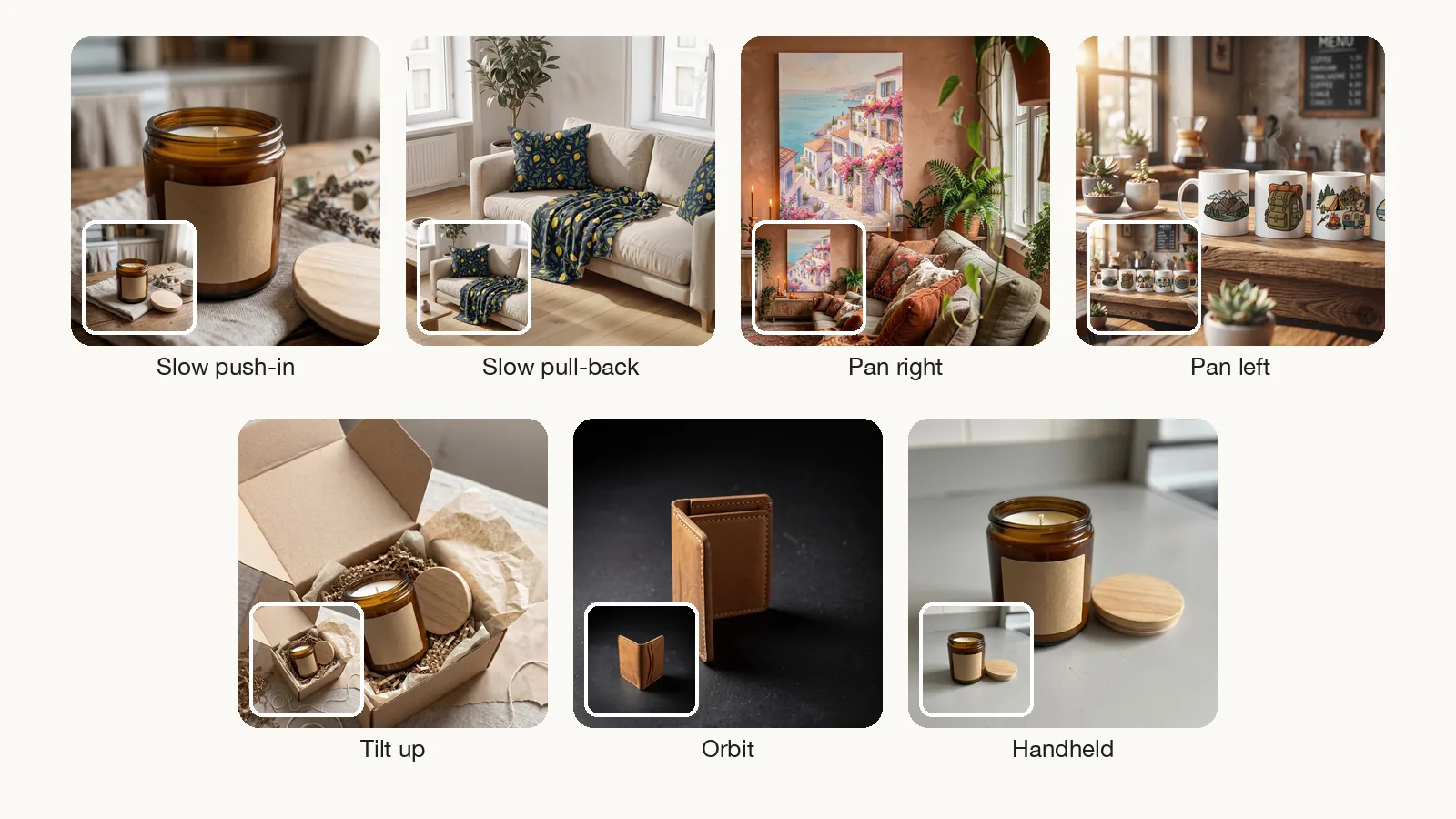
Slow Zoom In
Cinematic push-in toward the product - perfect for hero reveals and product feature focus moments.
Slow Zoom Out
Gentle pull-back from the product - great for context, scale, and final-frame brand reveals.
Pan Right
Smooth lateral move across the frame - showcase texture, detail, or product width naturally.
Pan Left
Right-to-left horizontal pan - opposite direction, same clean reveal feel for variant flexibility.
Tilt Up
Vertical lift across the product - flattering for tall items, candles, planters, and stacked products.
Planet
Soft orbital motion around the product - cinematic 360-style reveal that highlights the full silhouette.
Handheld
Subtle natural camera sway - adds an authentic lifestyle feel without losing product focus or polish.
FORMATS
One product video.
Multiple placements.
Create videos in different aspect ratios so the same product idea can work across Etsy listings, social previews, reels, and campaign assets.
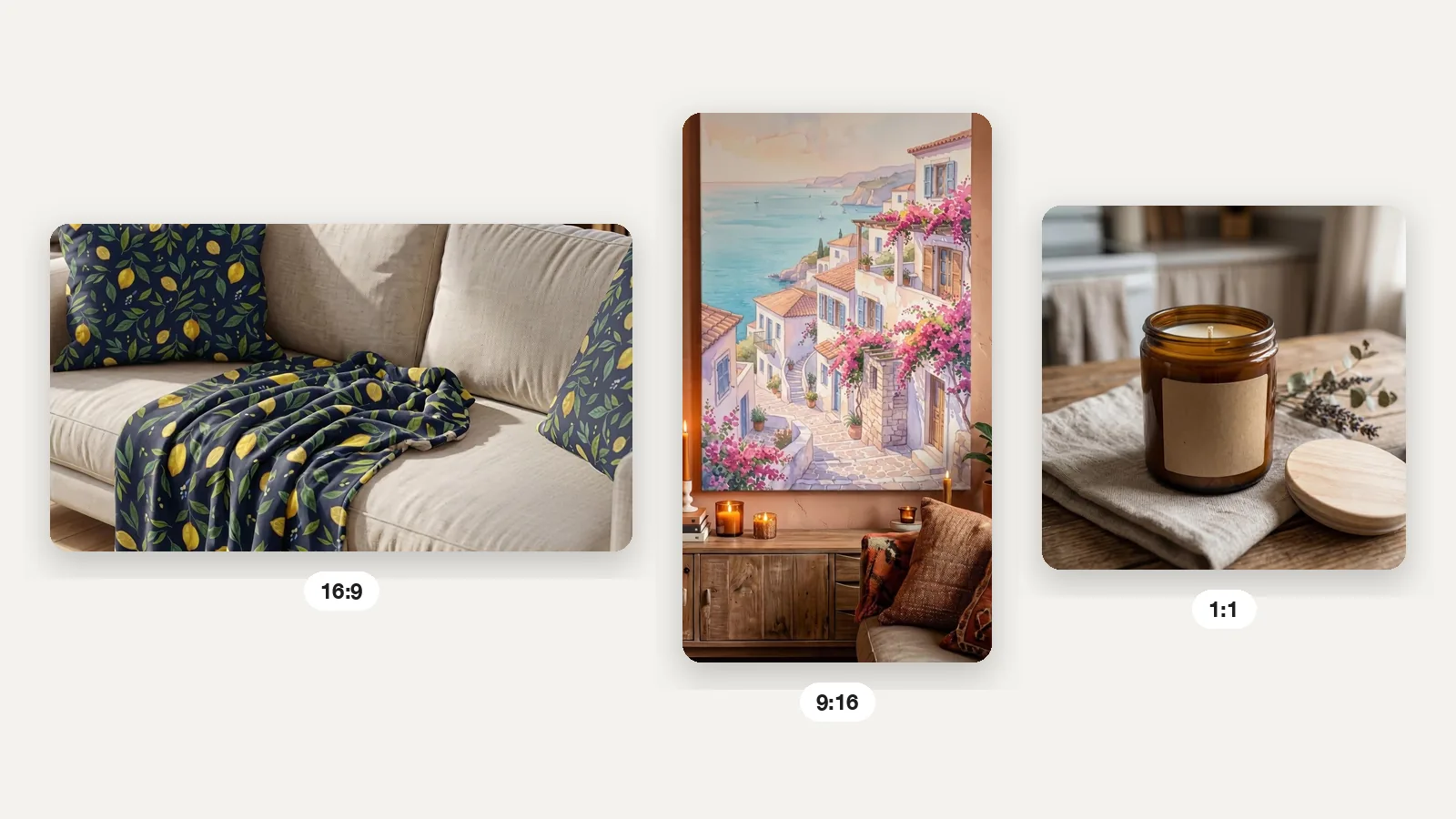
Landscape format for Etsy listing previews, website embeds, and email campaign hero video assets.
Vertical format for Instagram Reels, TikTok, Pinterest Idea Pins, and Stories - mobile-first social motion.
Square format for Instagram feed posts, Facebook promos, and balanced cross-platform social previews.
WHY IT CONVERTS
Create motion faster.
Ship more product stories.
Six reasons sellers run their product video workflow through Video Studio instead of filming, editing, and reshooting one product at a time.
Skip the shoot
No lighting setup, no tripod, no camera, no retake cycle - turn the photo you already have into a video asset.
Reuse product images
Existing listing photos and mockups become motion-ready - your back catalog turns into new content instantly.
Stay product-focused
Motion presets are built around product presentation, not random effects - clean reveals that flatter what you sell.
Create social-ready assets
Generate motion for reels, stories, feed, and promo content - three aspect ratios out of the same workflow.
Keep workflow connected
Send finished assets straight into your Optimsy product draft instead of scattering files across cloud folders.
Scale across products
Repeat the workflow for every listing, collection, or seasonal drop - motion at the speed of your catalog.
BUILT FOR
Every product that needs motion.
Physical, digital, handmade, printable.
Whether you sell handmade goods, wall art, POD merch, digital downloads, or seasonal lines, Video Studio turns product images into motion assets tuned to your shop.
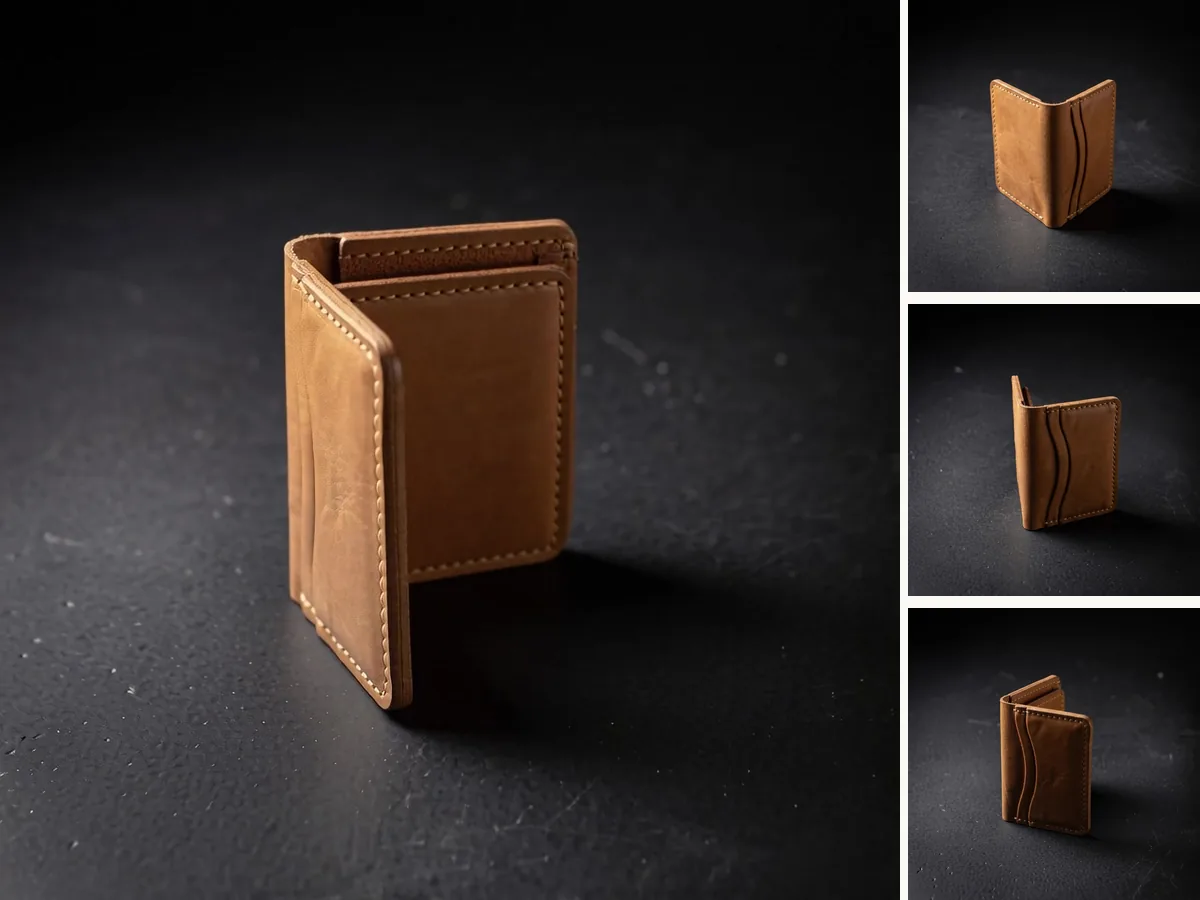
Handmade product sellers
Give candles, jewelry, ceramics, and soaps a studio-style cinematic reveal without setting up a tripod or restocking your shoot.

Wall art sellers
Turn framed mockups and artwork previews into soft listing-friendly motion assets that show scale and feel of the print.

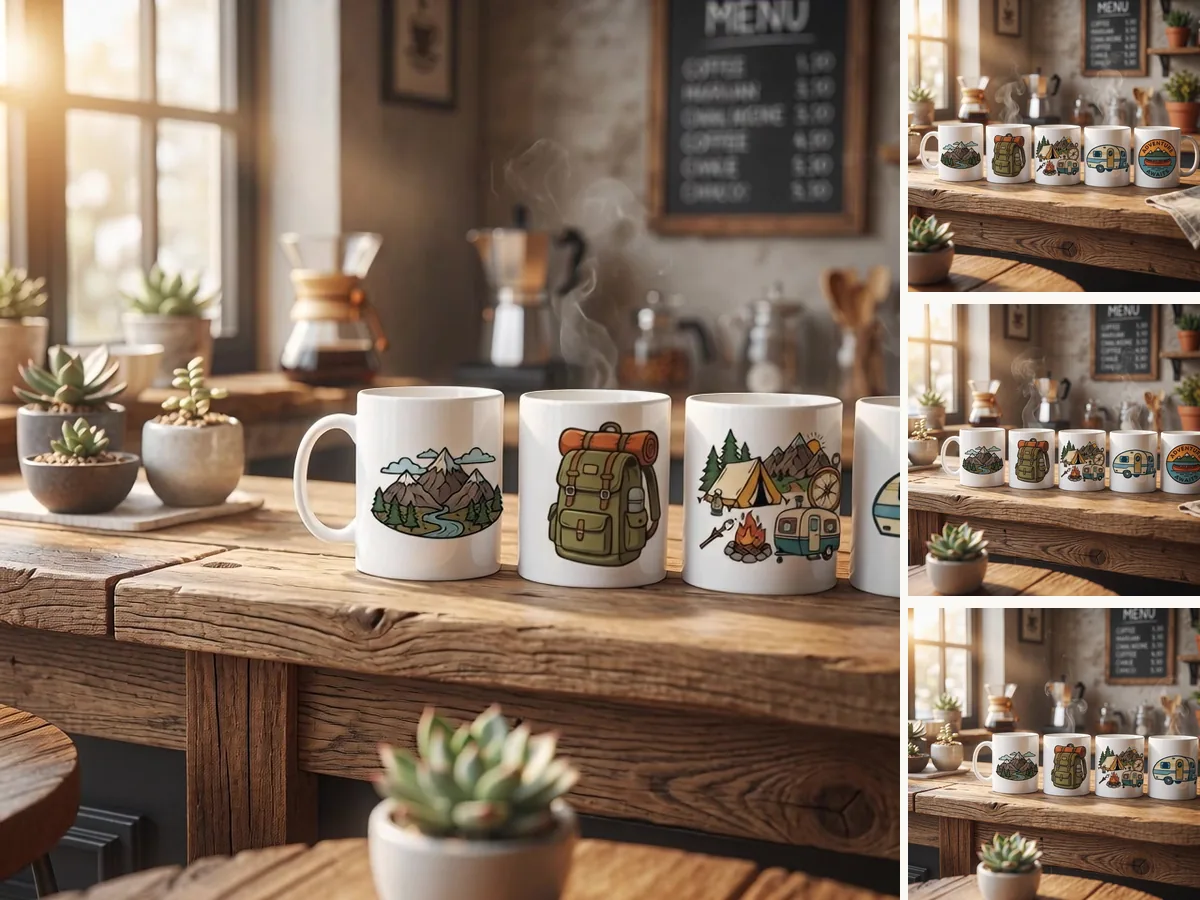
POD sellers
Animate mugs, totes, tees, and product mockups for social-ready promos - same workflow, every product variant.

Digital download sellers
Turn printable planners, templates, and digital packs into scroll-stopping motion previews for listings and social.
Clip art and asset sellers
Show bundles and design packs with smooth motion reveals that make digital products feel premium and click-worthy.
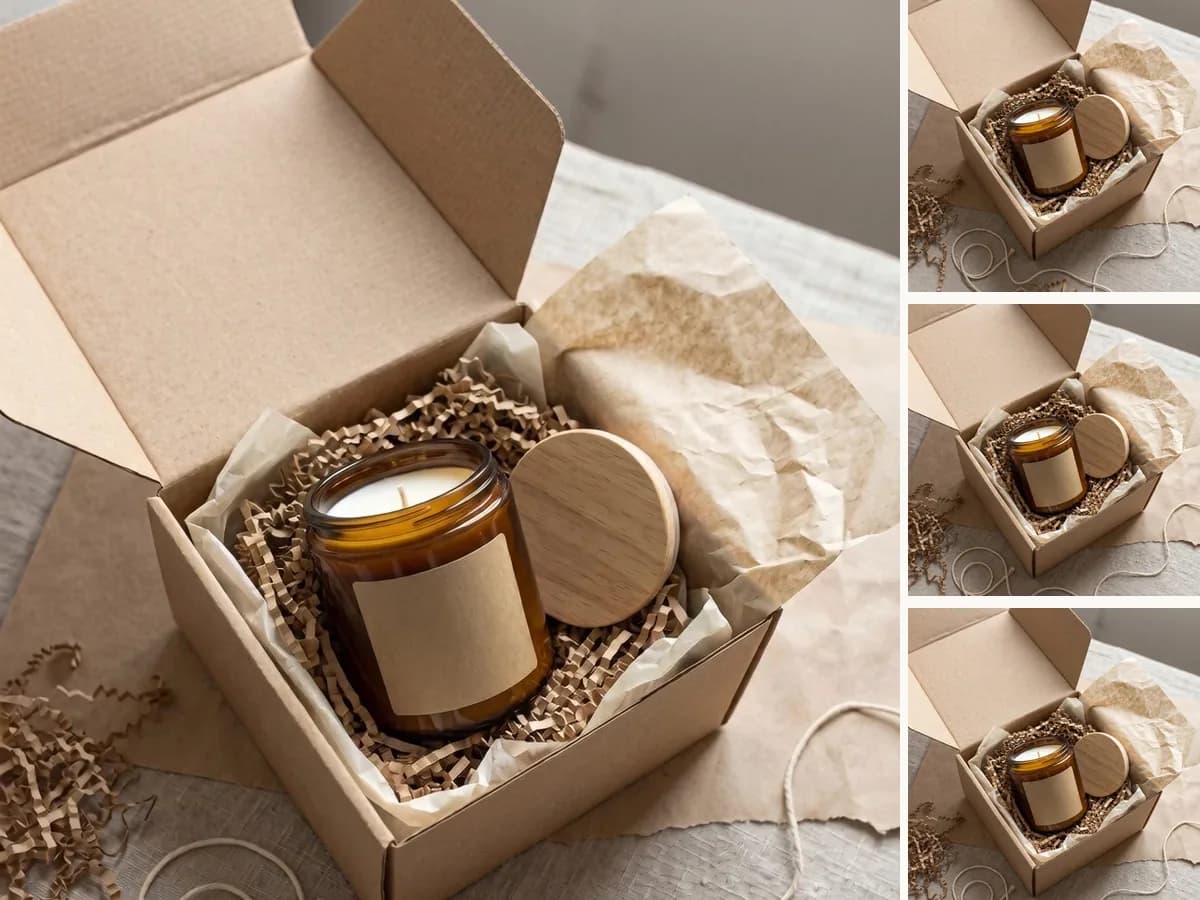
Seasonal campaign sellers
Create quick motion assets for launches, promos, holiday drops, and niche releases - move from photo to promo in minutes.
WATCH IT WORK
See Video Studio
in motion.
From source image to a finished product video with camera motion, format choice, and export actions - the full workflow in one clip.
Questions product sellers actually ask.
BUILT FOR ETSY PRODUCT SELLERS
Video Studio is the AI product video workflow for Etsy sellers - source image upload, seven cinematic camera motion presets, 5 or 10 second durations, three aspect ratios for listing, reel, story, and feed placements, plus draft and download exports. Built for handmade product sellers, wall art shops, print-on-demand catalogs, digital download stores, clip art bundle creators, and seasonal campaign sellers who need motion assets without setting up a camera, lighting rig, or video editing timeline.
READY TO MOVE
Turn your next product image
into a video asset.
Upload the image, choose the motion, preview the result, and export a product video without filming, lighting, or editing from scratch.
Free tools
Try it free, no account needed
These Etsy tools run in your browser without signing up. Start here and move to the dashboard when you need more.