In short
- Write clear, human-readable listing titles where the primary descriptive search term appears in the first 40 characters.
- Front-load your listing description with natural sentences explaining materials, uses, and dimensions to inform external search engines.
- Complete all item attributes so search engine crawlers accurately categorize product details and variation types.
- Utilize descriptive image alt text to ensure product images index properly in Google Images search.
On this page
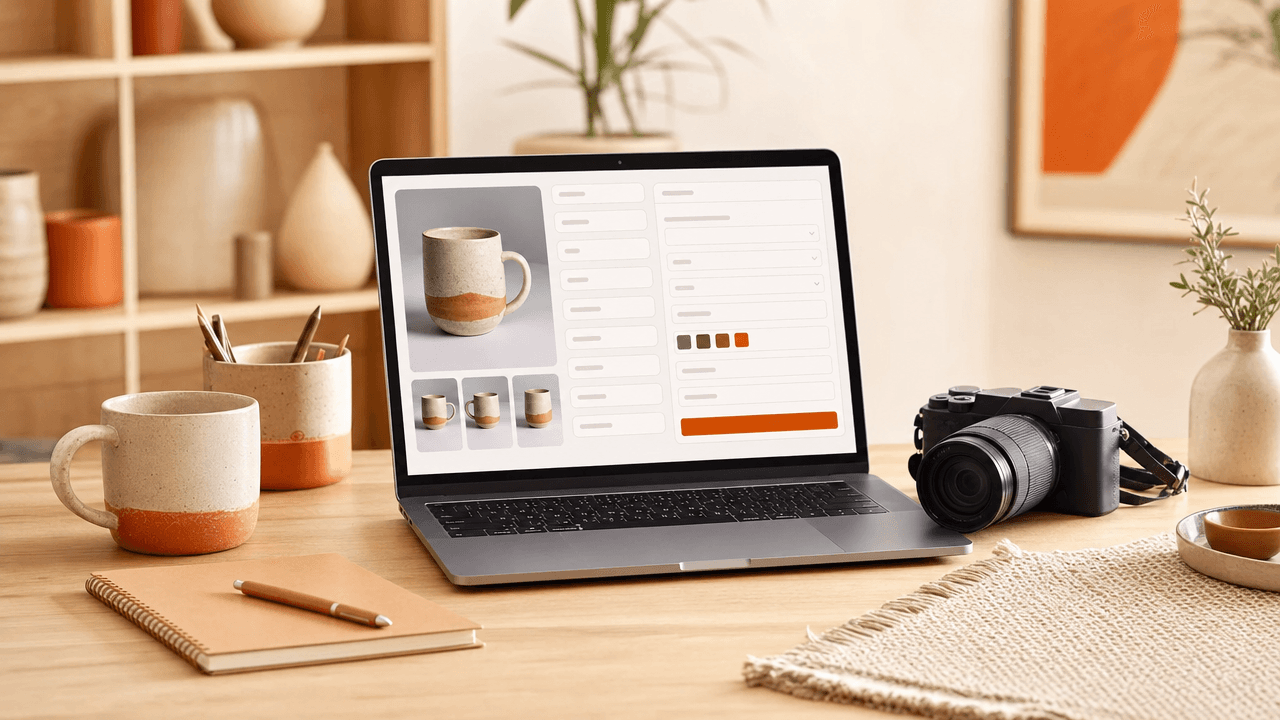
Etsy listings get indexed by Google automatically when you write clear listing titles, informative initial description lines, accurate item attributes, and descriptive visual alt text.
While Etsy handles technical platform sitemaps, external search engines index individual product pages based on clarity, relevancy, and structure. Optimizing listing elements for human readability ensures both internal marketplace algorithms and external Web crawlers interpret your product correctly.
How Google Reads Your Etsy Listing Fields
Google does not crawl your Etsy listing the same way Etsy does. Search engine bots parse your page's HTML title tag, meta description, structured attributes, and JSON-LD product schema to decide when your items show up in Google search results.
Etsy automatically builds these background code elements directly from your input. When you optimize specific fields in your shop Manager, you control exactly what Google reads and displays:
HTML Page Title: Google pulls this directly from your listing title's first 50–60 characters. Place your highest-intent search terms at the absolute beginning of your title.
Meta Description: Google extracts this from the first 150–160 characters of your listing description. Make your opening sentence a clear, plain-language summary of what you sell.
Structured Attributes & Schema: Attributes like color, material, and recipient populate backend product schema code automatically, helping Google understand your item's exact specifications.
Before optimizing for Google, your title might start with flavor text: "Pretty Floral Desk Accessory | Gift for Her". A bot sees vague fluff. Instead, rewrite your first 60 characters for search intent: "Custom Leather Journal | Personalized Notebook". Google now reads explicit product data, helping your listing rank for shoppers off Etsy.
Optimize Your Listing Title for External Search
To capture an etsy listing google search impression, your title must front-load your primary search term and read naturally to human buyers. Google truncates long titles in web snippets, so place your core product description within the first 50 to 60 characters while maintaining clear punctuation instead of slash-stuffed keyword blocks.
Google displays listing titles as clickable headlines in search results. While Etsy handles query matching across your listing as a whole, external search engines prioritize readable phrasing that matches clear intent. Sellers often fall into the trap of repeating title and tag keywords needlessly, creating cluttered titles that hurt web click-through rates.
Title Optimization: Before and After
Clunky (Keyword-Stuffed): "Linen Apron / Crossback Apron / Japanese Apron / Cooking Apron With Pockets / Gift for Her"
Clean (External Search Ready): "Washed Linen Crossback Apron with Deep Pockets | Japanese Style Cooking Pinafore"
The clean title puts your core keyword phrase upfront where snippet truncation won't hide it, while keeping the text inviting for off-platform searchers.
Write First Paragraphs That Hook Search Engines
Google often builds your search snippet directly from the top lines of your item description. Understanding how search engines index listing descriptions means prioritizing complete, natural sentences over keyword lists, giving both web crawlers and potential buyers an immediate summary of your exact item.
To capture search traffic for your etsy listing google search visibility, treat your opening sentence as a standalone product summary. Place core details—like material, dimensions, and function—in the first two lines, and move shop policies or generic greetings further down.
Weak opener: "Blue mug, ceramic mug, coffee cup, tea mug, gift for mom, pottery."
Optimized opener: "This hand-thrown blue ceramic mug features a comfortable wide handle and a rich cobalt glaze made for daily morning coffee."
Search engine crawlers evaluate readability alongside relevant terms. Avoid copy-pasting your title directly into the description text. Instead, write clear prose with specific product details so your snippet stands out in search results.
Use Category Attributes to Index Correctly
Selecting deep, specific category attributes tells Etsy exactly what your item is, which Etsy converts into structured data for search engines. Choosing accurate colors, materials, and occasion tags allows Google Shopping and Google Images to parse your product correctly and surface it in visual, attribute-filtered search results.
When you set your item's primary category, Etsy opens up sub-category fields alongside specific drop-down attributes. Google relies heavily on this structured metadata rather than guessing from your description text. If you list a physical item under a generic parent category instead of its deepest child category, you lose those attribute fields entirely.
The Category Decision Rule
Always drill down to the absolute last sub-category available, even if it feels hyper-specific. For instance:
Weak: Home & Living > Kitchen & Dining > Drinkware
Strong: Home & Living > Kitchen & Dining > Drinkware > Mugs
Once you select the bottom-level category, fill out every single drop-down attribute that accurately applies to your item. Choose primary and secondary colors, materials, dimensions, and recipient fields. Check our listing attributes guide to see how filling out these fields saves your 13-tag limit for broader long-tail phrases instead of wasting tags on basic traits like color or material.
Add Visual Context with Image Alt Text
Adding descriptive image alt text helps your Etsy listings rank in Google Images by giving search engine crawlers text-based context about your photos. Because search bots cannot see visual details, written photo descriptions allow Google to index your product images for relevant shopping queries and drive external web traffic back to your shop.
Etsy lets you add alt text to every photo in your listing manager. Instead of repeating your title or stuffing keywords, describe the physical object as if you are explaining it to someone who cannot see it. Focus on specific visual details like material, color, pattern, and function.
Weak alt text: "linen apron green apron kitchen apron baking gift"
Strong alt text: "Washed sage green linen apron with two front pockets tied at the waist"
Hover over your thumbnail in the listing edit screen, click the pencil icon, and write a clear, natural sentence for your primary photo. This simple step turns your listing images into searchable entry points on Google without changing how your photos look to shop visitors.
Frequently Asked Questions
How long does it take for an Etsy listing to show on Google?
Google indexes new Etsy listings dynamically as search bots crawl the platform. While indexing can occur within days, gaining prominent rank on search results pages typically takes several weeks. Consistent conversion rates, complete item attributes, and steady shop traffic accelerate how fast search engines crawl and evaluate your listing page.
Does Etsy pay for Google search listings?
Etsy automatically indexes regular listings in organic Google search results at no cost to sellers. However, Etsy also runs Offsite Ads, placing selected listings into paid Google Shopping slots. If a buyer clicks a paid search ad and purchases within thirty days, Etsy charges an advertising fee based on seller revenue.
Why is my Etsy listing not showing on Google search?
Listings fail to show when Google views them as duplicate content, thin descriptions, or missing essential attributes. Vague listing titles and sparse text prevent search crawlers from understanding the item. Additionally, newer shops or recently published items require time and customer traffic signals before organic search engines rank them prominently.
References
Is your listing ready for search?
Paste your title and tags; it flags duplicates, tags over 20 characters and empty tag slots.
Open the Listing CheckerNo sign-up needed
Emirhan Sevim
Co-founder of Optimsy. Builds tools that help Etsy sellers make listing, pricing and niche decisions with data.
About Optimsy →