In short
- Etsy listing videos run automatically muted, so visual detail and context must convey all information without sound.
- Focus the first 3 seconds on showing scale alongside recognizable everyday objects or hands.
- Structure your 10-second clip into three distinct beats: scale, function or texture, and finished quality.
- Digital sellers can capture screencasts showing template editing or printable assembly to answer buyer usability questions.
On this page
Yes, an Etsy listing video helps convert browsers into buyers by showing item scale, movement, and true finish that static photos often fail to convey clearly.
While Etsy state in their search documentation that listing conversion rates directly inform search placement, static photos can leave buyers guessing about proportions or materials. A clear ten-second clip removes purchase friction, reduces customer questions, and gives shoppers immediate confidence to click buy.
Why video matters for converting Etsy browsers
An Etsy listing video bridges the gap between seeing a photo and holding a product. Photos show what an item looks like under ideal studio light; video shows how it behaves. By demonstrating true scale, texture, color under movement, and functionality, video removes buyer hesitation and turns hesitant browsers into confident buyers.
How to show what photos cannot
Static photography leaves four specific visual questions unanswered for online shoppers:
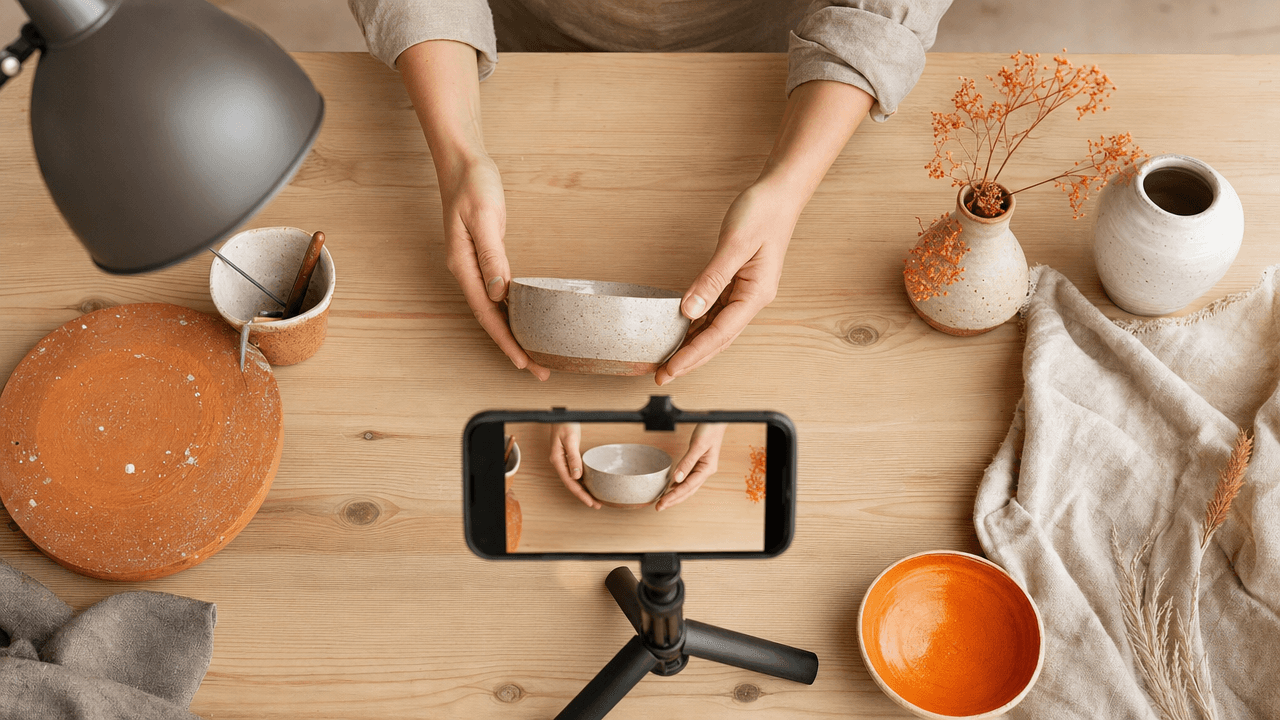
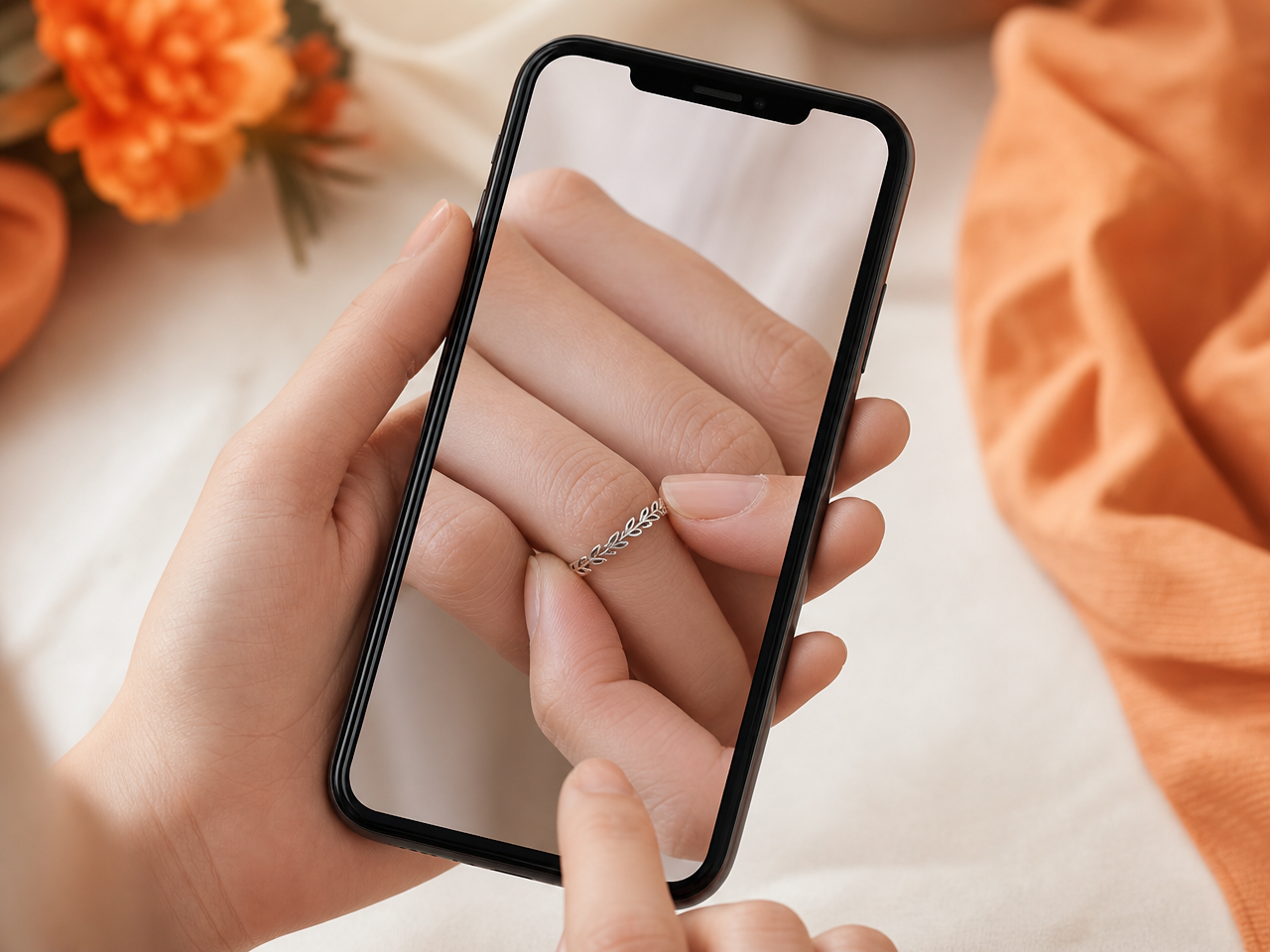
Scale: Hold your item near a hand or daily object so shoppers instantly grasp its dimensions.
Texture: Run a finger over carved wood or flex a leather strap to demonstrate material softness and surface depth.
Color: Rotate the product near a natural window to reveal shine or color shifts accurately.
Functionality: Snap a purse clasp shut, pull a zipper, or turn the page of a bound journal.
Targeted motion is a pillar of thorough Etsy visual listing optimization. When a browser sees a mechanism work smoothly in real motion, you resolve their biggest lingering hesitation before they ever contact support.
What to film in a 10-second listing video
A high-converting 10-second Etsy listing video follows a tight 3-part framework: reveal scale immediately (0–3s), demonstrate texture or function (3–7s), and close on fine craftsmanship (7–10s). This structure answers the buyer's unstated questions—size, real-world motion, and quality—before they bounce back to search.
Without sound, your video must communicate value instantly. If a buyer cannot judge scale in the first three seconds, you risk losing them to another tab. Here is how to map those 10 seconds based on what you sell:
Physical product (e.g., leather wallet): 0–3s show hands opening the wallet (establishes scale); 3–7s bend the leather and pull out a card (shows texture and slot function); 7–10s slow pan over the stitched edge (highlights detail).
Digital product (e.g., budget planner): 0–3s record a quick screen screen-capture scrolling the full page (shows layout); 3–7s click a hyperlinked tab or type sample numbers (shows functionality); 7–10s zoom in on a clean graphic asset (shows print-ready quality).
If high video views fail to generate sales, check your listing visual flow to fix low conversion rates. Keep your camera steady, use natural daylight, and eliminate slow intros—jump straight into the motion.
How to shot-list physical vs digital Etsy items
To shot-list Etsy listing videos effectively, tailor your focus to what removes buyer doubt: physical crafts need tactile proof of scale, texture, and practical use, while digital downloads require screen recordings showing editing simplicity and printed reality. Structure a brief storyboard that answers the buyer's primary question within the first three seconds.
Just as you outline key angles for your listing main photo guide, align your video storyboard directly with customer expectations using distinct frame priorities:
Physical craft plan: Shot 1 (3 seconds) demonstrates item scale in hand or in use. Shot 2 (3 seconds) zooms in on texture, stitching, or material finishes under bright natural light. Shot 3 (4 seconds) shows functional details like clasp operations or container lids.
Digital template plan: Shot 1 (4 seconds) captures screen footage of editing text inside the template application. Shot 2 (2 seconds) shows downloading or unzipping the folder. Shot 3 (4 seconds) shows the physically printed paper product held in hand.
Simple setup equipment for crisp smartphone filming
You do not need an expensive camera setup to film clear listing videos that convert. A smartphone, a clip-on ring light or bright window, a simple tabletop tripod, and a plain poster board give you a professional studio setup for minimal cost while keeping your workflow fast.
The key to batching listing videos is building a fixed shooting spot in your workspace so you can record new products in under two minutes. Use this decision rule for light and background setup:
Lighting: Position your table sideways to a natural light window. If shooting at night, place a neutral LED light source directly behind your phone to eliminate heavy shadows.
Stability: Lock your phone into a rigid tripod arm. Shaky hand-held footage looks unprofessional and obscures item details.
Backdrop: Use a matte white, neutral gray, or light wood poster board. Shiny surfaces reflect room glare into your phone lens.
To keep footage sharp, clean your camera lens with a microfiber cloth before filming and tap your screen to manually lock focus on the item texture. Keep your backdrop static so your product remains the primary focus.
Frequently Asked Questions
How long should an Etsy listing video be?
Etsy allows listing videos between 5 and 15 seconds long, but 10 seconds is the ideal sweet spot. Keep the lighting clean and bright, focus immediately on the product in action without intro graphic delays, and loop the visual so the buyer instantly understands scale, color, texture, and movement.
Do Etsy listing videos automatically play sound?
Etsy listing videos play without sound across both desktop and mobile app experiences. You should never rely on voiceover audio or background music to explain key product details. Always use clear camera angles, bright lighting, or simple text overlays to highlight size, features, and item details visually.
Can you upload an Etsy listing video from your phone?
You can upload listing videos directly through the Etsy Seller app or via mobile browser. Ensure your file meets Etsy's resolution standards of at least 1080p, uses a standard aspect ratio like 1:1 or 4:3, and stays under the 100MB file limit for smooth listing upload.
References
Is your listing ready for search?
Paste your title and tags; it flags duplicates, tags over 20 characters and empty tag slots.
Open the Listing CheckerNo sign-up needed
Emirhan Sevim
Co-founder of Optimsy. Builds tools that help Etsy sellers make listing, pricing and niche decisions with data.
About Optimsy →