In short
- Keep main products centered within the photo frame to protect edges from automatic layout cropping.
- Leave generous background margins around the product so search feeds do not slice off visual details.
- Use Etsy's built-in thumbnail tool in the listing manager to manually adjust the display focal point.
- Audit finished listings on the mobile app to verify photo clarity on smaller search grid cards.
On this page
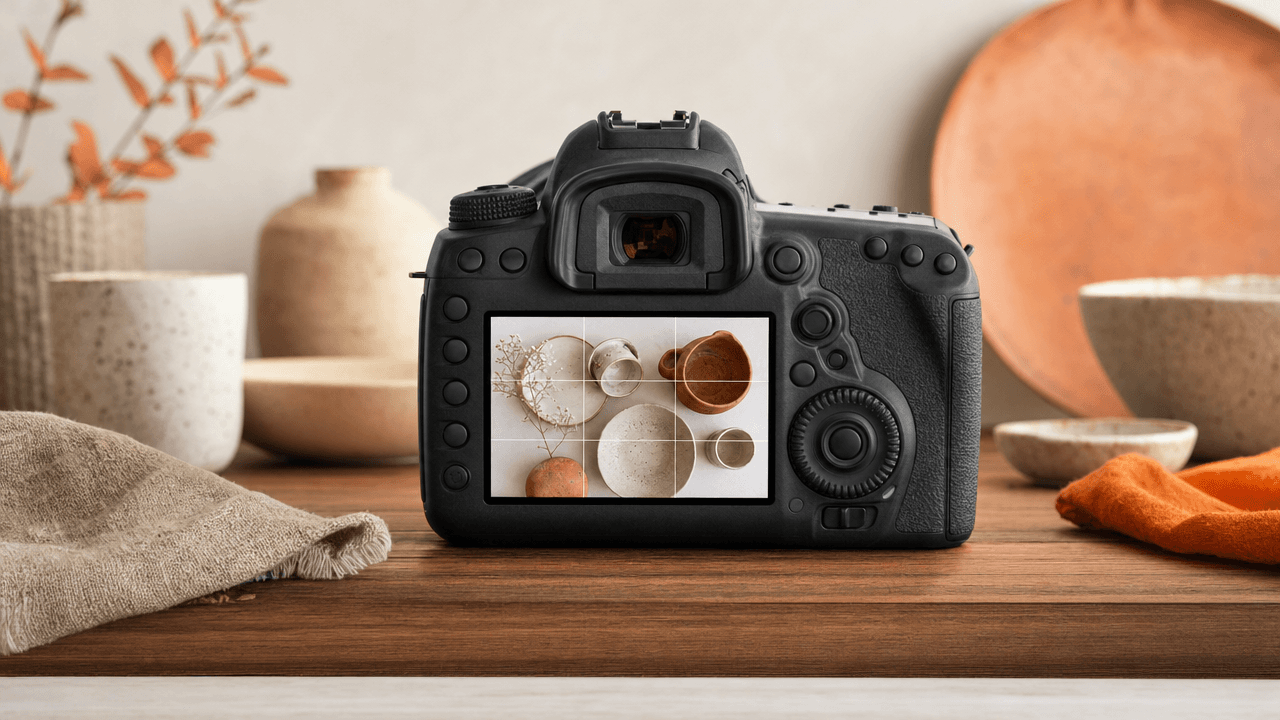
Etsy automatically crops thumbnail photos to fit search grids, requiring central product placement and balanced padding so key details remain fully visible to buyers.
When a listing appears in search results, buyers make split-second decisions based on that initial photo card. If your item gets chopped at the edges or off-centered by automatic search layout adjustments, it loses visual impact. Designing your main photography around the native framing rules ensures your products look clean, professional, and complete across every screen.
Understand how search framing alters your image
Etsy automatically crops your primary listing image into different aspect ratios to fit desktop search grids, mobile app feeds, and category recommendation modules. When Etsy shifts your photo from a 4:3 ratio to a square or tall mobile view, your visual center of gravity moves, often slicing off key product details or focal points.
Because buyers decide to click in milliseconds while scrolling, an unexpected crop can transform a clear hero shot into a confusing, close-up mess. When framing your photos, assume every edge will be trimmed. Keep your core product centered within a safe middle zone, leaving generous negative space around the edges.
Before and After: Framing a Ceramic Mug
Consider how framing alters context across different device screens:
Tight edge-to-edge frame: A mug handle touches the left edge, and the rim touches the top. On mobile feeds, the auto-crop trims the handle entirely, leaving buyers looking at an unrecognizable curved wall of clay.
Centered 1:1 safe framing: The mug sits dead-center, occupying the middle 60% of the canvas with neutral background space on all four sides. The thumbnail stays intact regardless of feed layout changes.
Before uploading, review your thumbnail in Etsy's listing manager preview tool to verify your product remains fully visible. Getting your framing right on your Etsy Listing First Photo protects your visual hook across every device.

Position core items within the safe focal area
To protect your listing from automated etsy thumbnail crop cuts, keep your core product centered within the middle of your primary image. Leaving generous background margins around all four edges guarantees that auto-cropping across search results, mobile feeds, and category pages will never slice off critical item details.
Center the hero element: Position the main product directly in the middle of the shot so dynamic cropping clips empty space, not your craft.
Buffer the edges: Allow visual breathing room between your item's outer edges and the photo frame to prevent unique accents or text from getting cut off.
If a photo is taken too tightly, a wide ceramic bowl might lose its hand-painted rim on mobile search grids. Pulling your camera back and padding the background gives you total control over your Etsy Visual SEO, ensuring your primary thumbnail renders cleanly across every device surface.
Adjust aspect ratio settings before uploading
Preparing your photos in a 4:3 aspect ratio before uploading prevents Etsy from auto-cropping vital product details. Crop your raw images to a standard 4:3 landscape ratio in your photo editor first, then use Etsy's Adjust Thumbnail tool inside the listing editor to fine-tune the final frame alignment.
To stop Etsy from cutting off product edges in search grid cards, standardize your image canvas before uploading rather than relying on the platform to auto-center vertical or square source files.
Frame your thumbnail in three steps
Export your primary photo from your editing software using a 4:3 landscape crop.
Upload the file, then select Adjust Thumbnail directly below your primary photo box in the listing editor.
Use the zoom and placement tool to center the subject, leaving equal negative space around all edges.
Decision Rule: If the main focal point touches any border of the circular thumbnail preview tool, zoom out and re-crop the original file with wider margins before saving your listing.
Audit your mobile search cards for missing context
Mobile buyers view search results on small phone screens where automatic square crops frequently obscure scale or slice off secondary details. Auditing your etsy thumbnail crop directly on a mobile screen ensures your product, essential props, and text accents stay fully readable without losing critical context inside the tight two-column mobile search grid.
To run a fast mobile audit, open the Etsy app, search your main keyword phrase (such as "linen apron"), and locate your listing in the mobile grid. Evaluating your photos exclusively on a high-resolution desktop monitor hides how smaller mobile viewports compress framing and alter visual contrast.
Centralize edge text: Keep graphic accents away from the outer edges where app interface overlays and square crop margins slice off wording.
Preserve scale markers: Ensure hands, coins, or contextual background props remain visible so shoppers instantly understand physical dimensions.
Isolate the focal point: If busy lifestyle elements overwhelm the cropped 1-inch frame, adjust your composition to protect overall listing image quality.
Frequently Asked Questions
Why does Etsy crop my listing photos in search?
Etsy resizes and crops primary photos to maintain uniform visual grids across different devices and search layouts. Because desktop screens and mobile apps display cards in varying aspect ratios, automated system crops attempt to center your image. Framing your product centrally prevents key details from being trimmed off.
What aspect ratio works best for Etsy thumbnail photos?
Standard rectangular ratios like 4:3 or square 1:1 work best because Etsy adjusts thumbnails to fit square or slightly vertical search cards. Uploading high-resolution images framed centrally in a 4:3 aspect ratio provides enough margin for Etsy's automated cropping without cutting off vital item edges.
How can I fix a cut-off thumbnail without re-shooting?
You can edit your primary image inside the Etsy listing manager by opening the image tool and adjusting the thumbnail position. Re-centering the visual focus area or adding neutral digital padding around your product photo expands the background margins, allowing the full item to fit safely within search crops.
References
Is your listing ready for search?
Paste your title and tags; it flags duplicates, tags over 20 characters and empty tag slots.
Open the Listing CheckerNo sign-up needed
Emirhan Sevim
Co-founder of Optimsy. Builds tools that help Etsy sellers make listing, pricing and niche decisions with data.
About Optimsy →