In short
- Place your hero product centered with ample margin room to accommodate Etsy square search thumbnail cropping.
- Choose a clean, high-contrast background that separates your product immediately from competing search results.
- Avoid heavy text overlays, busy props, or multi-pack confusion on your primary listing image.
- Select lifestyle shots for context-heavy products and isolated light backgrounds for intricate details.
On this page
- Choose Hero Shots Over Lifestyle Clutter for Search Results
- Frame for Etsy Square Crop and Mobile Displays
- Match the Primary Photo Style to Your Product Category
- Test Thumbnail Visual Contrast Against Search Competitors
- Avoid Common Thumbnail Mistakes That Drop Click Rates
- Frequently Asked Questions
- References

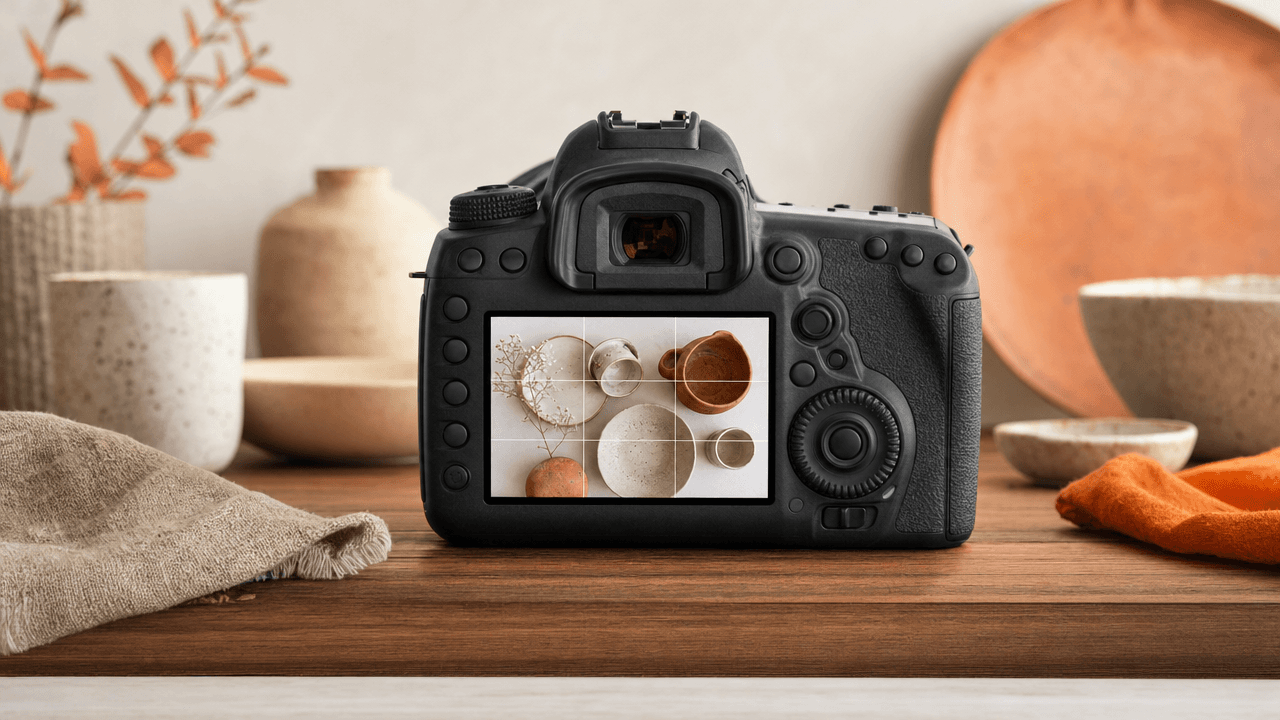
Your Etsy listing first photo should clearly show the full product in crisp detail, framed centered for a square crop, on an uncluttered background.
When buyers scroll through search results, your thumbnail image does the heavy lifting long before anyone reads your title or price. Selecting the wrong main photo means shoppers scroll past without clicking, starving your shop of traffic regardless of how strong your search tags are.
Choose Hero Shots Over Lifestyle Clutter for Search Results
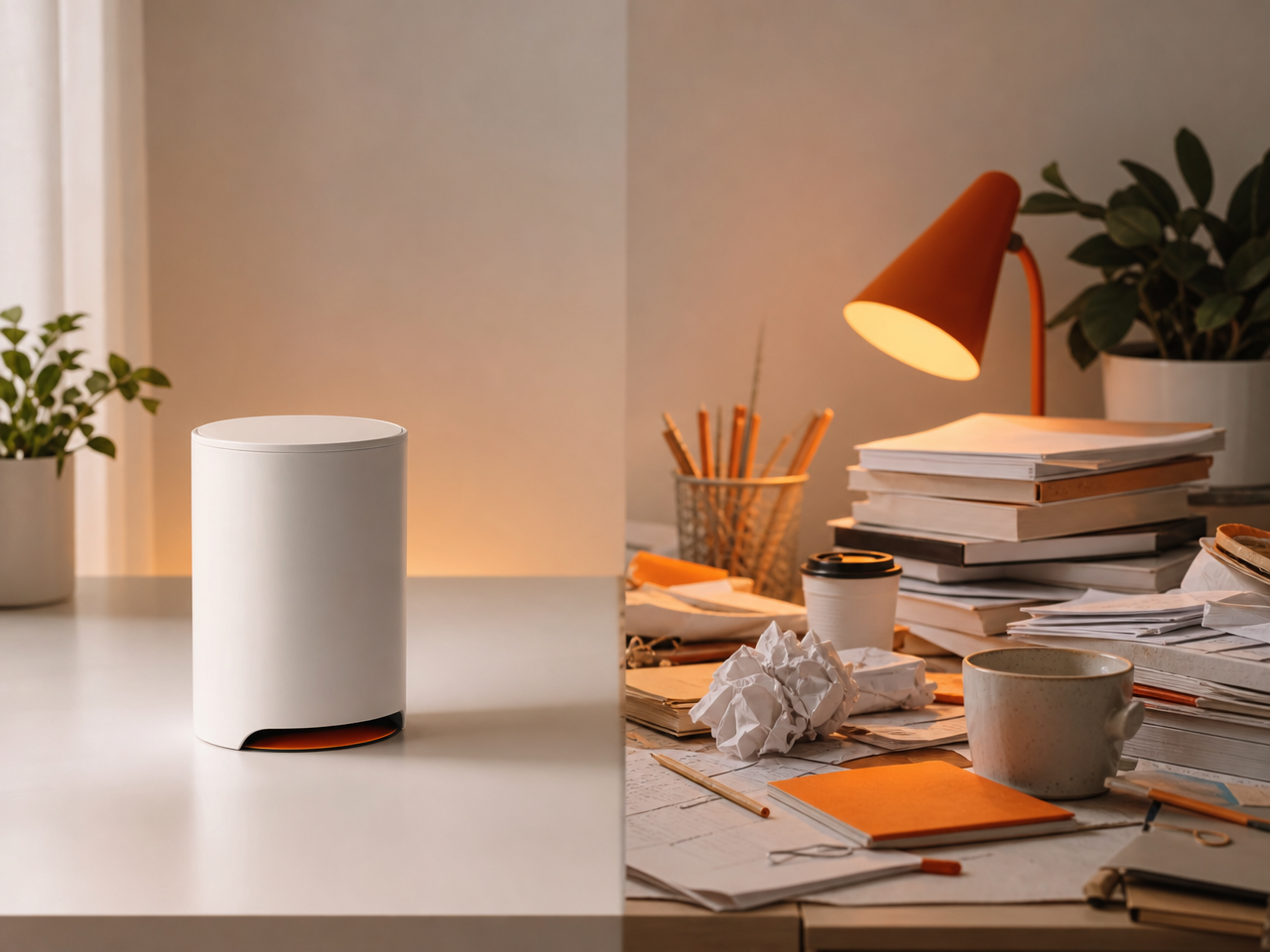
Your hero shot—a clean, high-contrast photo of your product against a simple background—consistently beats busy lifestyle scenes in search results. In small mobile thumbnails, cluttered backgrounds camouflage your item. A clear hero image immediately tells shoppers what you are selling, driving higher click-through rates from search pages.
When a buyer scrolls through dozens of Etsy search results on a phone, they spend less than a second looking at each thumbnail. If your primary photo features a leather wallet sitting on a textured wooden desk alongside a coffee mug, sunglasses, and keys, the actual item gets lost. The buyer moves on because their eye has to work to find the product.
Use this decision rule when choosing your thumbnail image: zoom out to 150x150 pixels on your screen. If you cannot instantly identify the item and its main edge details, swap it for a isolated shot. Save your styled, context-rich lifestyle photos for slots two through twenty in your listing gallery, where shoppers view them full-screen after clicking.
Improving your listing image quality starts with stripping away visual noise so your product frame fills 80% of the thumbnail canvas.
Frame for Etsy Square Crop and Mobile Displays
Etsy displays search results in a 1:1 square crop, even if you upload a 4:3 or 5:4 ratio original image. If your product touches the outer edges of your original photo, mobile search feeds will cut off the top, bottom, or sides, hiding critical design details from browsing shoppers.
To prevent accidental cropping on mobile screens, frame your item using a standard safe zone rule: keep the entire product contained within the center 80% of the image frame, leaving a clear 10% border of empty background space on all four sides.
Step 1: Shoot wide. Take the original photo slightly further back than you think necessary so you have extra background padding.
Step 2: Apply a square grid. Crop your photo to a 1:1 ratio inside your editing tool before uploading, rather than letting Etsy guess the center.
Step 3: Check mobile preview. Review the thumbnail in the Etsy Seller app to confirm your main focal point remains centered and intact.
Applying smart etsy visual photo optimization techniques ensures your product instantly reads clearly on smaller mobile displays, protecting your click-through potential before a buyer ever scrolls past.
Match the Primary Photo Style to Your Product Category
Your Etsy listing first photo style depends directly on what you sell. Physical items need depth, texture, and scale, while digital products require context. Matching your photographic visual hierarchy to your category's primary shopping intent stops scroll fatigue and communicates immediate value in crowded search results.
Different product categories demand specific visual hierarchy rules to convert search impressions into clicks:
Digital Downloads: Show the asset on an iPad frame, desktop screen, or printed binder alongside clean UI callouts. For printable art, use clean product mockups featuring realistic frame shadows rather than flat PNG files.
Handmade Jewelry: Prioritize macro close-ups with sharp focus on gemstone settings or metal textures. Use neutral marble or slate backgrounds to avoid distracting from scale.
Apparel: Lead with a flat lay for complex graphics or a modeled shot on a plain background for fit. Keep your primary subject centered within Etsy's square crop.
Home Decor: Frame items in a stylized indoor environment. Make your product the largest element in the frame while using natural lighting to emphasize build quality.
Test Thumbnail Visual Contrast Against Search Competitors
To test your etsy listing first photo against competitors, search your main target keyword on Etsy, screenshot the first page, and paste your candidate thumbnail into that grid. Evaluating your image alongside real search results highlights whether your product blends in or immediately grabs a buyer's visual attention.
A photograph can be crisp and beautifully lit in isolation, yet completely disappear on a crowded search page. Visual contrast is relative. If every top-ranking listing for "linen apron" uses a bright white background, a dark moody backdrop or a warm terracotta tone instantly breaks the visual pattern.
Audit Grid Checklist
Color saturation: If neighboring thumbnails use muted pastel tones, test a vivid, high-contrast product color or backdrop to capture the eye.
Background brightness: Swap light-on-light styling for dark-on-light or vice versa so your product silhouette pops at micro-thumbnail sizes.
Scale cues: If competitors display close-up crop shots, zoom out slightly to show context—or crop in tightly if everyone else shows a distant lifestyle scene.
Run this search-grid audit on a mobile screen size, where over half of Etsy traffic shops. If you cannot identify your item within two seconds of scrolling, tweak the crop, lighting contrast, or background shade before publishing.
Avoid Common Thumbnail Mistakes That Drop Click Rates
Your Etsy listing first photo fails when it confuses shoppers before they click. Common thumbnail mistakes like text overlay clutter, multi-item confusion, poor exposure, watermarks, and harsh shadows hide your item details on mobile screens and drag down your overall click-through rates.
Fixing the Top Thumbnail Mistakes
Ditch graphic text and watermarks: Text blocks shrink into illegible smudges on mobile search results. Let the product fill the frame instead.
Isolate the hero product: If you sell a single ceramic mug, do not feature three mugs and two spoons in the main shot. Extra props create confusion over what is included in the sale.
Fix harsh shadows and low exposure: Place your item near indirect natural light, like a bright window, and use a white foam board opposite the light source to bounce soft light back into dark shadow areas.
A quick decision rule for thumbnail clarity: zoom your photo down to thumbnail size on your phone. If you cannot instantly identify the primary item, materials, and color within two seconds, crop tighter and swap to a clean, uncluttered background.
Frequently Asked Questions
Should my primary Etsy photo have text on it?
Text overlays on primary photos can obscure your product on mobile screens and violate platform presentation guidelines. Keep your first image clean and clear of text badges, price tags, or shop logos. Save secondary photos or infographics for communicating sizing, care instructions, digital file details, and shipping policies.
What ratio and size should an Etsy primary photo be?
Upload images with at least 2000 pixels on the shortest side and maintain a standard aspect ratio. Because Etsy crops search thumbnails into a 1:1 square, place your main item directly in the center with clear margins so no vital details get cut off on mobile devices.
Should I use a plain white or lifestyle photo first?
Plain white or neutral light gray backgrounds work best for high-detail items like fine jewelry or vintage items. Lifestyle shots perform better when scale and context matter, such as home decor or apparel, as long as the primary product remains the focal point without background clutter.
Does changing the thumbnail photo reset Etsy search ranking?
Updating your primary image does not reset your listing indexing or search historical keywords. However, changing the main photo directly alters your visual click-through rate in search results. If shoppers click your new thumbnail more often, your listing gets positive engagement signals over time in search.
References
Is your listing ready for search?
Paste your title and tags; it flags duplicates, tags over 20 characters and empty tag slots.
Open the Listing CheckerNo sign-up needed
Emirhan Sevim
Co-founder of Optimsy. Builds tools that help Etsy sellers make listing, pricing and niche decisions with data.
About Optimsy →