In short
- Limit your shop to 10-15 well-filled sections rather than maxing out all 20 sections with empty categories.
- Keep section titles under 24 characters using clear search terms buyers actually type.
- Feature complementary items near the top of your shop home page to encourage multi-item purchases.
On this page

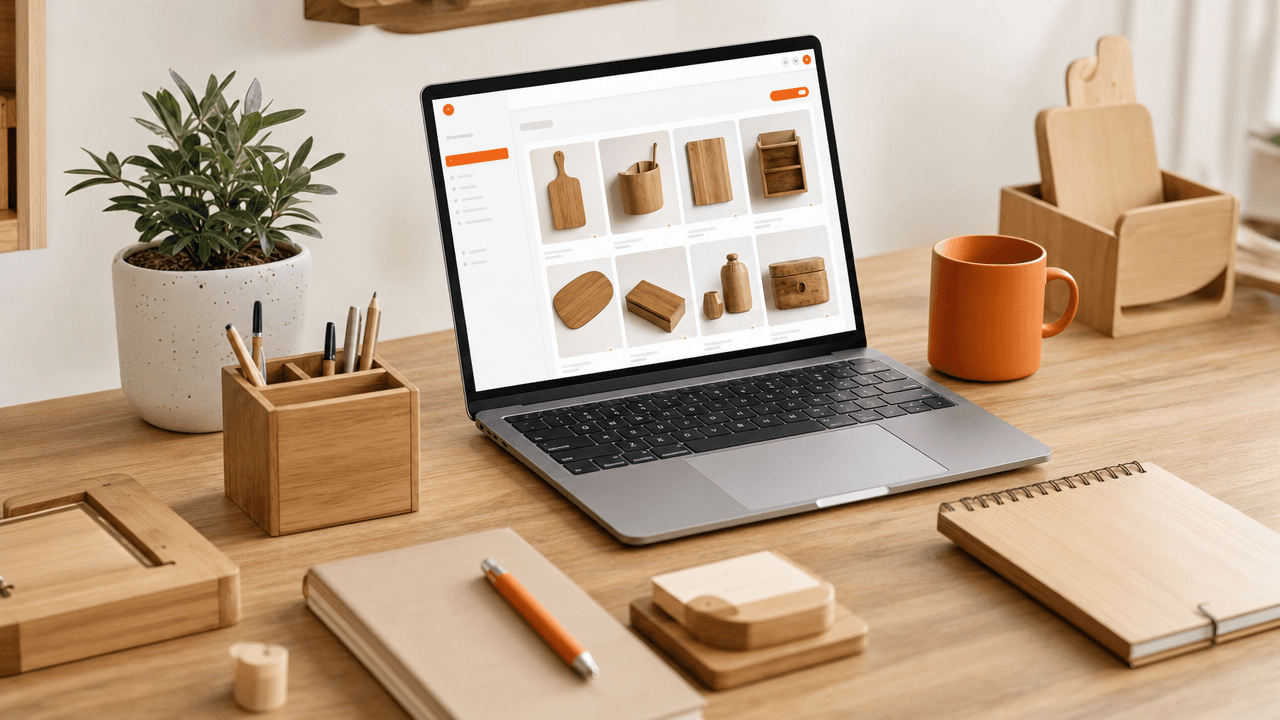
Create Etsy shop sections by naming clear categories up to 24 characters each in your shop manager to group related items logically.
When a buyer visits your storefront, clutter creates friction. If shoppers cannot locate complementary products or browse by category within seconds, they leave. Structuring your shop sections turns casual browser visits into multi-item orders while keeping your management routine simple.
Map your catalog into buyer-focused categories before clicking edit
Before touching your dashboard, map your Etsy shop sections around how buyers shop rather than how you store inventory. Customers do not browse by your production methods; they search by recipient, occasion, or specific utility. Grouping listings by intent reduces scroll fatigue and keeps visitors clicking through your catalog longer.
Sort your products into categories using these direct decision rules:
By Recipient: Use when your products are gifted (e.g., 'Gifts for Tech Lovers' instead of 'Leather Cables').
By Occasion: Use for event-driven catalogs (e.g., 'Bridal Shower Decor' instead of 'Banners').
By Product Function: Use when buyers shop for specific utility (e.g., 'Planning Stickers' instead of 'Small Paper Goods').
If a listing fits two categories, assign it to the one with higher search volume or place it in a seasonal section temporarily. When working through niche shop layout decisions, avoid vague section names like 'Featured' or 'Miscellaneous'—they waste prime shop real estate and give browsing buyers zero context.
Create and order shop sections inside your Etsy Shop Manager
To complete your etsy shop sections setup, open your Shop Manager, navigate to Listings, and click Manage sections in the right-hand panel. You can create up to 20 custom sections, with each title capped at 24 characters. Assigning listings in bulk keeps your storefront organized without wasting hours manually updating individual items.
Create sections: In your Listings Manager, select Manage sections, click Add section, enter a clear title (up to 24 characters), and click Save.
Bulk-assign listings: Check the box next to each item in your Listings Manager, click Editing options at the top, select Change section, pick your target category, and hit Apply.
Reorder on your storefront: Go to your public shop home while logged in, click Edit shop, scroll down to your sections list, click Rearrange, drag your top categories to the top, and click Exit edit mode.
Place your top-selling category and current seasonal offerings in the first three slots. Shoppers browsing your shop page on mobile devices see these top positions first, making immediate visual priority your best tool for keeping buyers clicking through your inventory.
Use descriptive section names that align with buyer search behavior
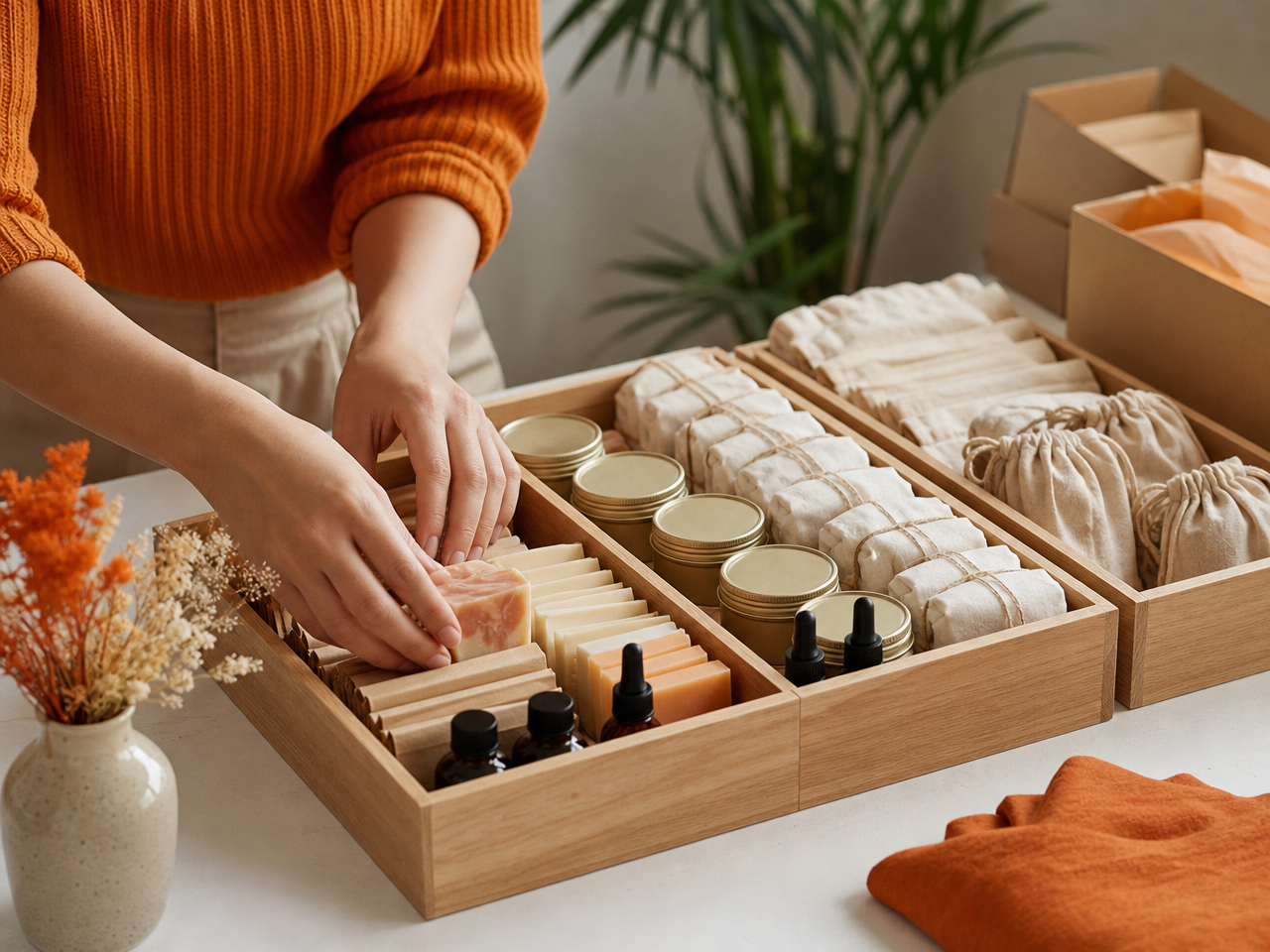
Name your Etsy shop sections using direct, search-friendly terms instead of clever branding. Clear names help browsing buyers locate items instantly while giving search engines distinct landing pages to index. Replacing abstract collection titles with specific product categories drives organic traffic to your shop sections and improves clarity.
When Google crawls your shop, each section creates a dedicated URL that can rank independently. Using straightforward keywords in your section titles makes it easier to optimize your Etsy listings in Google search by turning category pages into search landing spots.
Vague: "Morning Magic" → Clear: "Ceramic Coffee Mugs"
Vague: "Deck the Halls" → Clear: "Christmas Ornaments"
Vague: "Arm Candy" → Clear: "Silver Bracelets"
Decision rule: If a buyer wouldn't type your section name directly into a search bar, rename it. Stick to plain product types, recipient categories, or materials so buyers and search engines know instantly what is inside.
Organize listings strategically to increase average order value
Rearranging the item order on your shop home page directly shapes what buyers see when browsing your catalog. Placing complementary accessories right next to your bestsellers encourages shoppers to add multiple items to their cart. This strategic grid arrangement helps increase average order value without requiring extra ad spend.
The Anchor-and-Accessory Grid Rule
When custom-ordering your shop home page, treat the top row of your grid as a visual bundle. Avoid placing four variations of the exact same product side by side. Instead, pair high-intent items with lower-cost add-ons.
Position your high-volume bestseller in slot 1 of your shop home page to capture immediate attention.
Place a direct accessory in slot 2 (for example, pair a "ceramic mug" in slot 1 with a matching "cork coaster" in slot 2).
Use slot 3 for a gift-ready add-on like a "tea strainer" to complete a natural three-item set.
Buyers browsing a specific section are already showing category interest. Placing natural add-ons next to lead products makes building a full cart seamless for the shopper.
Frequently Asked Questions
How many shop sections can I create on Etsy?
Etsy allows you to create up to 20 custom shop sections, in addition to the default "All items" section. Each section name can be up to 24 characters long. Use these limits to create distinct categories without fragmenting your product catalog into too many single-item groups.
Do Etsy shop sections affect search engine ranking?
Etsy shop sections generate dedicated landing web pages that search engines like Google can index. While sections do not directly change internal Etsy search ranking algorithms, clear search-friendly section names help external search engine bots understand your inventory and index your shop landing pages effectively.
Can an Etsy listing belong to multiple shop sections?
No, an Etsy listing can only be assigned to one shop section at a time. Choose the section that best matches the item's primary purpose or target buyer. If an item fits multiple categories equally well, group it under your highest-traffic section to maximize buyer visibility.
References
Is your listing ready for search?
Paste your title and tags; it flags duplicates, tags over 20 characters and empty tag slots.
Open the Listing CheckerNo sign-up needed
Emirhan Sevim
Co-founder of Optimsy. Builds tools that help Etsy sellers make listing, pricing and niche decisions with data.
About Optimsy →