In short
- Etsy caps digital uploads at 20MB per file and maximum 5 files per listing.
- A PDF delivery sheet with direct cloud storage links bypasses file size caps cleanly.
- Cloud link permissions must be set to public viewer mode to prevent buyer access blocks.
- Listing images should explicitly show buyers that file delivery occurs via a PDF link sheet.
On this page

To deliver files over the 20MB Etsy digital file size limit, upload a PDF containing direct, secure cloud storage links or compress your artwork into ZIP archives.
Etsy limits instant digital downloads to five files per listing, with each file capped strictly at 20MB. For shop owners selling high-resolution printables, SVG bundles, video templates, or artwork sets, that 100MB combined limit creates an immediate bottleneck. Fortunately, you can deliver heavy assets reliably while providing a clean customer experience.
Deliver large files using a PDF access document
To bypass file size restrictions, upload a single-page PDF access document directly to your listing. This PDF acts as your immediate download file, containing direct links to secure cloud storage like Google Drive, Dropbox, or OneDrive where your full high-resolution assets or multi-file bundles are hosted.
How to structure your PDF for non-tech buyers
Clear call-to-action button: Add a large, hyperlinked graphic or bold text like "CLICK HERE TO DOWNLOAD YOUR PURCHASES".
Plain-text backup URL: Paste the full raw URL directly below the button so buyers can copy and paste it into a browser if their PDF viewer disables links.
Simple access instructions: State clearly that no account registration is required to download the files from the cloud link.
Before completing your Etsy digital download setup, double-check your cloud sharing permissions. Always set your link sharing to Anyone with the link can view so customers can access their files instantly without sending a permission request.
Compress heavy graphics using structured ZIP archives
To stay under the Etsy digital file size limit of 20MB per file, group your listing assets into organized folders before creating a ZIP archive. Grouping artwork by size or format lets lossless compression shrink file sizes without dropping image quality, keeping your high-resolution assets directly downloadable on Etsy.
When to ZIP vs. when to link
Use a ZIP archive if your grouped files compress below 20MB per file slot (up to 5 slots total per listing).
Use a cloud link PDF if a single asset exceeds 20MB on its own even after archiving.
Structure your files logically before zipping so buyers can navigate them easily. Place your 300 DPI print files into clear subfolders like "Ratio 2x3" and "Ratio 4x5", right-click the folder, and select compress. If your high-resolution PNGs or flattened PDFs still push past 20MB, run them through image compression tools to strip unnecessary metadata before archiving.
Configure cloud sharing settings to eliminate access requests
To stop buyers from needing permission to open your files, set your link permissions to Anyone with the link can view before putting that link in your customer PDF. Leaving link access restricted triggers automatic access requests, causing immediate buyer frustration and forcing manual messaging that damages your Star Seller response rate.
When a buyer sees a "Request Access" screen, they open a message thread. If you sleep through that message or miss it outside your operating hours, Etsy flags your response time. Fix this across your storage providers using these exact steps:
Google Drive: Click Share > General access > change from Restricted to 'Anyone with the link' > set role to Viewer.
Dropbox: Click Share > Share with Dropbox > change 'Who can access' to 'Anyone with link' > set permissions to 'Can view'.
OneDrive: Click Share > Copy link settings > change to 'Anyone with the link can view' (ensure 'Allow editing' is unchecked).
Before copying the URL into your delivery PDF, test it. Paste the link into an incognito browser window (or private mode). If the document opens instantly without asking for a login, your customers will get their digital files seamlessly.
Add clear visual download steps in listing photos
To prevent confused buyers and negative reviews when bypassing Etsy's file size limit, include a dedicated infographic listing photo explaining the download process. Clearly state that purchasing yields an instant PDF access sheet containing direct secure links to external cloud storage hosting your high-resolution files.
How to Structure Your Download Infographic
Buyers expect immediate gratification. When your file bundle exceeds Etsy's 20 MB limit, delivering a PDF access document instead can trigger buyer confusion if set unexpectedly. Place a visual guide as your second or third listing image so buyers know exactly what to expect before checking out.
Add a clear header: 'Instant Download via PDF Link'.
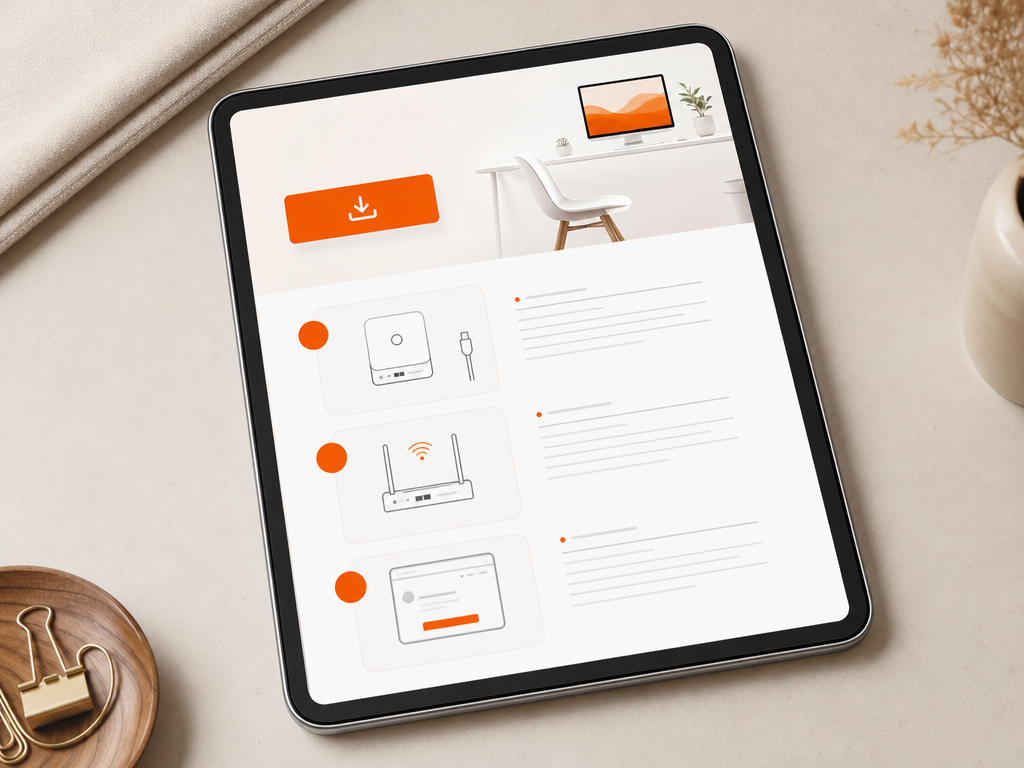
Visual Step 1: Open your Etsy email or Purchases page to download the PDF document.
Visual Step 2: Click the secure link inside the PDF to open your cloud folder.
Visual Step 3: Save your high-resolution files straight to your device.
Setting explicit expectations upfront eliminates friction, protects your shop rating, and drastically reduces customer support messages.
Set up saved replies for download assistance messages
Setting up saved replies for digital download issues turns repetitive customer support into a two-click task while protecting your shop's review score. Most download complaints stem from mobile app limitations or confusion over external cloud links, both of which you can resolve instantly with a pre-written, step-by-step response script.
When a buyer messaged because they cannot open a large ZIP folder or find their files, they are usually trying to download directly inside the Etsy mobile app, which does not support direct file downloads. Instead of writing a custom explanation every time, configure your Etsy saved replies with clear instructions for both desktop browsers and mobile workarounds.
Copy-paste download assistance script
Paste this exact script into your saved messages dashboard so you can send it the moment a message arrives:
Hi [Name]! Thanks so much for your order. If you are using the Etsy app, the app currently does not support file downloads. Here is how to access your files right now: 1. Open Safari or Chrome on your phone or computer. 2. Log in to Etsy.com and go to Purchases and Reviews. 3. Tap Download Files next to your order. If your file is hosted on Google Drive due to size, click the PDF link provided in your purchase to open the folder directly. Let me know if you need any extra help!
Decision rule: If a buyer mentions an 'invalid file' error, reply with instructions to extract the ZIP folder before opening.
Decision rule: If a link expires or breaks, replace the access PDF in your listing inventory immediately to prevent back-to-back support tickets.
Frequently Asked Questions
What is the maximum file size limit for Etsy digital downloads?
Etsy limits each uploaded file to 20MB, with a maximum of five files per digital listing. If your total bundle or high-resolution graphic exceeds 100MB, or if a single file exceeds 20MB, you must use compressed ZIP files or an external cloud delivery PDF to fulfill your order.
Is it allowed to use Google Drive links for Etsy downloads?
Yes, providing an external link inside a PDF document uploaded to Etsy is a standard practice for delivering large files. Ensure your cloud permissions are set to anyone with the link can view, so buyers can access their files instantly without requesting manual permission or triggering access delays.
How do buyers receive their digital files on Etsy?
Immediately after payment processing completes, Etsy sends an automated receipt containing download links to the buyer's email address. Buyers can also access their digital purchases anytime directly from their Etsy account under the Purchases and Reviews tab, where they will download the PDF containing your delivery links.
What file format is best for the Etsy delivery document?
A PDF is the standard delivery format for Etsy listings exceeding size limits because it supports clickable hyperlinks across all devices. You should include clear text buttons, step-by-step instructions, and basic troubleshooting tips inside the PDF so buyers can download their files smoothly without messaging your shop.
References
Is your listing ready for search?
Paste your title and tags; it flags duplicates, tags over 20 characters and empty tag slots.
Open the Listing CheckerNo sign-up needed
Emirhan Sevim
Co-founder of Optimsy. Builds tools that help Etsy sellers make listing, pricing and niche decisions with data.
About Optimsy →