In short
- Narrow your planner focus to specific professions or life routines rather than competing on generic daily layouts.
- Build seamless hyperlinked navigation tab systems to keep user experience smooth across popular tablet apps.
- Write listing titles that pair core terms with practical search intent like target user roles or specific layouts.
- Present clear listing images displaying mockups on tablets, page close-ups, and step-by-step setup guides.
On this page
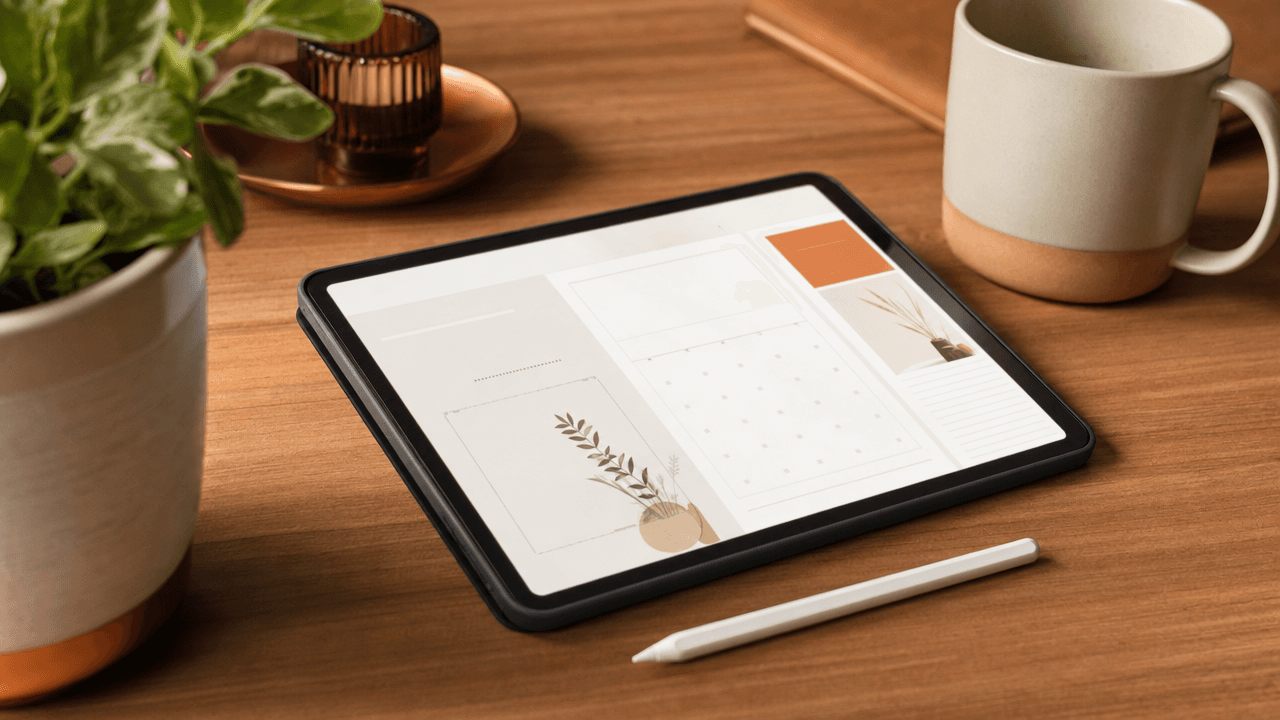
Selling a digital planner on Etsy requires narrowing your design to a specific user group, building hyperlinked PDF files, and optimizing visual listings.
Generic daily planners struggle against thousands of existing listings. To generate steady sales today, you must tailor page layouts to distinct professions or life stages, structure clear PDF navigation, and present your listing photos as functional tools.
Narrow down to a hyper-specific planner audience
Broad digital planners face overwhelming search competition on Etsy, making it difficult for standard layouts to stand out. Targeting specific buyer segments—like night-shift nurses, grad students, or ADHD meal planners—creates instant conversion opportunities by solving concrete daily scheduling problems through intentional, user-centered layout design.
A generic hourly spread fails buyers with unconventional routines. A night-shift nurse cannot easily use a traditional 9-to-5 layout starting at 8 AM. Designing tailored layouts—such as 12-hour overnight timelines, sleep recovery trackers, or low-dopamine task blocks—turns a basic template into an essential tool. Executing a narrow angle niche strategy helps you capture targeted search traffic from buyers ready to purchase.
Align your listing titles and tags directly with your layout's function rather than competing for over-saturated broad terms:
Broad Title: "2025 Digital Planner, Daily Planner, Weekly Life Planner"
Niche Title: "Night Shift Nurse Digital Planner, 12 Hour Shift Schedule Template"
Pair your optimized titles with specific tags under 20 characters like "nurse planner" or "adhd planner" to complete your positioning.
Design intuitive hyperlink navigation and clean layouts
To sell a seamless etsy digital planner, build a master index page and place main navigation tabs consistently on every single spread. Export your final design as a flattened, compressed PDF to keep file sizes low while ensuring internal hyperlinks function smoothly across major annotation apps like Goodnotes and Notability.
Most buyer support messages stem from broken links or laggy file rendering. You can prevent these issues by setting up a reliable tab architecture and testing your file before publishing.
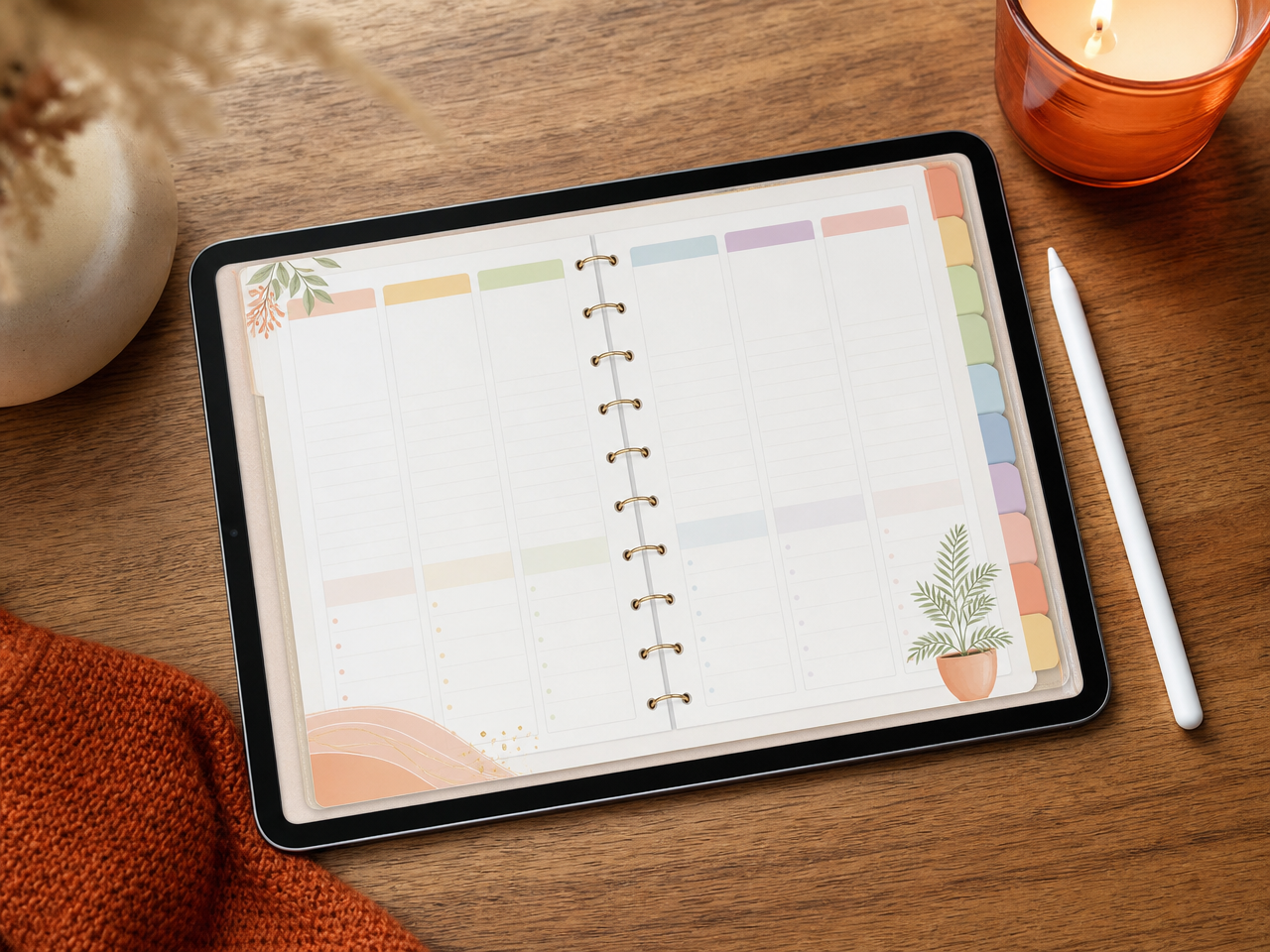
Tab Architecture: Place monthly tabs along the right edge and core section tabs (Index, Finance, Goals) across the top header. Use master or parent pages in your design app so tab locations stay identical on every page.
File Compression: Export as an interactive PDF with standard image compression to avoid lag. Review Etsy digital file size limits to decide whether to upload your planner directly or deliver a PDF download link.
App Validation: Import your final PDF into Goodnotes and Notability on a tablet. Tap every single tab in read-only mode to confirm no broken links reached the final file.
Craft listing titles and tags for targeted buyer intent
To capture high-intent buyers searching for an etsy digital planner, build your titles and tags around specific user problems rather than broad generic terms. Combine your target audience, app compatibility, and layout style to construct long-tail phrases that match exact customer searches.
Etsy's search system evaluates your listing as a whole, matching queries across your title, tags, attributes, and description. You do not gain extra search weight by repeating the exact same multi-word phrase in both your title and your tags. Instead, use your title to spell out specific customer use-cases, and use your tags to capture alternate search variations.
You get exactly 13 tags, and each tag must be under 20 characters (including spaces). Every character counts, so skip punctuation and avoid repeating words across tags when possible.
Title Optimization: Before and After
Before (Vague, weak intent): Digital Planner, Goodnotes Planner, iPad Planner, 2025 Daily Planner, Instant Download
After (Targeted, high intent): 2025 Digital Daily Planner for GoodNotes, Hyperlinked ADHD Academic Student Journal, iPad Portrait Layout
"digital planner" (15 chars) — Broad category match
"adhd daily journal" (18 chars) — Target audience variation
"goodnotes template" (18 chars) — App compatibility tag
"student ipad agenda" (18 chars) — Use case variation
Optimize mockup photos to show real tablet usage
Plain graphic exports look flat and leave buyers guessing if your hyperlinked tabs actually work. Showing your planner inside an iPad frame with stylus strokes proves it is a functional digital tool, instantly raising visual value and lowering buyer hesitation.
When shopping for an etsy digital planner, buyers scan listing photos to confirm technical compatibility before reading the description. If your primary thumbnail looks like a static PDF export, you miss the initial click. Swap flat PNG files for clean device frames that show realistic screen glare, GoodNotes interface bars, and an Apple Pencil placed nearby. Follow standard product mockup guidelines to keep lighting consistent across all images.
The 3-slide visual sequence that closes sales
Slide 1 (Thumbnail): A styled iPad mockup displaying the main cover, a stylus, and a high-contrast title banner clearly naming the planner year.
Slide 2 (Tab Zoom): A close-up split screen showing a finger tapping a side index tab next to the open monthly spread it links to.
Slide 3 (Import Guide): A split graphic showing a 3-step visual instruction card (Download > Import to GoodNotes > Tap Link) directly alongside the tablet.
Frequently Asked Questions
Do I need commercial software to create an Etsy digital planner?
You can design digital planners using free tools like Canva or paid options like Keynote, PowerPoint, and Adobe InDesign. Keynote and InDesign excel at creating interactive hyperlinked tabs. Focus on exporting clean, high-resolution PDF files under Etsy file limits, regardless of which software program you choose for layout design.
How do buyers import digital planners into note-taking apps?
Buyers download your digital PDF file from Etsy and open it using annotation apps like Goodnotes, Notability, or Noteshelf on tablets. Include a simple PDF guide with your listing that provides step-by-step installation instructions for iPad and Android devices to reduce customer support questions and ensure positive reviews.
Should I offer dated or undated digital planners on Etsy?
Undated digital planners sell consistently year-round because customers can reuse them indefinitely, offering long-term catalog stability. Dated planners experience sharp sales spikes during November, December, and January. Offering an undated core version alongside annual dated releases allows you to capture initial seasonal demand while maintaining steady passive revenue.
References
Is your listing ready for search?
Paste your title and tags; it flags duplicates, tags over 20 characters and empty tag slots.
Open the Listing CheckerNo sign-up needed
Emirhan Sevim
Co-founder of Optimsy. Builds tools that help Etsy sellers make listing, pricing and niche decisions with data.
About Optimsy →