Product guide · Ebooks
How to Sell Ebooks on Etsy (2026 Guide)
To sell an ebook on Etsy, list it as a digital download: upload the PDF, and an EPUB if you have one, as separate files of up to 20 MB each, add up to 20 listing photos, write a title of up to 140 characters and use up to 13 tags of 20 characters each.
Source: Etsy Help: How to Manage Your Digital Listings · verified November 10, 2026
Etsy rules for this listing
These are the limits Etsy’s listing form enforces for a digital ebook listing. Each row links to the Etsy page it was read from.
| Rule | Limit | Etsy source |
|---|---|---|
| Listing title | Up to 140 characters | Etsy Help: How to Create a Listing |
| Tags | Up to 13 tags, 20 characters each | Etsy Help: How to Use Tags to Get Found in Search |
| Digital files | Up to 5 files, 20 MB each | Etsy Help: How to Manage Your Digital Listings |
| Photos and videos | Up to 20 photos and 2 videos | Etsy Help: How to Create a Listing |
| Listing photo size | At least 2000 px wide and tall recommended; first photo at least 635 px | Etsy Help: Requirements and Best Practices for Images |
Page size, length and the files
E-book Studio sets a book in one of 7 page sizes: 6 × 9 in, 5.5 × 8.5 in, 5 × 8 in, 7 × 10 in, US Letter (8.5 × 11 in), A4 (210 × 297 mm) and 8.5 × 8.5 in. A book runs from 8 to 80 pages in 2 to 14 sections, and the studio delivers a PDF for reading and printing and an EPUB for e-readers. When you publish to Etsy the two go up as separate files, and the book’s images are compressed so that both together stay under 18 MB, below Etsy’s 20 MB limit per file.
Step by step: from idea to a live listing
Choose a topic you can stand behind
Start from a problem a buyer wants solved: a beginner sourdough guide, a weekly meal plan, a budgeting workbook. A narrow topic gives a clear title and clear tags, and a short book is easier to check page by page than a long one.
Research a niche in GoldminePlan the book in E-book Studio
Write the topic in a line, then choose the page size and the length, from 8 to 80 pages. E-book Studio plans the sections, writes the text, makes the cover and the images, and sets every page, then shows you the real PDF pages.
Open E-book StudioRead every page before you list
The text is written by AI from your topic, so read it the way a buyer will. Check facts, numbers and instructions, fix anything wrong in the editor, and replace an image you do not like before you download the final files.
Edit the book in E-book StudioCreate the listing photos
Lead with the cover, then show the book in use. E-book Studio’s mockup set makes 5 scenes, from a printed copy in hand to a tablet and a laptop screen. Etsy recommends listing photos at least 2000 px wide and tall.
Resize photos for EtsyWrite the title, tags and description
Put the topic and the type of book first in the title, use all 13 tags with phrases of 20 characters or less, and give the page count, the file formats and the section titles in the description. The listing kit below gives a formula for each.
Write listing copy with SEO ExpertPrice it with Etsy’s fees included
Etsy charges a $0.20 listing fee and a 6.5% transaction fee, plus a payment processing fee that depends on your bank’s country (fee policy checked 2026-09-23). Work out what you keep before you set the price.
Calculate your profit
Listing kit
Title formula
[Topic] Ebook, [Benefit] [Type] for [Reader], Printable PDF and EPUB, Digital Download
Example: Beginner Sourdough Ebook, Step by Step Baking Guide for Home Bakers, Printable PDF and EPUB, Digital Download
A plan for all 13 tags
Each slot has one job. The examples follow Etsy’s tag rules and are written for the example title; swap in your own subject.
- 01Topic: sourdough ebook
- 02Topic, second phrasing: sourdough guide
- 03Product: baking ebook
- 04Type: bread recipes ebook
- 05Reader: beginner baking pdf
- 06Format: printable pdf
- 07Second format: epub ebook
- 08Product, second phrasing: digital guide
- 09Delivery: instant download
- 10Topic, third phrasing: sourdough recipes
- 11Use: baking tutorial
- 12Benefit: how to guide
- 13Related topic: bread baking
Description outline
- One sentence on what the book helps the reader do, and who it is for.
- What the buyer receives: a digital download, nothing ships.
- The files: a PDF and an EPUB, the number of pages and the page size.
- What is inside: the section titles, in order.
- The license: personal use, and that the buyer may not resell, share or copy the book.
- Any limit on what the book covers, such as medical, legal or financial advice it does not give.
- If AI tools helped write or illustrate the book, say so here, as Etsy’s Creativity Standards ask.
File set
E-book Studio attaches the book to Etsy as two files, named after the listing title:
- beginner-sourdough-ebook.pdfThe book for reading and printing, in the page size you choose
- beginner-sourdough-ebook.epubThe same book for e-readers and phones
The PDF and the EPUB go to Etsy as separate files because Etsy’s 20 MB limit applies to each file, and the buyer sees both formats on the listing. A book made on the free plan is a PDF only.
Ebooks made with Optimsy
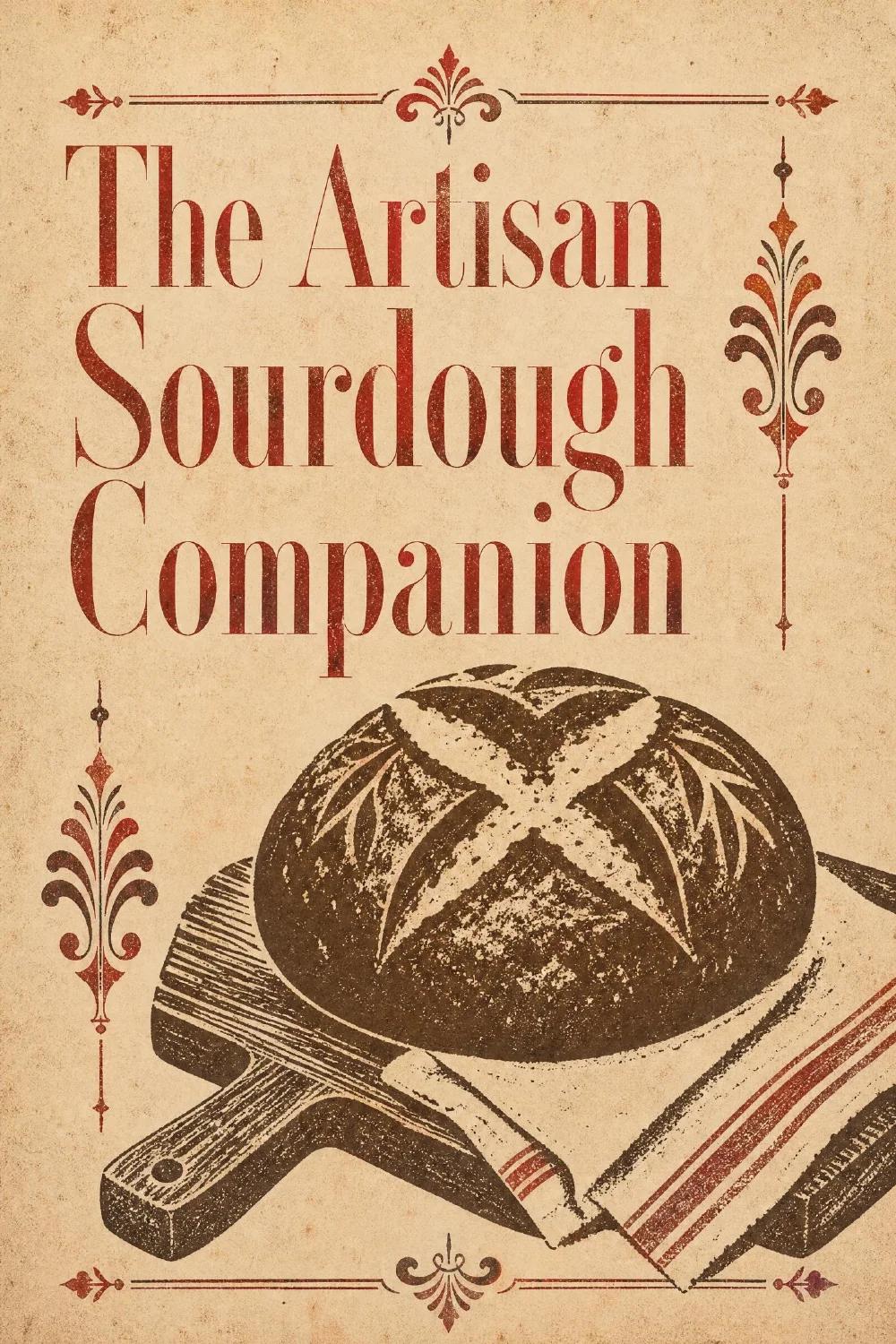
The Optimsy team made these covers, pages and mockups in E-book Studio, each book from a one-line topic. They are not seller results.
Cover · made with Optimsy 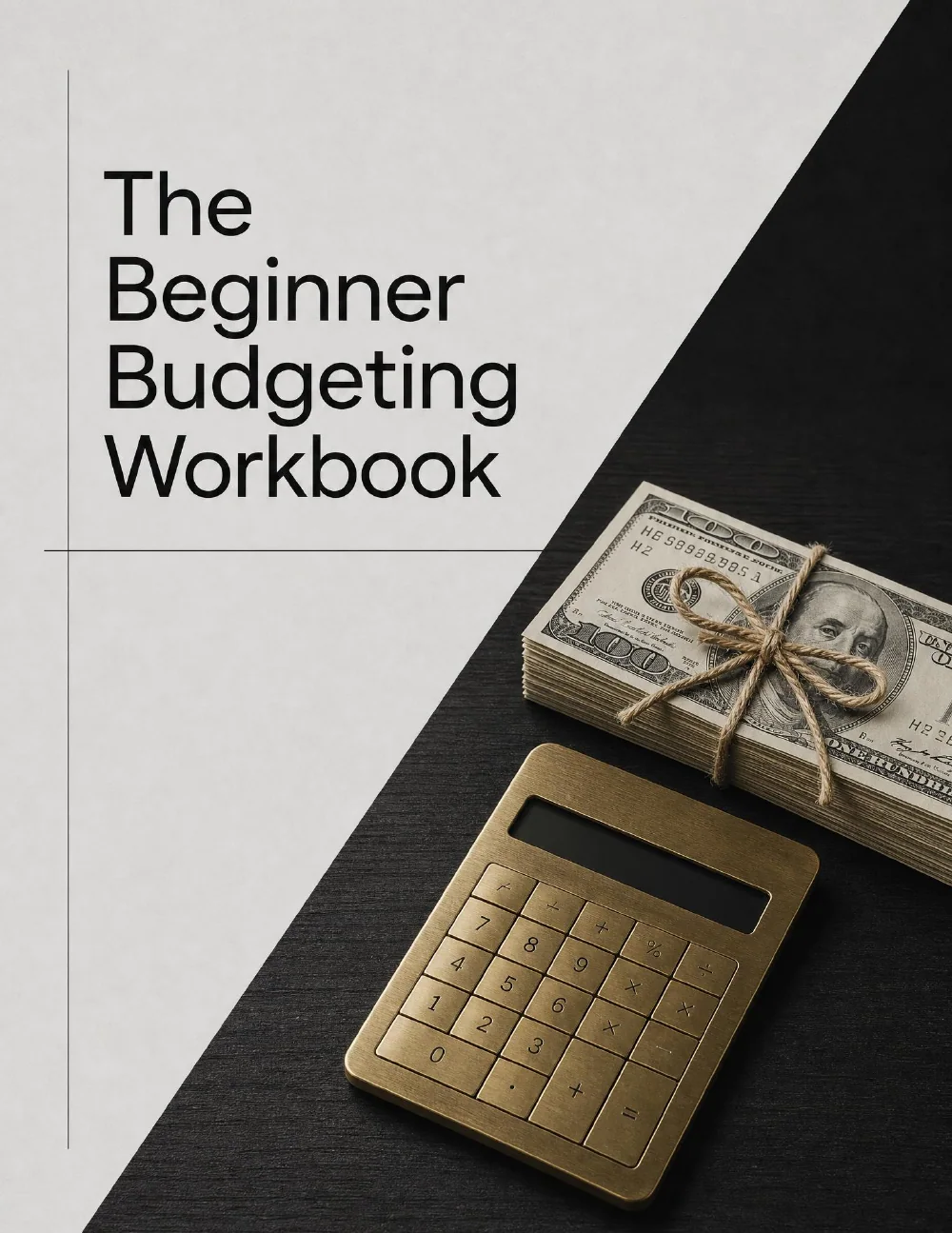
Cover · made with Optimsy 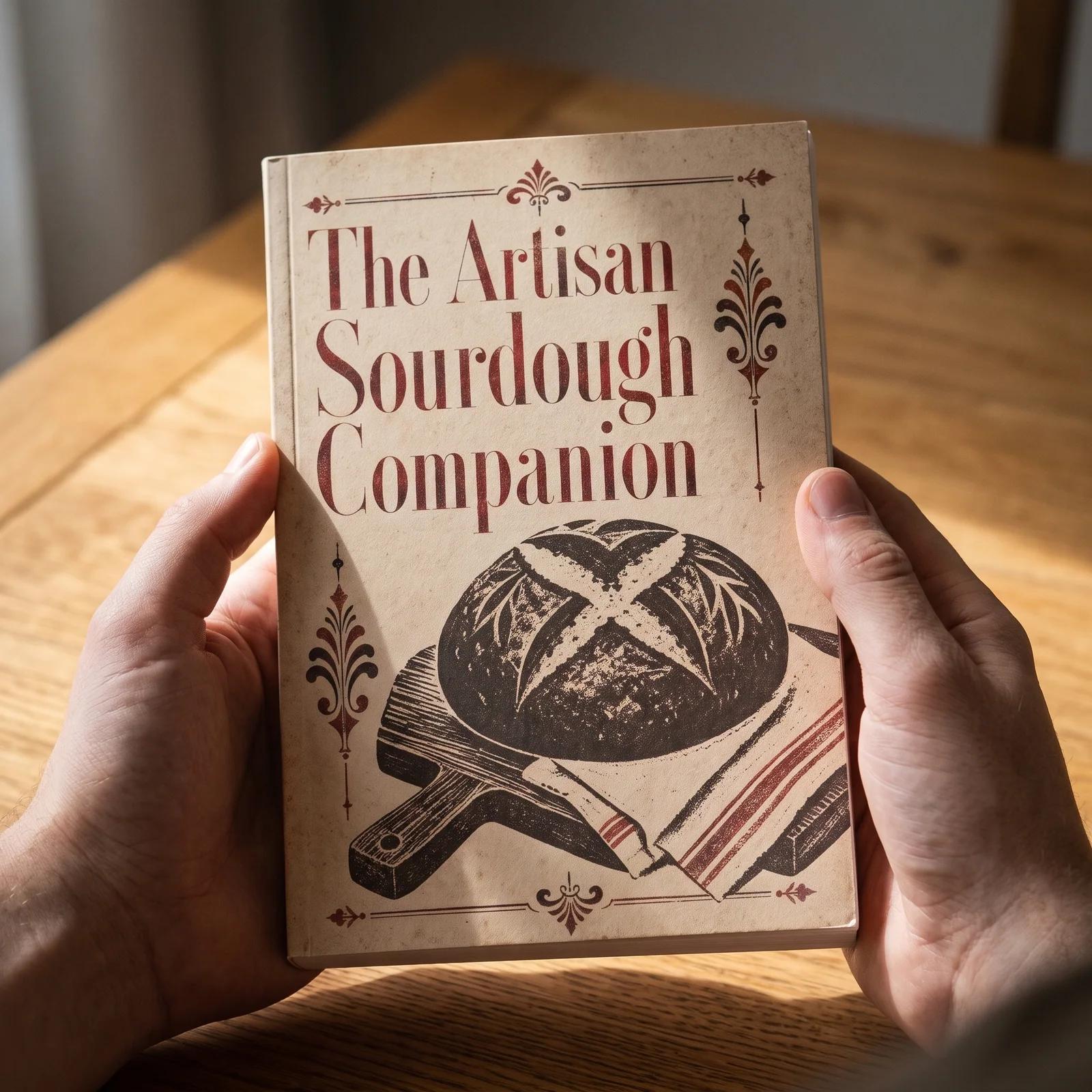
Product mockup · made with Optimsy 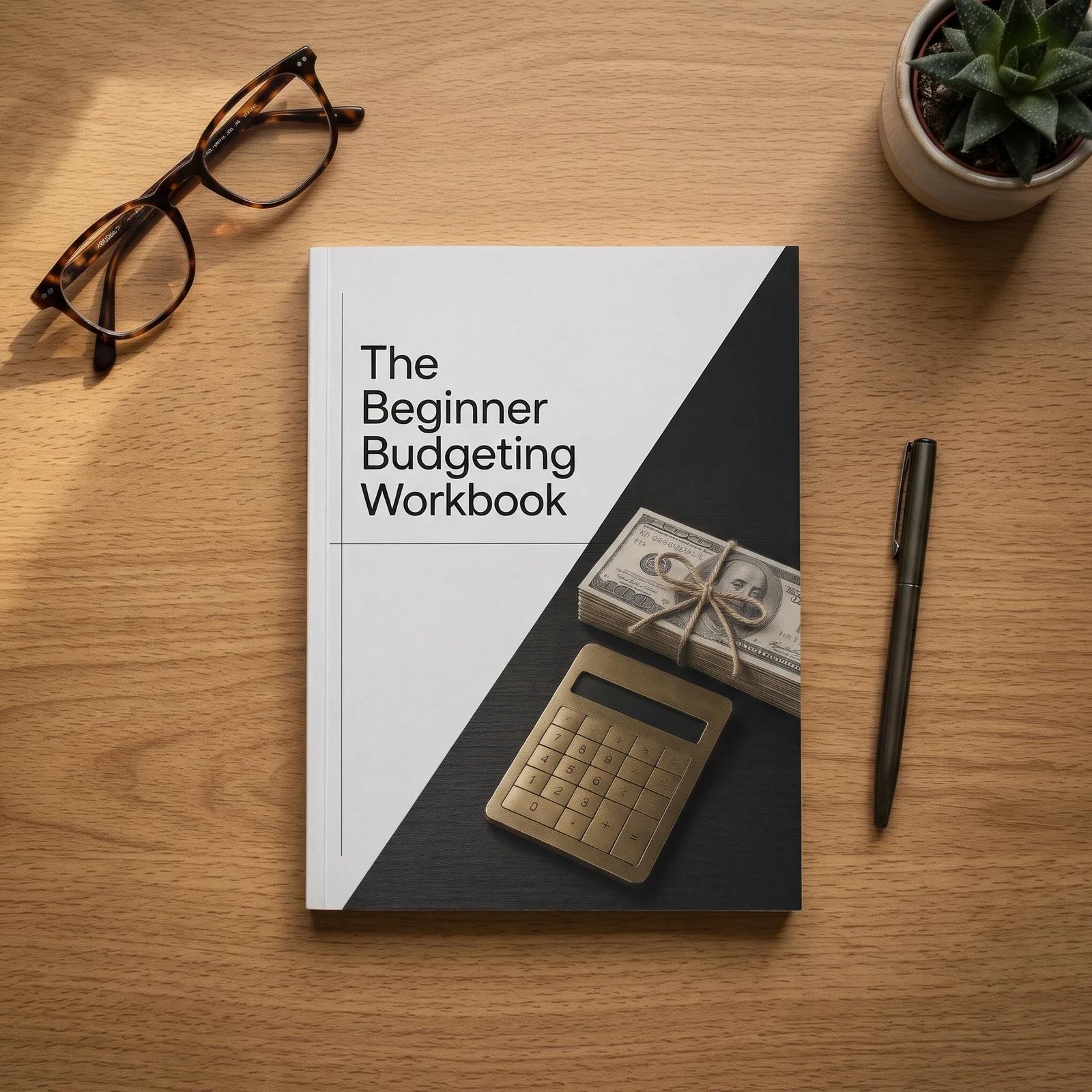
Product mockup · made with Optimsy 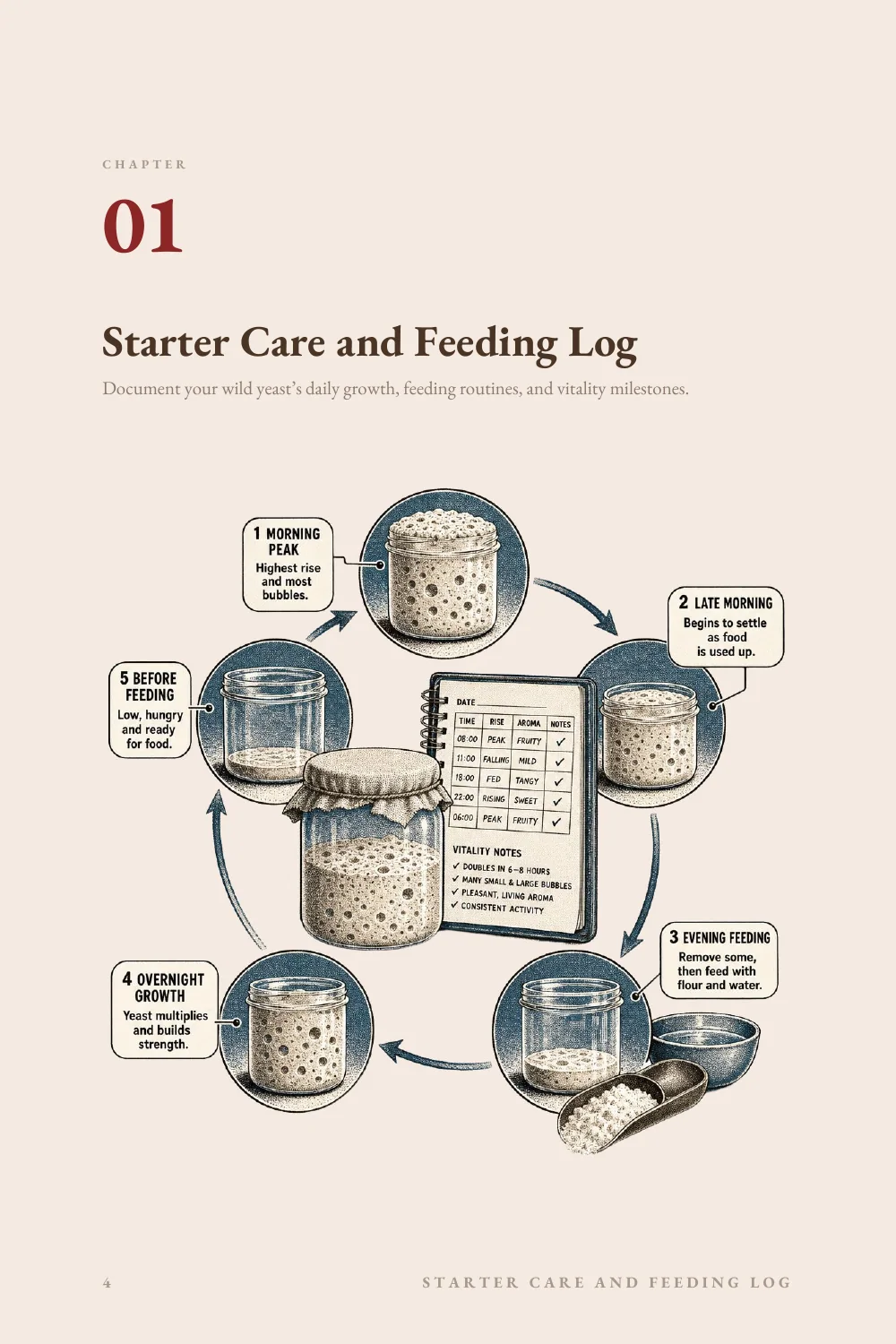
Inside page · made with Optimsy 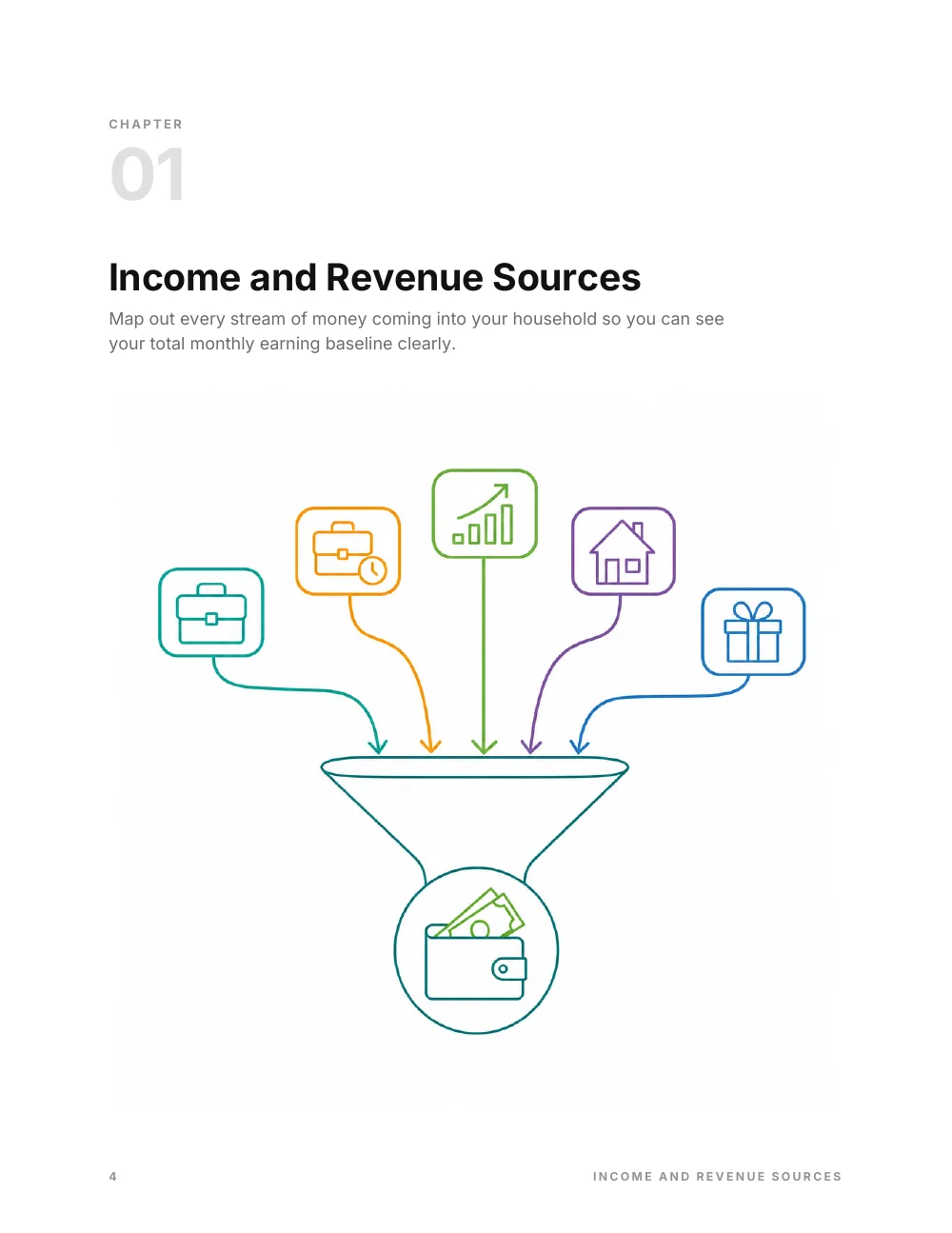
Inside page · made with Optimsy 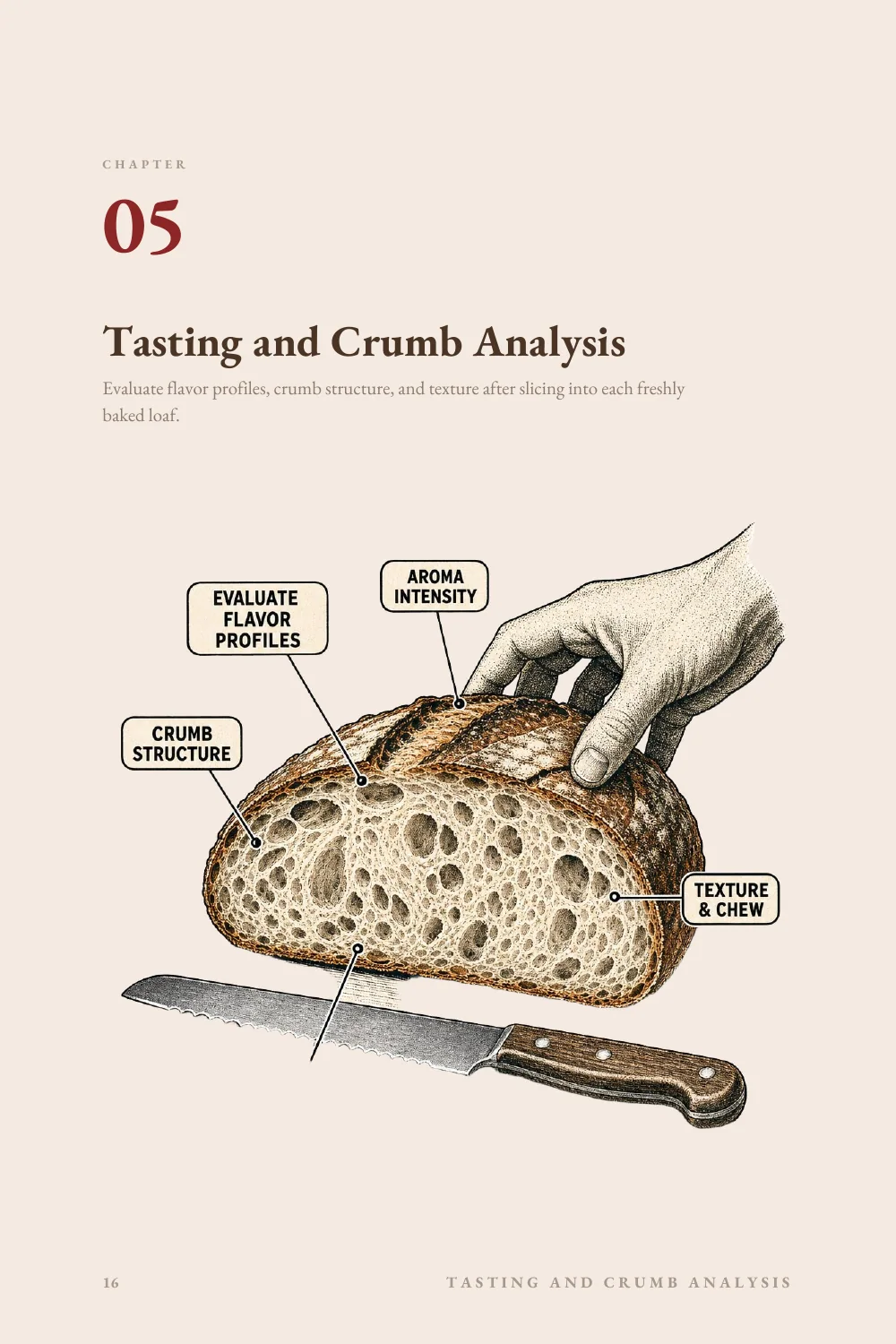
Inside page · made with Optimsy 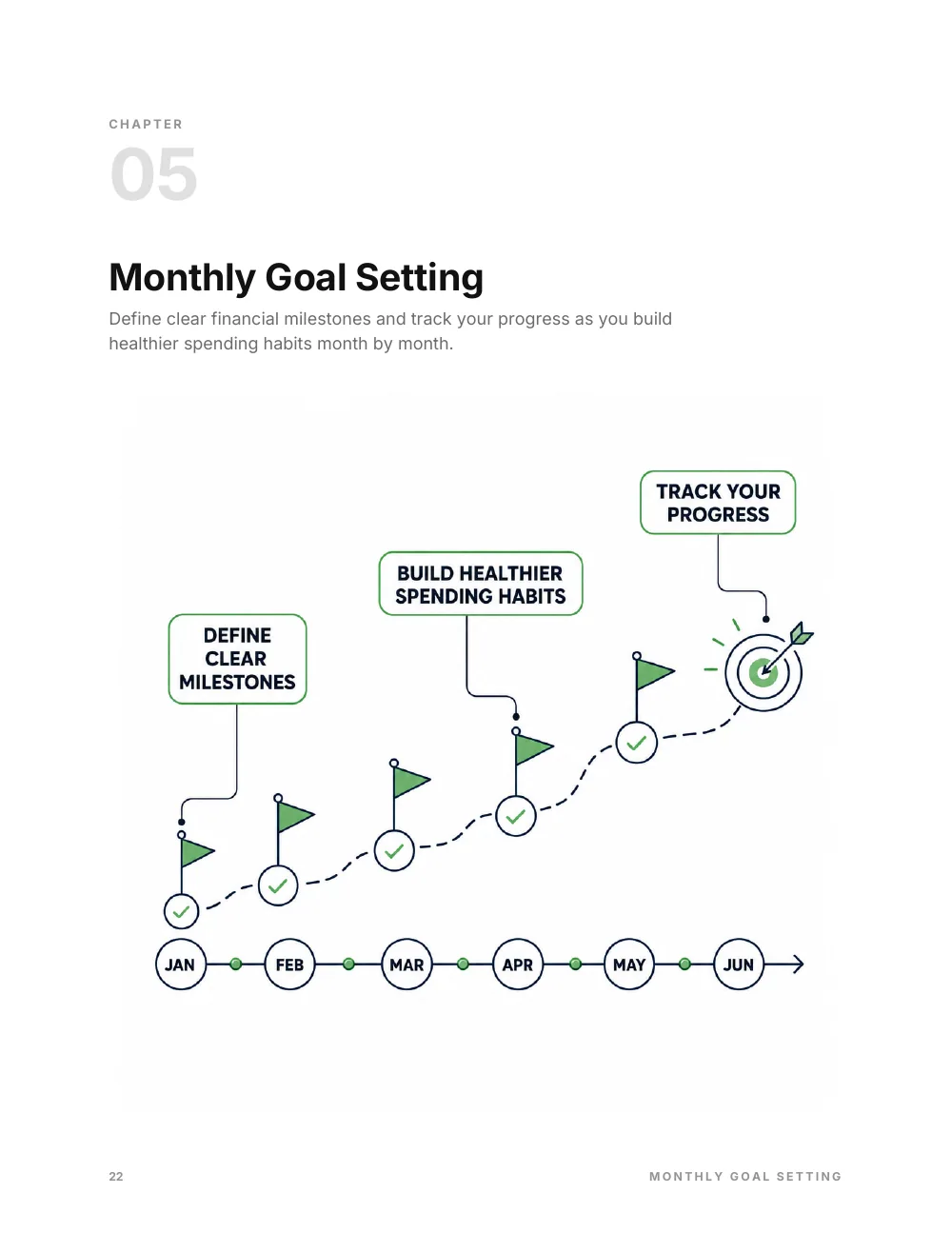
Inside page · made with Optimsy 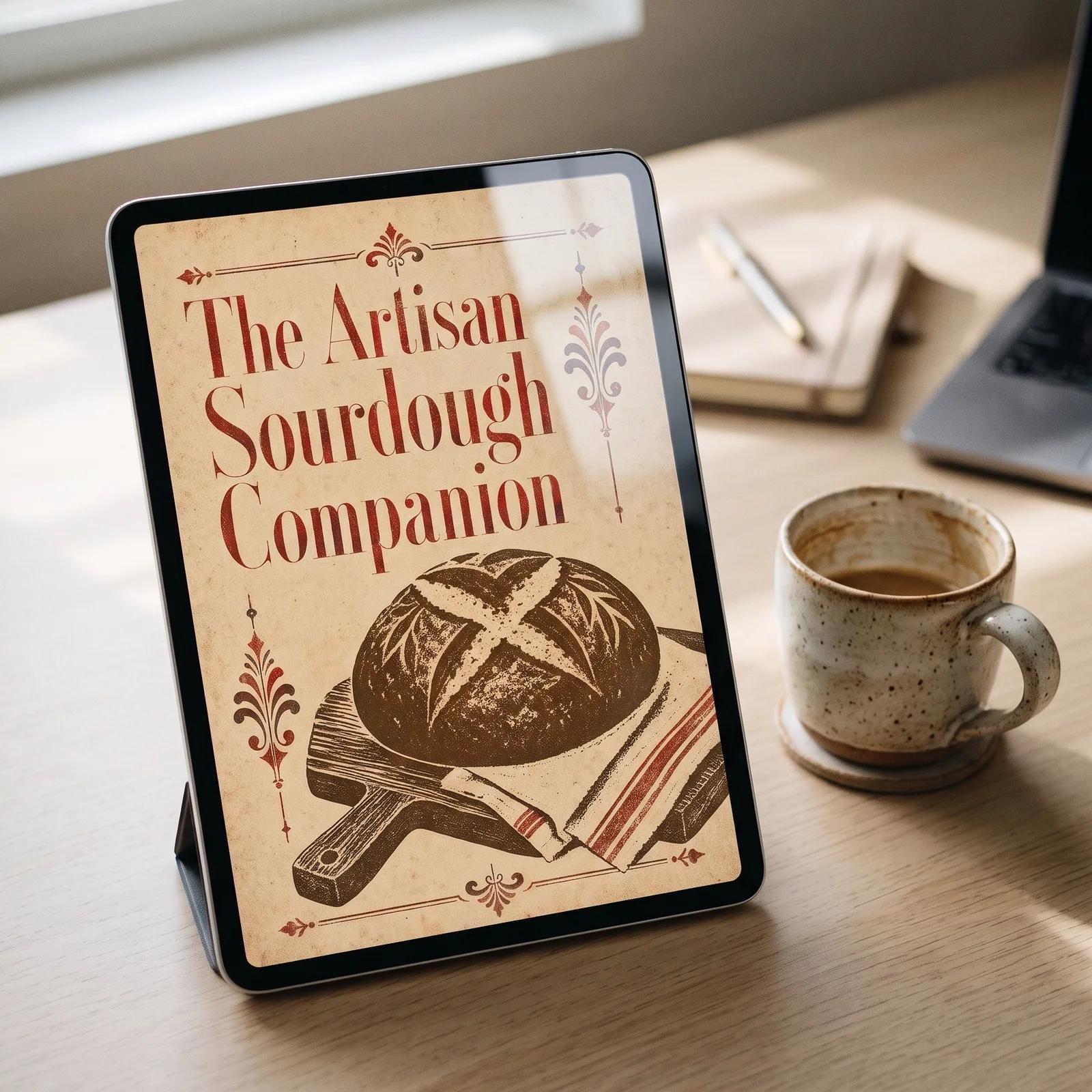
Product mockup · made with Optimsy 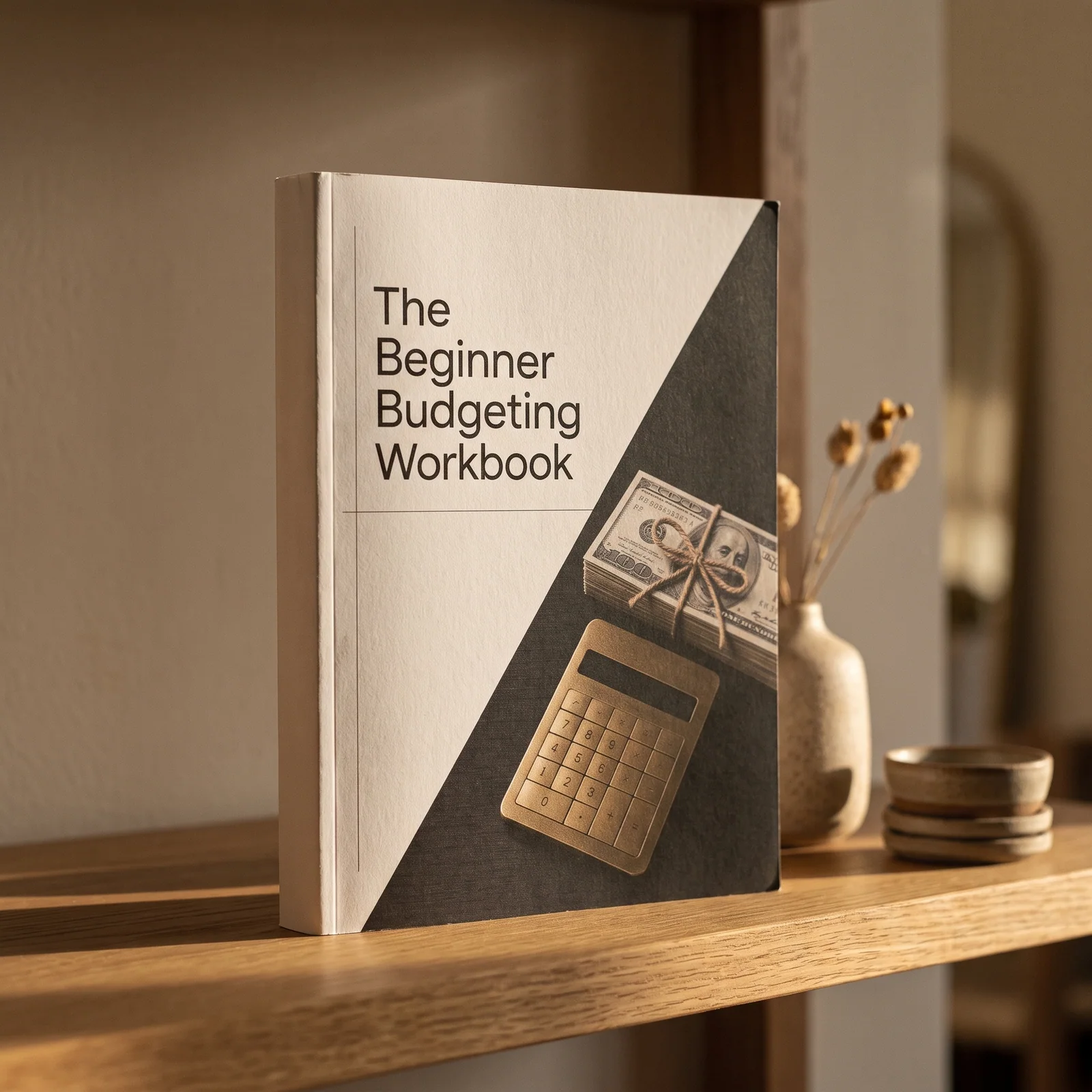
Product mockup · made with Optimsy
Frequently asked questions
Do I ship anything when I sell an ebook on Etsy?
No. An ebook is a digital listing: the buyer downloads the files from their Etsy account after paying and reads them on their own device or prints them at home. Nothing ships, so you do not need a shipping profile. A printed copy would be a separate physical listing with shipping.
Should I sell an ebook as a PDF or an EPUB?
Both, if you can. A PDF keeps your layout and prints well; an EPUB reflows to fit e-readers and phones. E-book Studio makes both from the same book, and when you publish from Optimsy they are attached as two separate files, each under Etsy’s 20 MB limit.
How long should an ebook be?
As long as the topic needs and no longer. E-book Studio makes books from 8 to 80 pages in 2 to 14 sections, and the credit cost rises with the page count. A short, focused guide is easier to read through and check before you list it than a long one.
What page size should an ebook be?
Pick the size the buyer will read or print on. E-book Studio offers 7 sizes. US Letter (8.5 × 11 in) and A4 (210 × 297 mm) match home printer paper, so the buyer prints without scaling; a smaller book size such as 6 × 9 in reads more like a paperback on screen. State the size in the description.
How long can an Etsy title be, and how many tags can I use?
An Etsy title can be up to 140 characters long, and a listing can have up to 13 tags of up to 20 characters each. Use every tag slot and give each one a different job: topic, reader, type of book, format and use, so the listing can match more searches.
Can I sell AI-written ebooks on Etsy?
Yes, within Etsy’s Creativity Standards. Etsy treats a product you create with AI tools from your own prompts as one you designed, and asks you to say in the description that AI tools helped make it. Read every page before you list: you are responsible for what the book tells a buyer.
What does Etsy charge to sell an ebook?
Each listing costs $0.20 and renews for the same fee. When it sells, Etsy takes a 6.5% transaction fee on the item price and a payment processing fee that depends on your bank’s country. Offsite Ads can add a fee on orders that come from Etsy’s ads.
How much does it cost to make an ebook with Optimsy?
E-book Studio charges 5 credits per unit. The text is 1 unit up to 24 pages, 2 up to 48 and 3 above; the cover and each image are one unit each. The default book, 24 pages with a cover and 3 images, costs 25 credits, and a mockup set of 5 scenes costs 25 credits.
Can I make an ebook on the free plan?
Yes. On the free plan a book is up to 24 pages and 6 sections, uses the template’s own cover, has no images and downloads as a PDF with a short “Made with Optimsy” note on the last page. It costs 5 credits; a paid plan adds the AI cover, images, longer books and the EPUB.